Alcatel Move Time Family Watch

Alcatel Move Time Family Watch

Answer a call on your Alcatel Move Time Family Watch Proprietary OS

Read help info

When you receive a call, you can either answer the call or silence the incoming call alert.

Press and briefly hold the SOS key when you get a call. The incoming call alert is silenced and the call continues until it's ended or diverted.
Step 1 of 3

1. Silence the incoming call alert

Press and briefly hold the SOS key when you get a call. The incoming call alert is silenced and the call continues until it's ended or diverted.

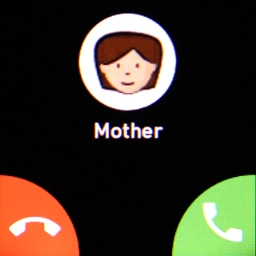
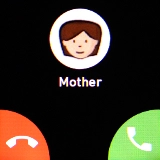
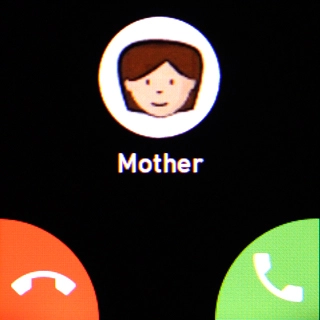
Press the accept call icon.
Step 2 of 3

2. Answer a call

Press the accept call icon.

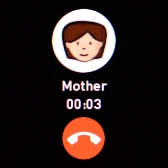
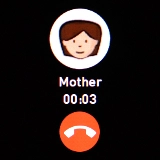
Press the end call icon to end the call and return to the home screen.
Step 3 of 3

3. End call

Press the end call icon to end the call and return to the home screen.

1. Silence the incoming call alert

Press and briefly hold the SOS key when you get a call. The incoming call alert is silenced and the call continues until it's ended or diverted.
2. Answer a call

Press the accept call icon.
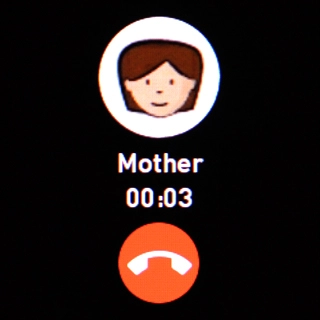
3. End call

Press the end call icon to end the call and return to the home screen.

Thank you for your evaluation!

Get information on...

Or select...

Another device