
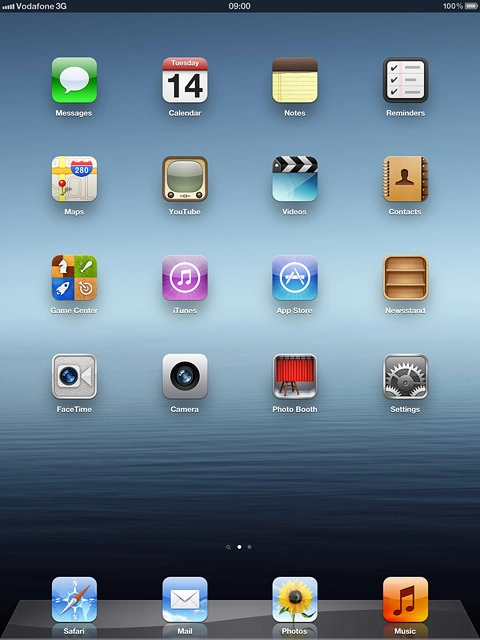
Step 1 of 3
Find "Notes"
Press Notes.

Step 2 of 3
Add note
If notes have been added already:
Press +.
Write the text for the note.

Step 3 of 3
Exit
Press the Home key to return to standby mode.
Find "Notes"
Press Notes.
Add note
If notes have been added already:
Press +.
Write the text for the note.
Press +.
Write the text for the note.
Exit
Press the Home key to return to standby mode.
How would you rate your experience?
Thank you for your evaluation!

Do you have any additional feedback?
Thank you for your evaluation!