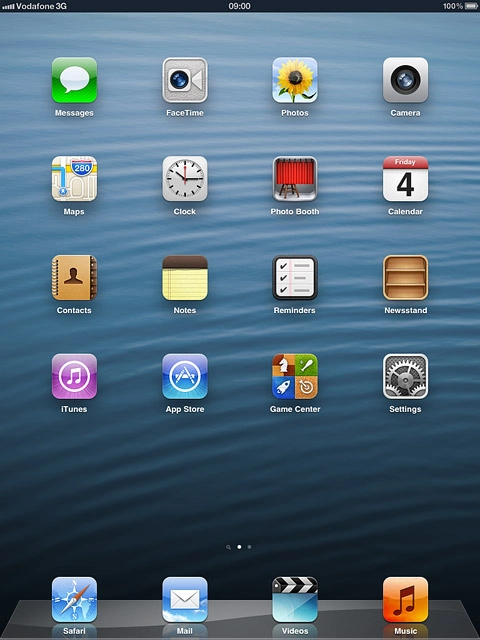
Find "Safari"
Press Safari.
Use browser
Follow the steps below to use the browser.

Enter web address
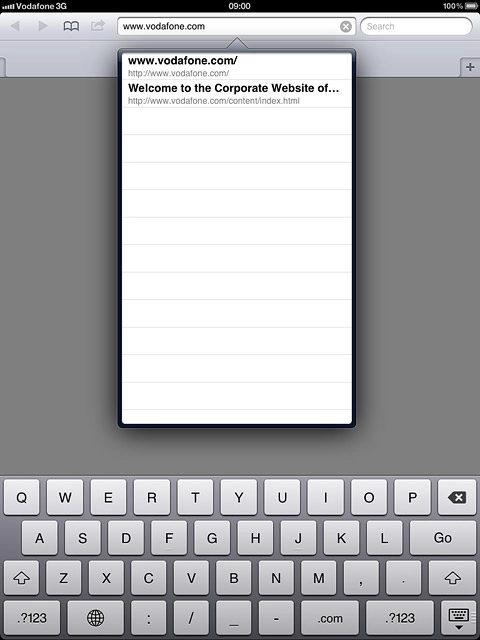
Press the address bar.
Enter web address
Key in the address of the required web page and press Go.

Add current web page to bookmarks
Press the menu icon.
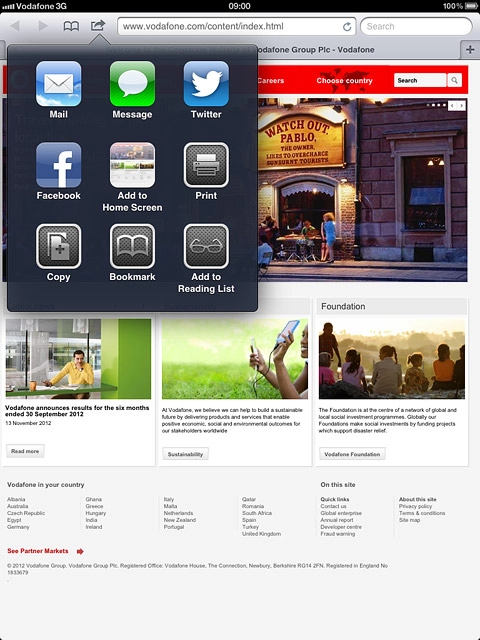
Add current web page to bookmarks
Press Bookmark.
Edit the name of the bookmark, if required.

Add current web page to bookmarks
Press Save.

Go to bookmark
Press the bookmark icon.
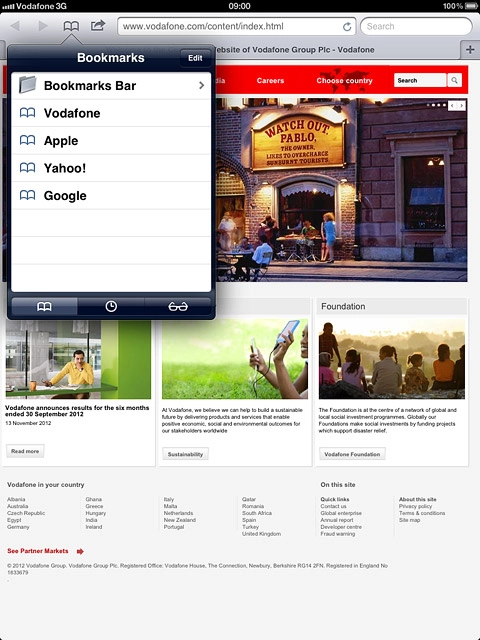
Go to bookmark
Press the bookmark icon at the bottom of the pop-up menu.
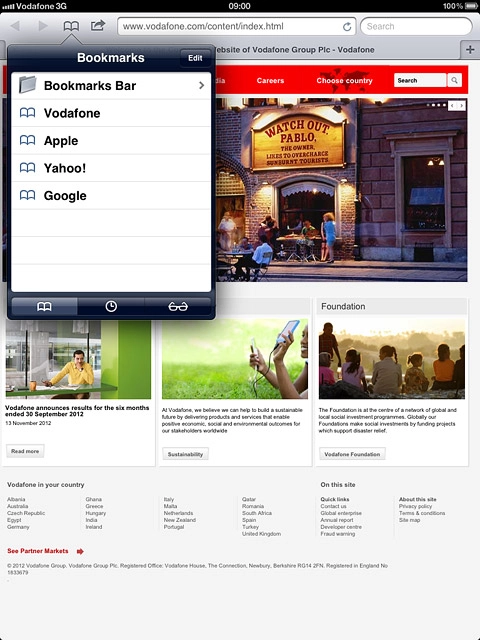
Go to bookmark
Press the required bookmark.

Add current web page to Reading List
Press the menu icon.
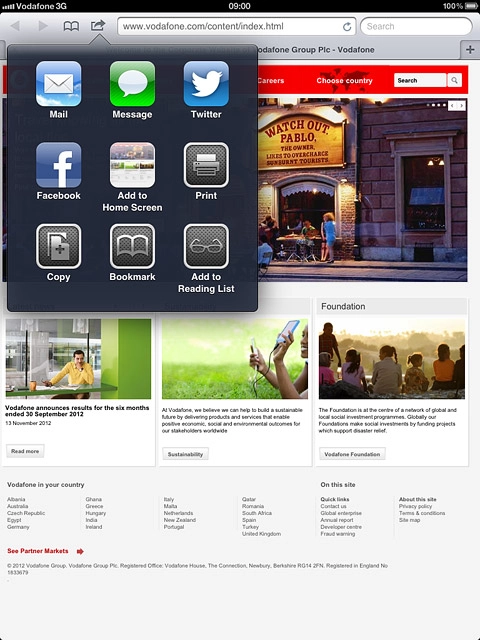
Add current web page to Reading List
Press Add to Reading List.

Go to Reading List
Press the bookmark icon.
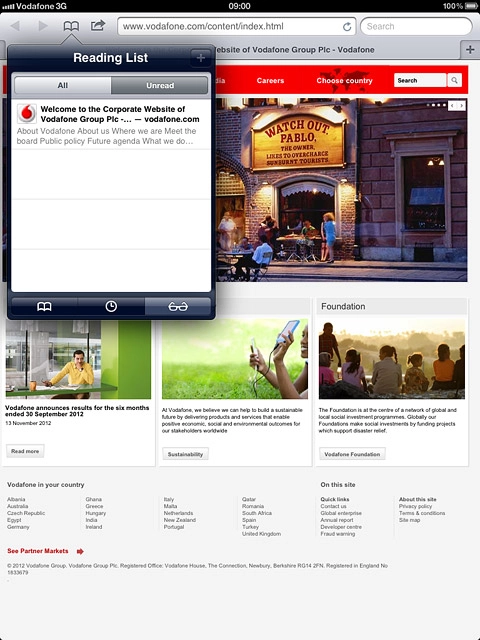
Go to Reading List
Press the Reading List icon at the bottom of the pop-up menu.
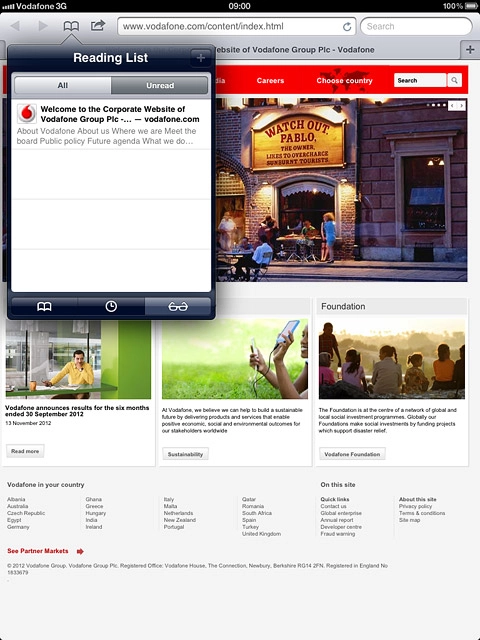
Go to Reading List
Press All.
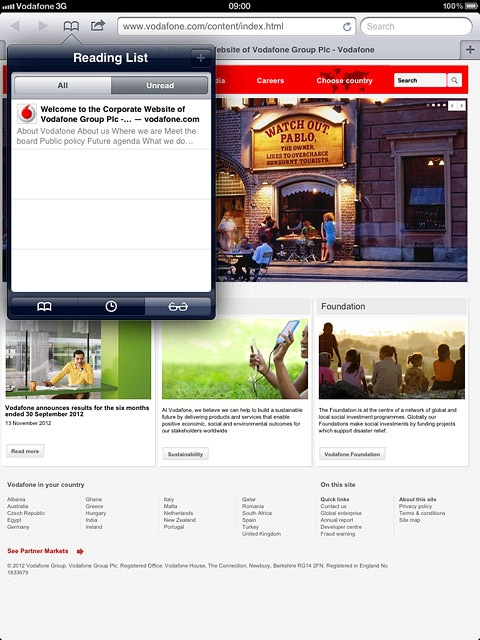
Go to Reading List
Press the required list.
Exit
Press the Home key to return to standby mode.
1 Find "Safari"
2 Use browser
3 Enter web address
4 Add current web page to bookmarks
Edit the name of the bookmark, if required.
5 Go to bookmark
6 Add current web page to Reading List
7 Go to Reading List
8 Exit