Step 1 of 1
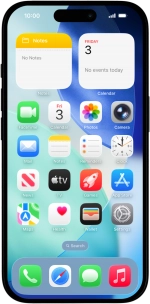
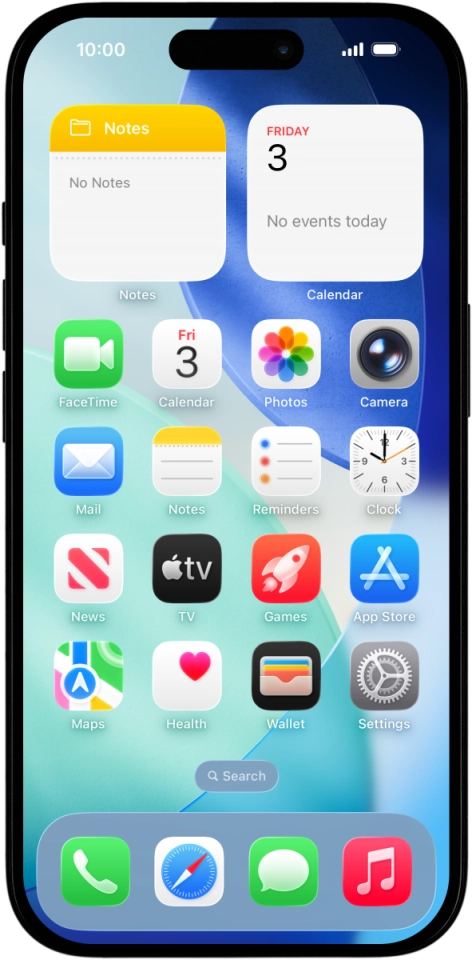
1. Set up your phone for internet
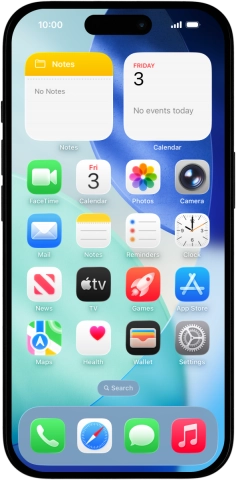
When you insert your SIM into your phone, it's automatically set up for internet.
1. Set up your phone for internet
When you insert your SIM into your phone, it's automatically set up for internet.
How would you rate your experience?
Thank you for your evaluation!

Do you have any additional feedback?
Thank you for your evaluation!