Apple iPhone 5

Apple iPhone 5

Select ring tone on your Apple iPhone 5 iOS 9.0

Read help info

You can select the ring tone you want to hear when you get a call.

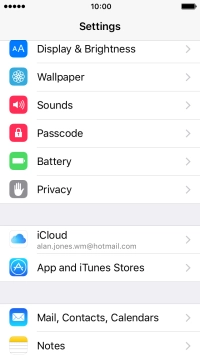
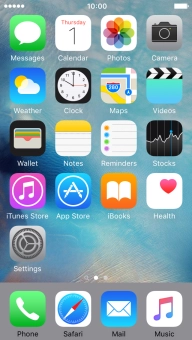
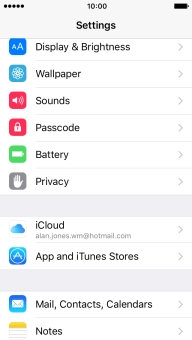
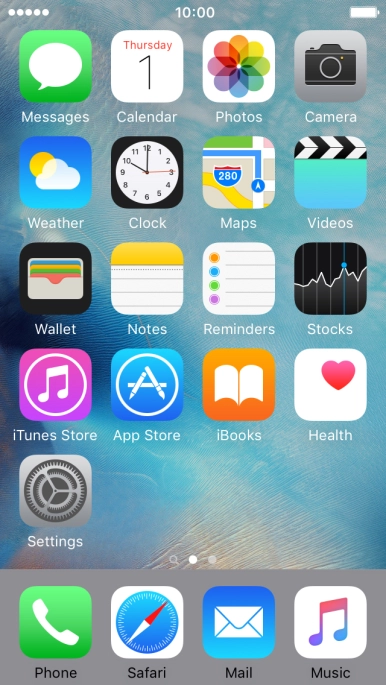
Press Settings.
Step 1 of 6

1. Find "Ringtone"

Press Settings.
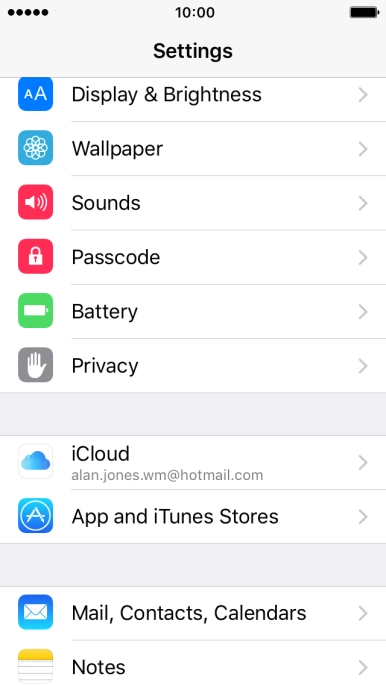
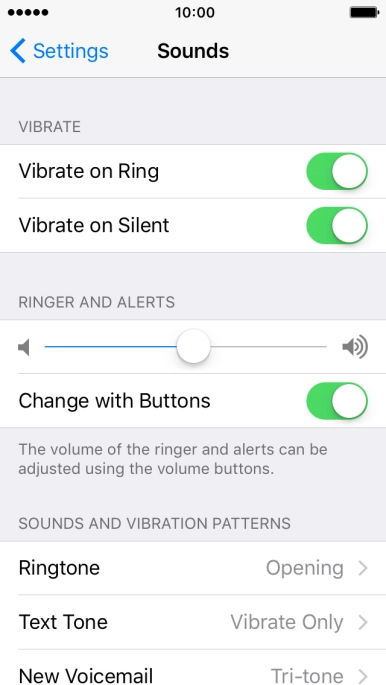
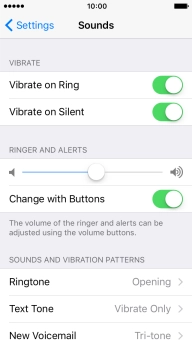
Press Sounds.
Step 2 of 6

1. Find "Ringtone"

Press Sounds.

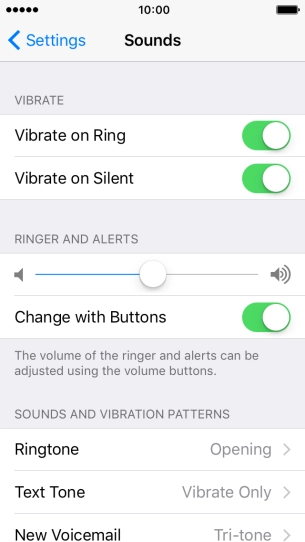
Press Ringtone.
Step 3 of 6

1. Find "Ringtone"

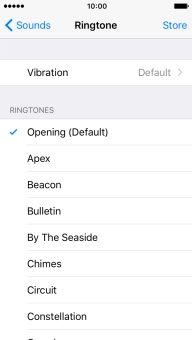
Press Ringtone.

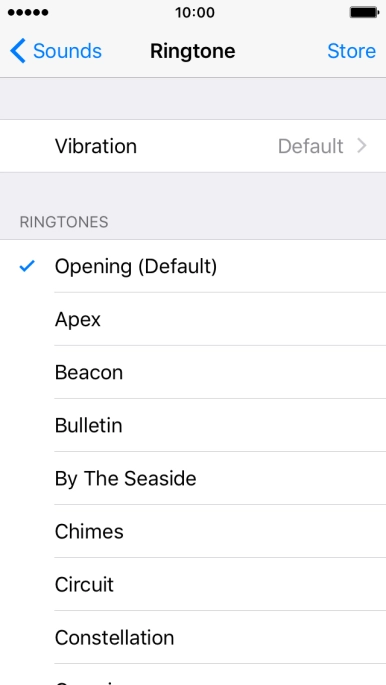
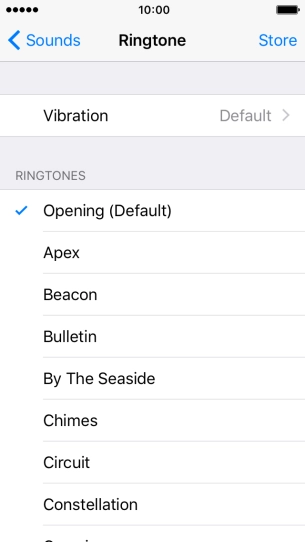
Press the required ring tones to hear them.
Step 4 of 6

2. Select ring tone

Press the required ring tones to hear them.

Once you've found a ring tone you like, press Sounds.
Step 5 of 6

2. Select ring tone

Once you've found a ring tone you like, press Sounds.

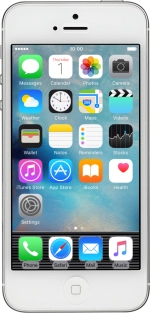
Press the Home key to return to the home screen.
Step 6 of 6

3. Return to the home screen

Press the Home key to return to the home screen.

1. Find "Ringtone"

Press Settings.
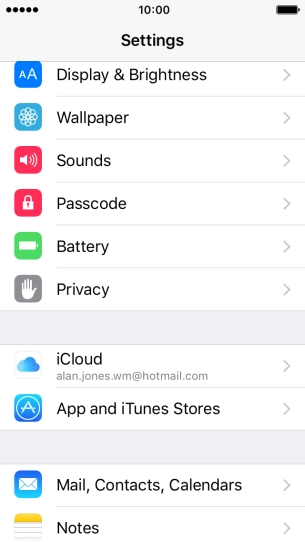
Press Sounds.
Press Ringtone.

2. Select ring tone

Press the required ring tones to hear them.
Once you've found a ring tone you like, press Sounds.

3. Return to the home screen

Press the Home key to return to the home screen.

Thank you for your evaluation!

Get information on...

Or select...

Another device