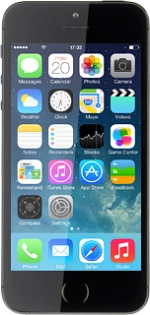
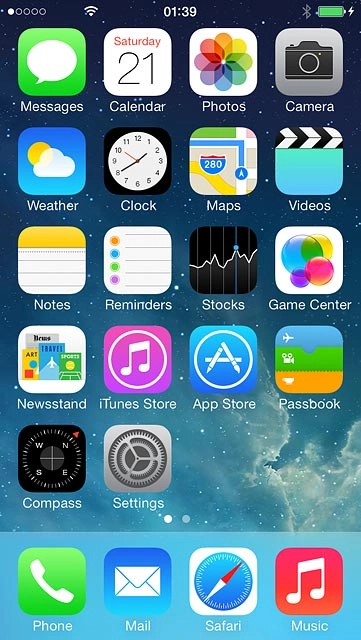
Find "Mobile"
Press Settings.
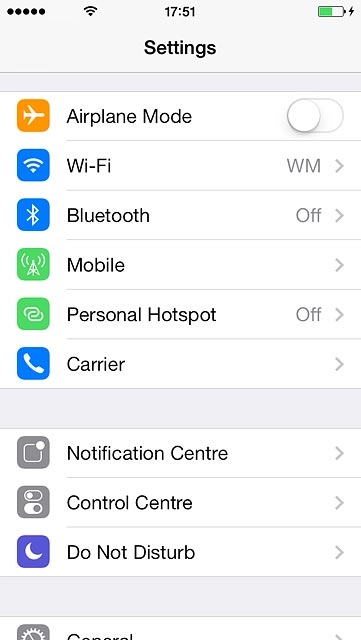
Find "Mobile"
Press Mobile.
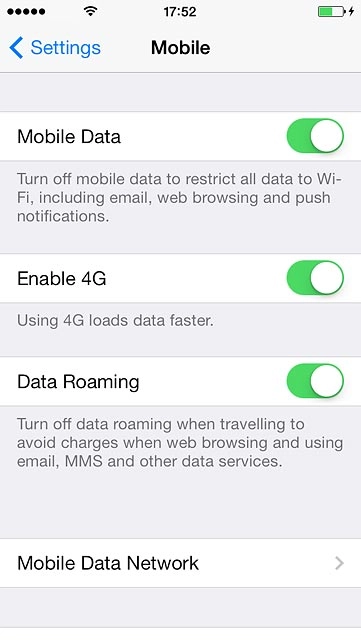
Select network mode
Press the indicator next to "Enable 4G" to turn the function on or off.
If you turn on 4G/LTE, your phone automatically switches between the network modes provided you're within range of a 4G/LTE network.
If you turn off 4G/LTE, you can't achieve high data speeds.
Return to the home screen
Press the Home key to return to the home screen.
Find "Mobile"
Select network mode
If you turn on 4G/LTE, your phone automatically switches between the network modes provided you're within range of a 4G/LTE network.
If you turn off 4G/LTE, you can't achieve high data speeds.
Return to the home screen
Thank you for your evaluation!

Thank you for your evaluation!