Apple iPhone 8 Plus

Apple iPhone 8 Plus

Select settings for data usage on your Apple iPhone 8 Plus iOS 15.0

Read help info

You can control how much data your phone uses for different functions such as download and playback of high quality content, app updates and more.

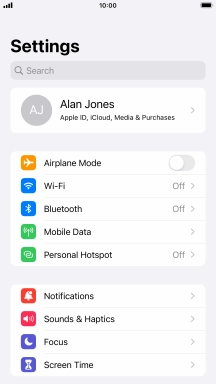
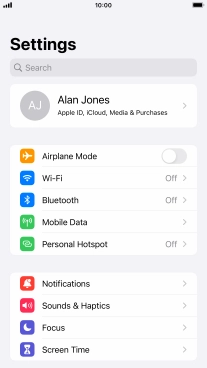
Press Settings.
Step 1 of 5

1. Find "Mobile Data Options"

Press Settings.
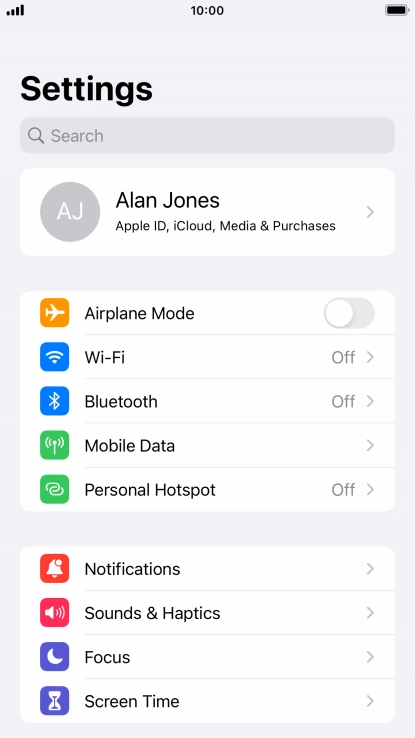
Press Mobile Data.
Step 2 of 5

1. Find "Mobile Data Options"

Press Mobile Data.

Press Mobile Data Options.
Step 3 of 5

1. Find "Mobile Data Options"

Press Mobile Data Options.

Press the indicator next to
Step 4 of 5

2. Select settings for data usage

Press the indicator next to "Low Data Mode".

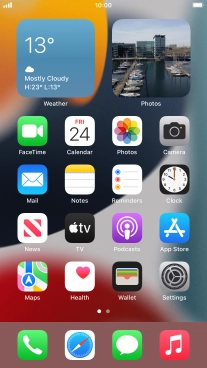
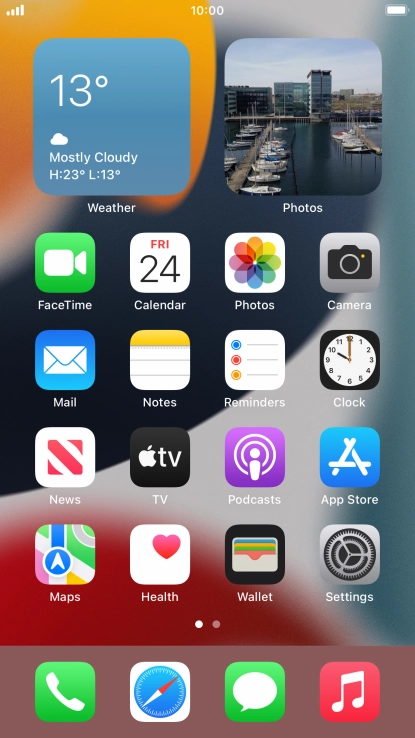
Press the Home key to return to the home screen.
Step 5 of 5

3. Return to the home screen

Press the Home key to return to the home screen.

1. Find "Mobile Data Options"

Press Settings.
Press Mobile Data.
Press Mobile Data Options.

2. Select settings for data usage

Press the indicator next to "Low Data Mode".

3. Return to the home screen

Press the Home key to return to the home screen.

Thank you for your evaluation!

Get information on...

Or select...

Another device