Activate Apple Account on your Apple iPhone SE iOS 9.3

Read help info

An Apple Account gives you access to a number of services on your phone such as iCloud, App Store and iTunes. To activate an Apple Account on your phone you need to set up your phone for internet.

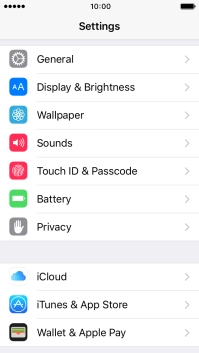
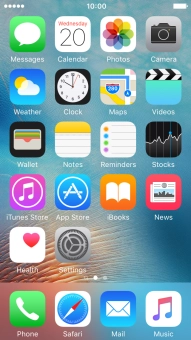
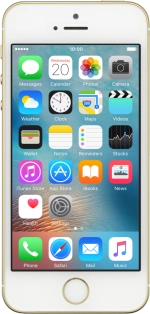
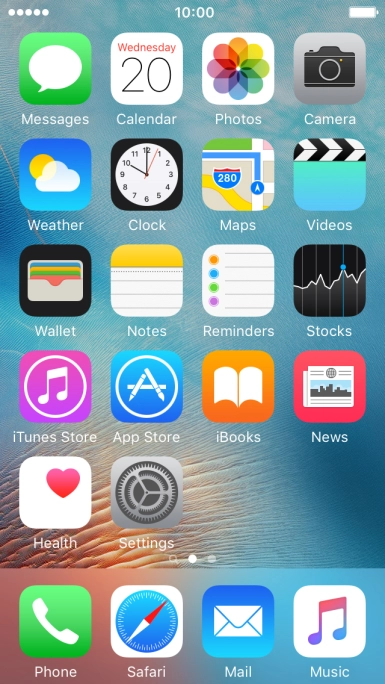
Press Settings.
Step 1 of 7

1. Find "iTunes & AppStore"

Press Settings.
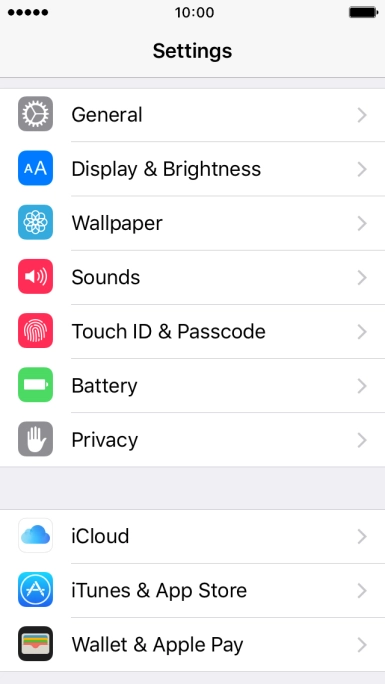
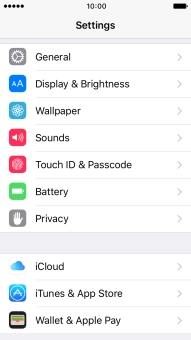
Press iTunes & AppStore.
Step 2 of 7

1. Find "iTunes & AppStore"

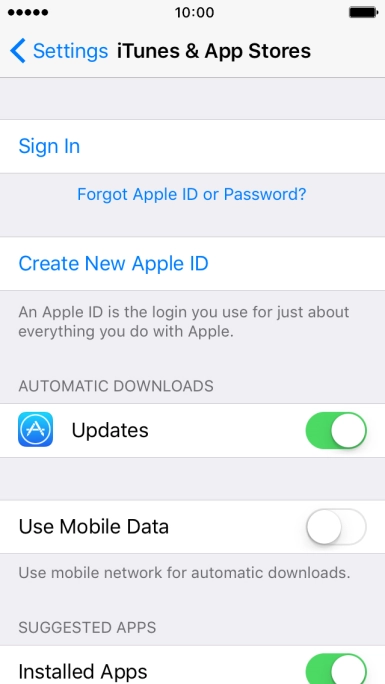
Press iTunes & AppStore.

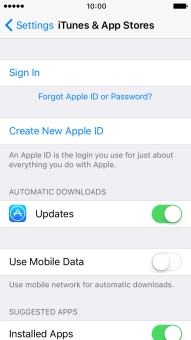
Press Sign In.
Step 3 of 7

2. Activate Apple ID

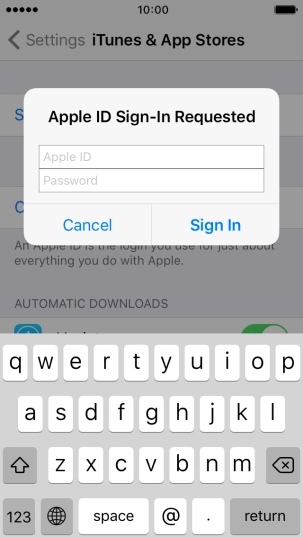
Press Sign In.

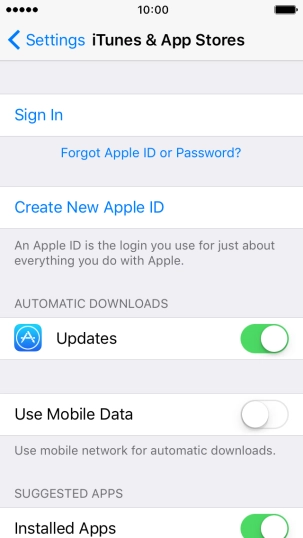
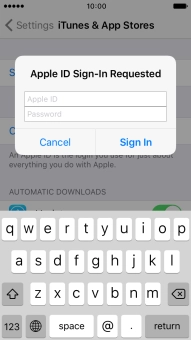
Press Apple ID and key in the username for your Apple ID.
Step 4 of 7

2. Activate Apple ID

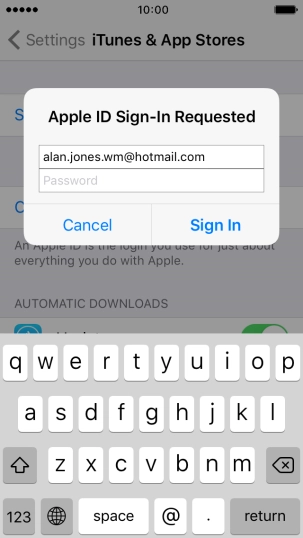
Press Apple ID and key in the username for your Apple ID.

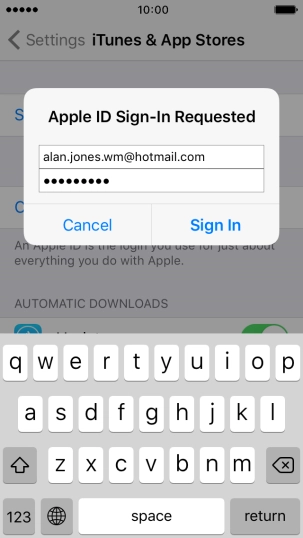
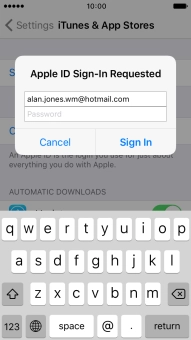
Press Password and key in the password for your Apple ID.
Step 5 of 7

2. Activate Apple ID

Press Password and key in the password for your Apple ID.

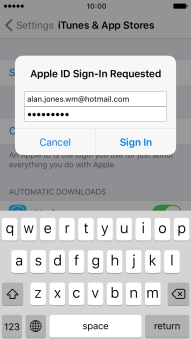
Press Sign In.
Step 6 of 7

2. Activate Apple ID

Press Sign In.

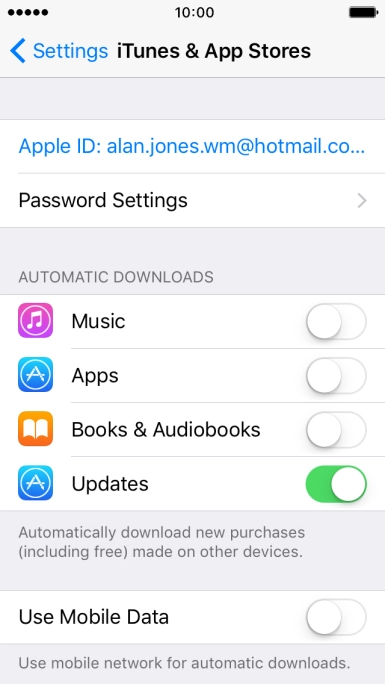
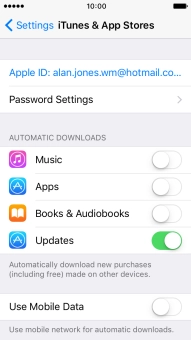
Press the Home key to return to the home screen.
Step 7 of 7

3. Return to the home screen

Press the Home key to return to the home screen.

1. Find "iTunes & AppStore"

Press Settings.
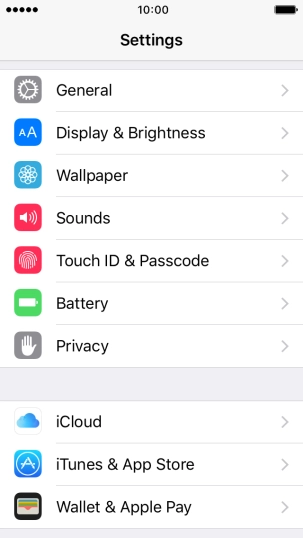
Press iTunes & AppStore.

2. Activate Apple ID

Press Sign In.
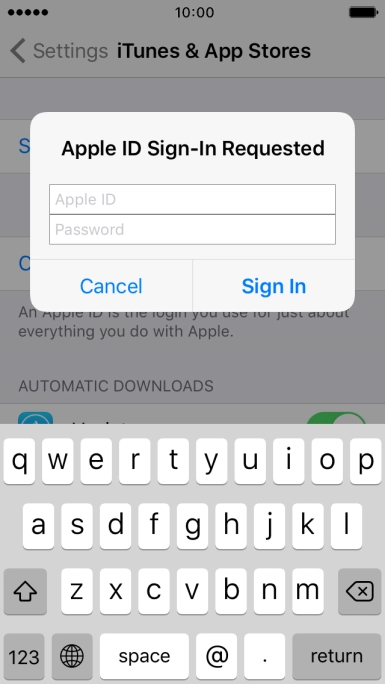
Press Apple ID and key in the username for your Apple ID.
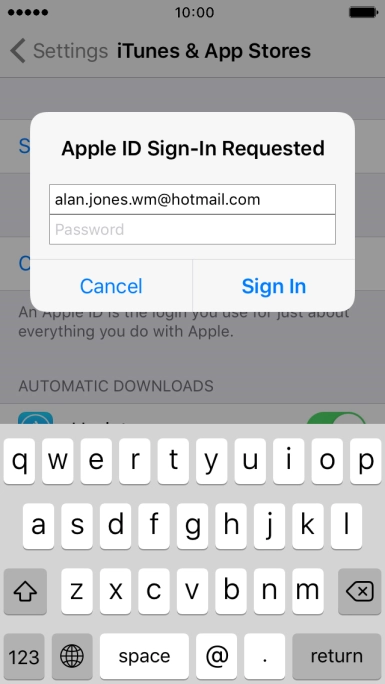
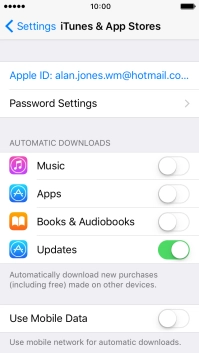
Press Password and key in the password for your Apple ID.
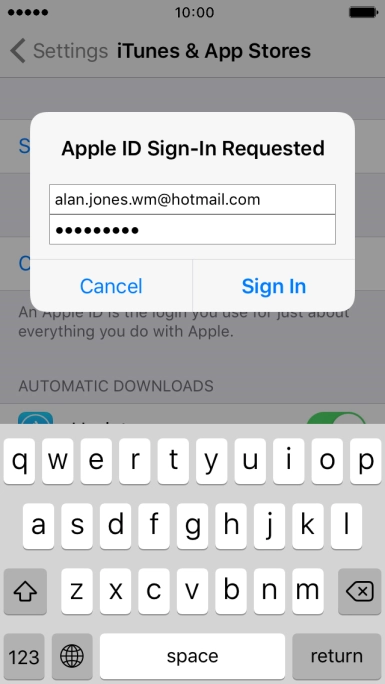
Press Sign In.

3. Return to the home screen

Press the Home key to return to the home screen.

Thank you for your evaluation!

Get information on...

Or select...

Another device