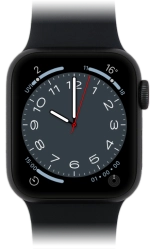
Apple Watch SE (2nd Gen)

Apple Watch SE (2nd Gen)

watchOS 9

I can't make voice calls on my Apple Watch SE (2nd Gen) watchOS 9

Cause 3 of 5: There's a connection error

If you can't receive calls when someone calls you, it may be caused by an unknown connection error.

Solution: Restart your Apple Watch.

Step 1 of 2

Restart your Apple Watch

Press and hold the Digital Crown.

Step 2 of 2

Restart your Apple Watch

Simultaneously, press and hold the Side button until your Apple Watch is restarted.

1 Restart your Apple Watch

Press and hold the Digital Crown.
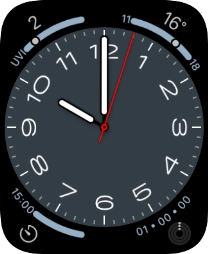
Simultaneously, press and hold the Side button until your Apple Watch is restarted.

Did this solve the problem?

Yes - All solved No - Go to next cause

Get information on...

Or select...

Another device