1. Call a contact in your address book
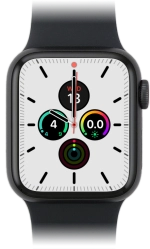
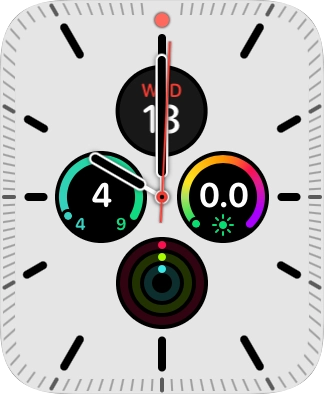
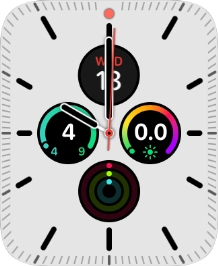
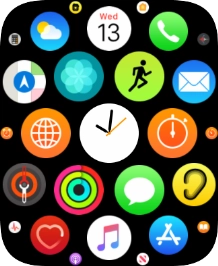
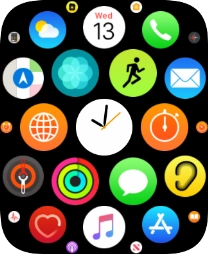
Press the Digital Crown.
1. Call a contact in your address book
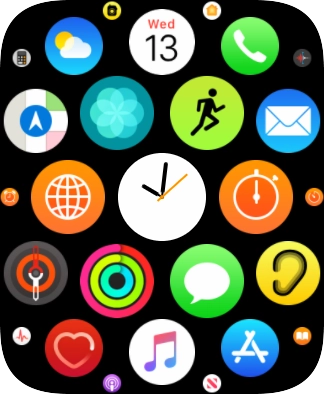
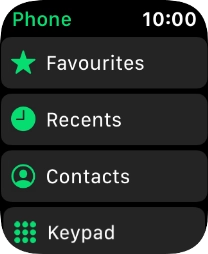
Press the phone icon.
1. Call a contact in your address book
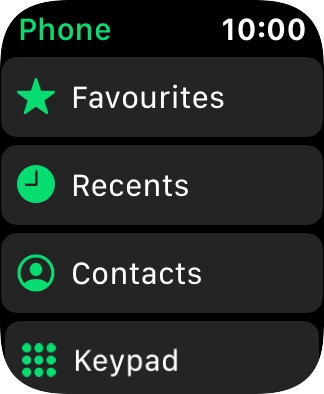
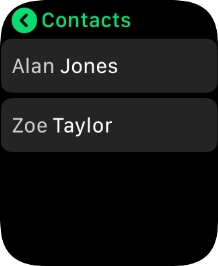
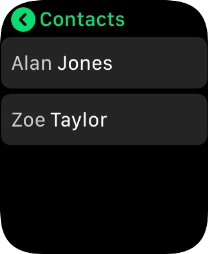
Press Contacts.
1. Call a contact in your address book
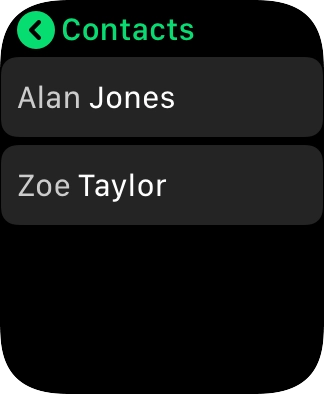
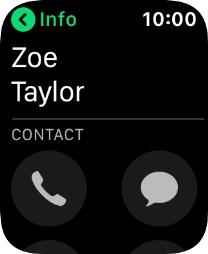
Press the required contact.
1. Call a contact in your address book
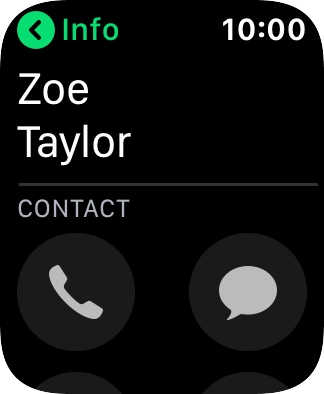
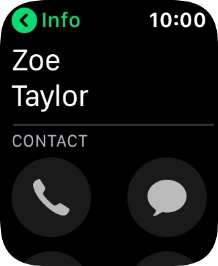
Press the call icon.
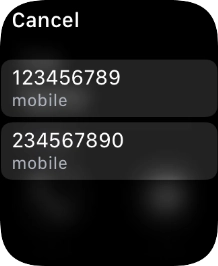
1. Call a contact in your address book
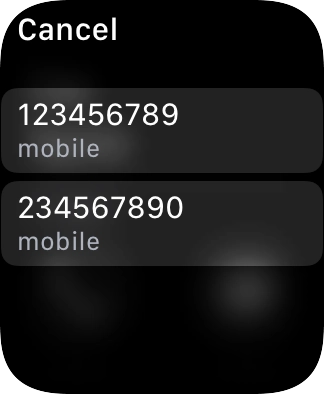
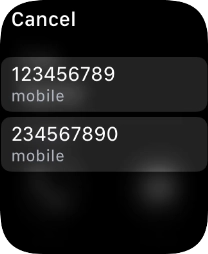
Press the required number.
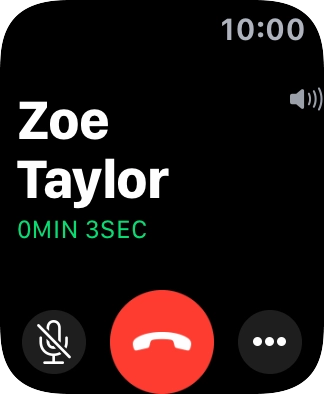
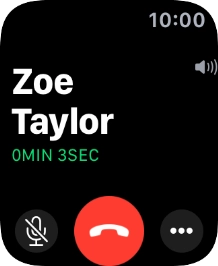
2. End call
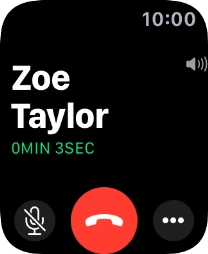
Press the end call icon.
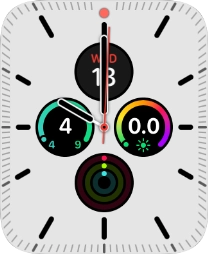
3. Return to the home screen
Press the Digital Crown twice to return to the home screen.
1. Call a contact in your address book
2. End call
3. Return to the home screen
Thank you for your evaluation!

Thank you for your evaluation!