Step 1 of 3
1. Silence the incoming call alert
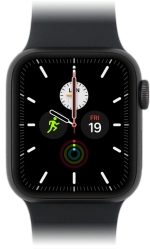
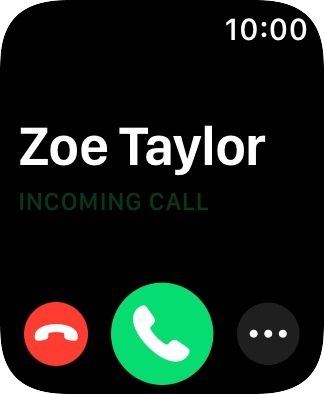
Press the Digital Crown when you get a call.
The incoming call alert is silenced and the call continues until it's ended or diverted.
Step 2 of 3
2. Answer a call
Press the accept call icon.
Step 3 of 3
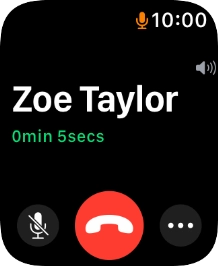
3. End call
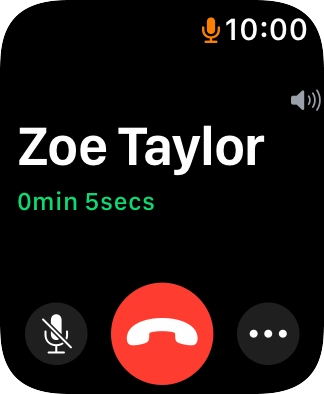
Press the end call icon to end the call and return to the home screen.
1. Silence the incoming call alert
Press the Digital Crown when you get a call.
The incoming call alert is silenced and the call continues until it's ended or diverted.
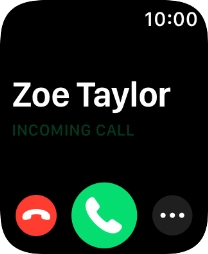
2. Answer a call
Press the accept call icon.
3. End call
Press the end call icon to end the call and return to the home screen.

How would you rate your experience?
Thank you for your evaluation!

Do you have any additional feedback?
Thank you for your evaluation!