

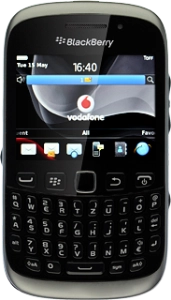
Help and Support for
BlackBerry Curve 9320
Choose a help topic
Google Maps is a GPS application you can use to navigate from one location to another. You can change between list view and street view and you can use Google Maps to find companies. You can use Google Maps using an application on your phone. Follow these instructions to use Google Maps.
You need to set up your phone for internet to use this function. Click here for information on how to install Google Maps.
If you don't want to use Google Maps using an application on your phone, you can use your phone's browser: open the browser and connect to http://maps.google.com.
Please note that when you use Google Maps, data charges will apply. Check your price plan for applicable charges.