HTC Desire 530

HTC Desire 530

Android 6.0

Transfer pictures or video clips via Bluetooth

Read help info

Bluetooth is a wireless connection which can be used to transfer files between two devices.

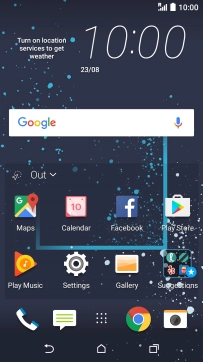
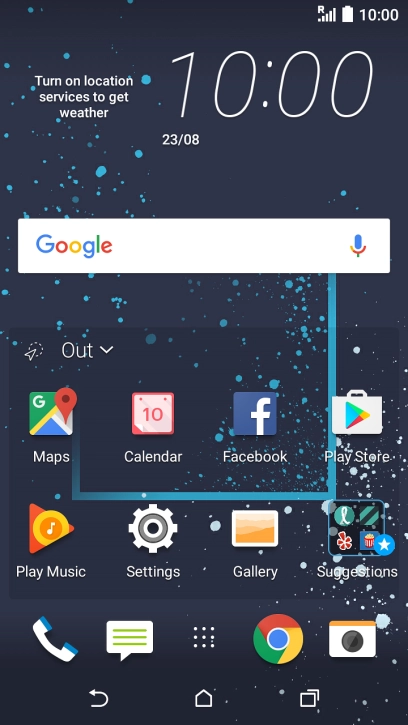
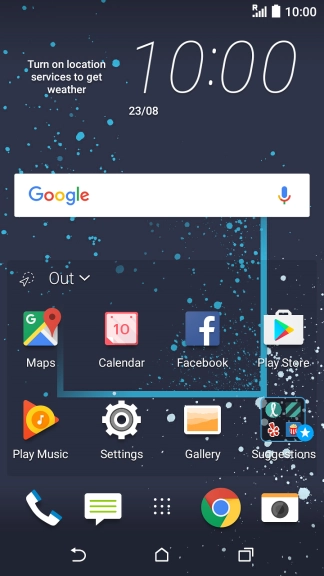
Press the main menu icon.
Step 1 of 8

1. Find" Gallery"

Press the main menu icon.

Press Gallery.
Step 2 of 8

1. Find" Gallery"

Press Gallery.

Press the required picture or video clip.
Step 3 of 8

2. Select file

Press the required picture or video clip.

Press the share icon.
Step 4 of 8

2. Select file

Press the share icon.

Press Bluetooth.
Step 5 of 8

3. Transfer files via Bluetooth

Press Bluetooth.

If Bluetooth is turned off, press TURN ON to turn it on.
Step 6 of 8

3. Transfer files via Bluetooth

If Bluetooth is turned off, press TURN ON to turn it on.

Press the required Bluetooth device and wait while the file is transferred.
Step 7 of 8

3. Transfer files via Bluetooth

Press the required Bluetooth device and wait while the file is transferred.

In some cases, the transfer needs to be accepted on the other Bluetooth device.
Press the Home key to return to the home screen.
Step 8 of 8

4. Return to the home screen

Press the Home key to return to the home screen.

1. Find" Gallery"

Press the main menu icon.
Press Gallery.

2. Select file

Press the required picture or video clip.
Press the share icon.

3. Transfer files via Bluetooth

Press Bluetooth.
If Bluetooth is turned off, press TURN ON to turn it on.
Press the required Bluetooth device and wait while the file is transferred.
In some cases, the transfer needs to be accepted on the other Bluetooth device.

4. Return to the home screen

Press the Home key to return to the home screen.

Thank you for your evaluation!

Get information on...

Or select...

Another device