Huawei B525

Huawei B525

Mac OS Mojave

Select settings for automatic connection on your Huawei B525 Mac OS Mojave

Read help info

You can select if an internet connection is to be automatically established when you turn on your router. Remember, you need to establish a connection to the router web interface.

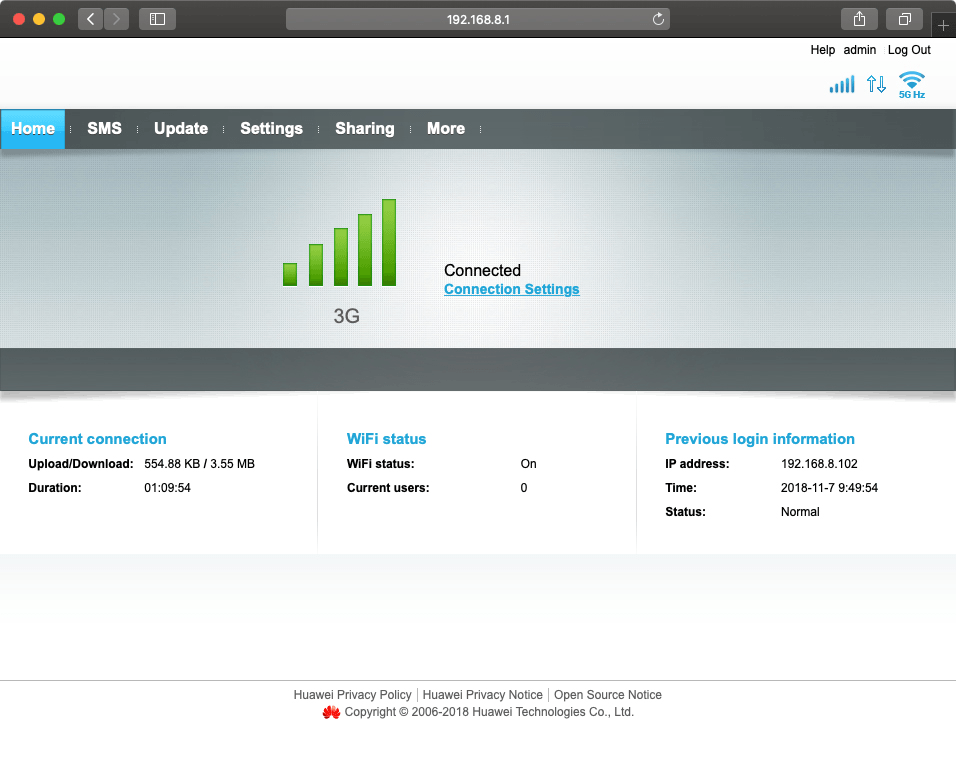
Click Settings.
Step 1 of 6

1. Find "Connect"

Click Settings.
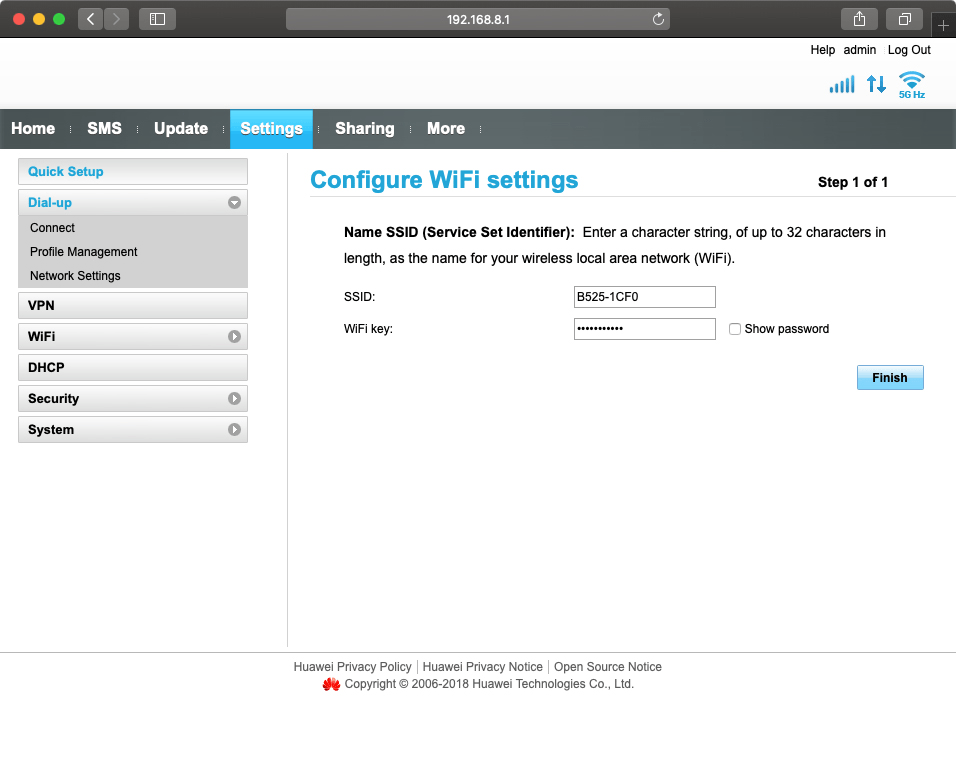
Click Connect.
Step 2 of 6

1. Find "Connect"

Click Connect.

Click the drop down list next to
Step 3 of 6

2. Turn automatic connection on or off

Click the drop down list next to "Connection mode:".

Click Auto to turn on the function.
Step 4 of 6

2. Turn automatic connection on or off

Click Auto to turn on the function.

Click Manual to turn off the function.
Step 5 of 6

2. Turn automatic connection on or off

Click Manual to turn off the function.

Click Apply.
Step 6 of 6

3. Save settings

Click Apply.

1. Find "Connect"

Click Settings.
Click Connect.

2. Turn automatic connection on or off

Click the drop down list next to "Connection mode:".
Click Auto to turn on the function.
Click Manual to turn off the function.

3. Save settings

Click Apply.

Thank you for your evaluation!

Get information on...

Or select...

Another device