Huawei MediaPad T1 8.0

Huawei MediaPad T1 8.0

Android 4.3

Call a contact in the address book on your Huawei MediaPad T1 8.0 Android 4.3

Read help info

You can make a voice call by finding the number in your tablet's address book. To call a contact in your address book, you need to create a contact in the address book.

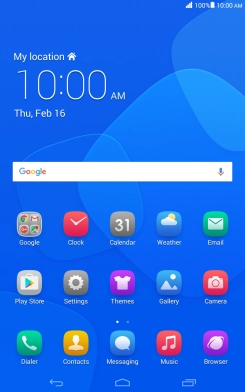
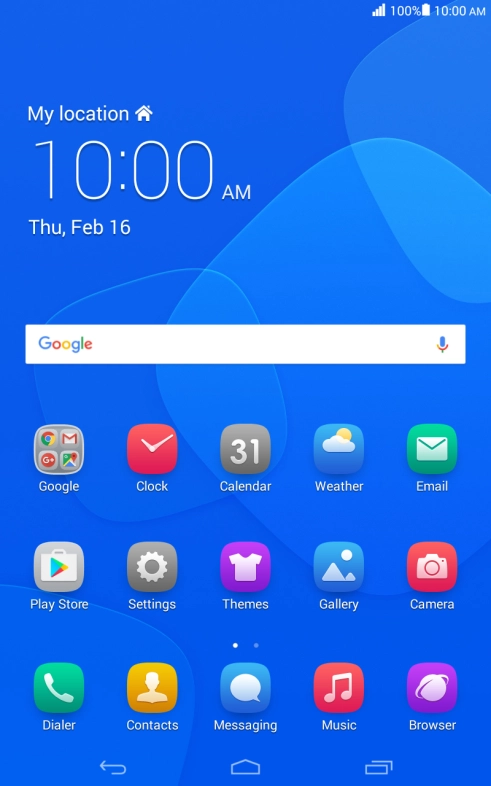
Press Contacts.
Step 1 of 5

1. Open the address book

Press Contacts.

Press the required contact.
Step 2 of 5

2. Call a contact in your address book

Press the required contact.

Press the required phone number.
Step 3 of 5

2. Call a contact in your address book

Press the required phone number.

Press the end call icon.
Step 4 of 5

3. End call

Press the end call icon.

Press the Home key to return to the home screen.
Step 5 of 5

4. Return to the home screen

Press the Home key to return to the home screen.

1. Open the address book

Press Contacts.

2. Call a contact in your address book

Press the required contact.
Press the required phone number.

3. End call

Press the end call icon.

4. Return to the home screen

Press the Home key to return to the home screen.

Thank you for your evaluation!

Get information on...

Or select...

Another device