Huawei P30

Huawei P30

Android 9.0

Turn notifications on your Huawei P30 Android 9.0 on or off

Read help info

When you turn on notifications, you will be notified about various events such as new email messages, messages from social networks and calendar appointments.

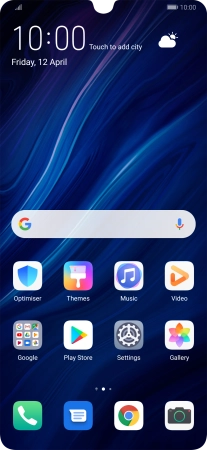
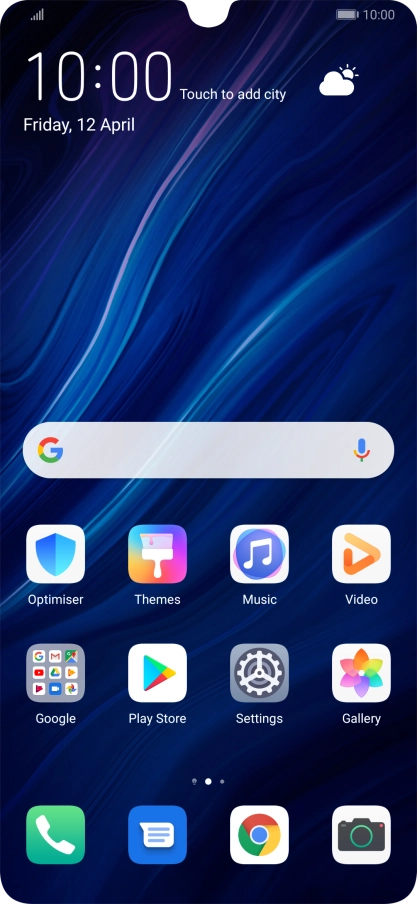
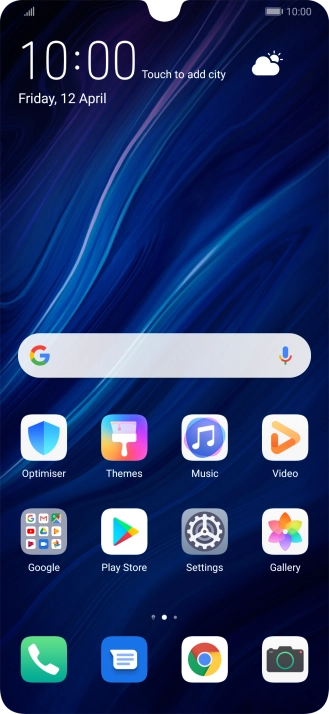
Press Settings.
Step 1 of 5

1. Find "Notifications"

Press Settings.

Press Notifications.
Step 2 of 5

1. Find "Notifications"

Press Notifications.

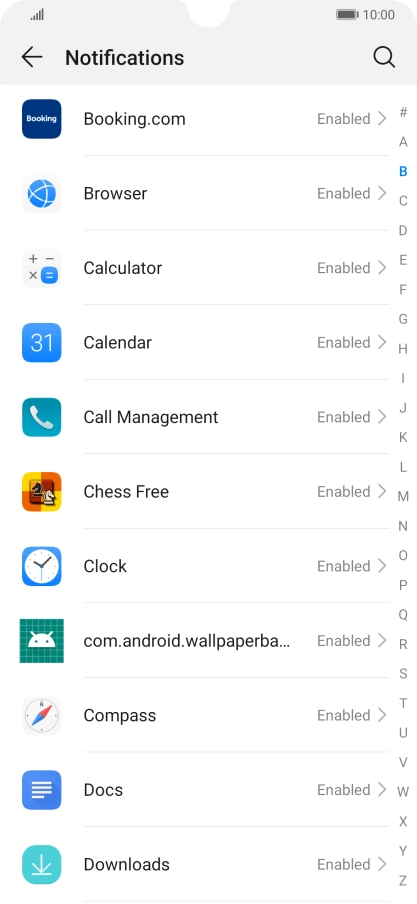
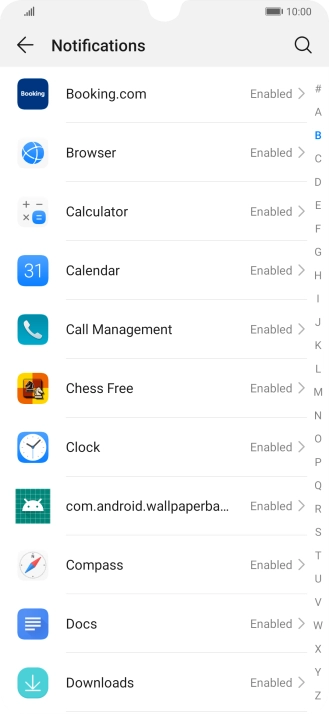
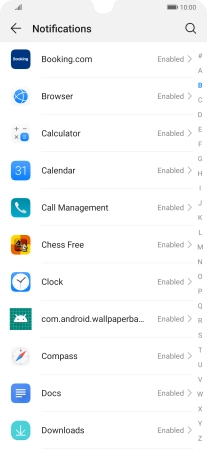
Press the required app.
Step 3 of 5

2. Turn notifications on or off

Press the required app.

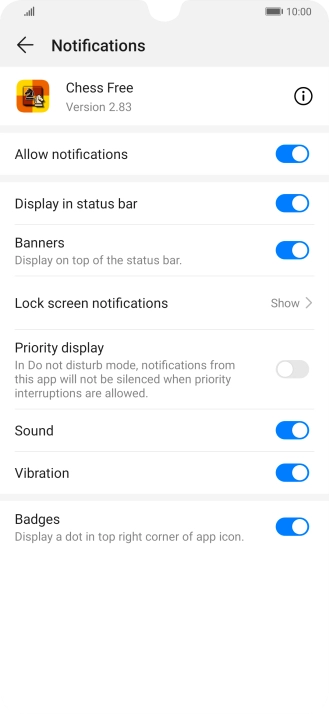
Press the indicator next to
Step 4 of 5

2. Turn notifications on or off

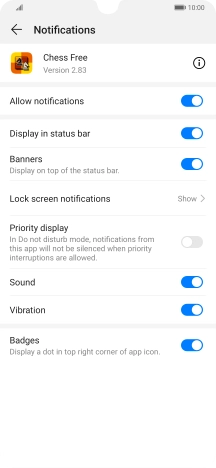
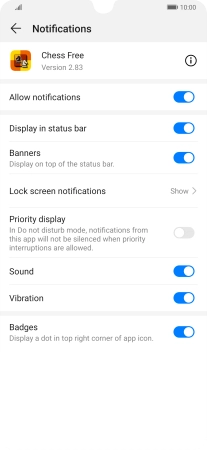
Press the indicator next to "Allow notifications" to turn the function on or off.

Slide your finger upwards starting from the bottom of the screen to return to the home screen.
Step 5 of 5

3. Return to the home screen

Slide your finger upwards starting from the bottom of the screen to return to the home screen.

1. Find "Notifications"

Press Settings.
Press Notifications.

2. Turn notifications on or off

Press the required app.
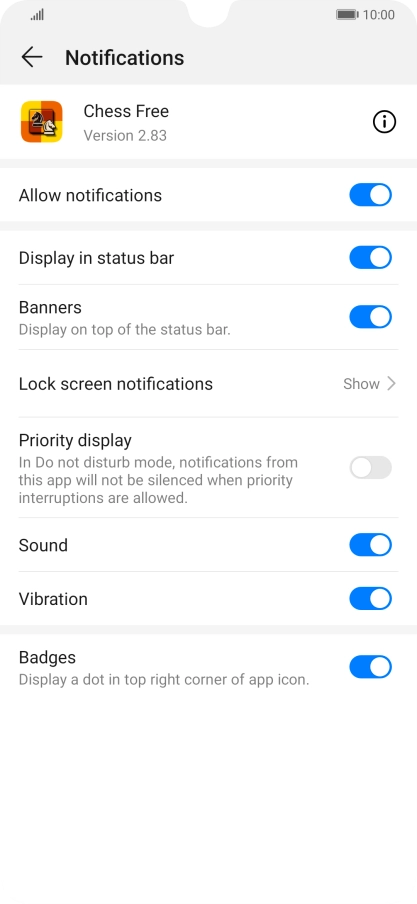
Press the indicator next to "Allow notifications" to turn the function on or off.

3. Return to the home screen

Slide your finger upwards starting from the bottom of the screen to return to the home screen.

Thank you for your evaluation!

Get information on...

Or select...

Another device