

Step 1 of 3
Find "Data Sense"
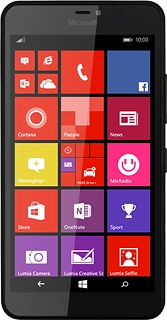
Slide your finger left on the display to open the main menu.
Press Data Sense.
Step 2 of 3
View data usage
Your phone's data usage is displayed.

Step 3 of 3
Return to the home screen
Press the home icon to return to the home screen.
Find "Data Sense"
Slide your finger left on the display to open the main menu.
Press Data Sense.
Press Data Sense.
View data usage
Your phone's data usage is displayed.
Return to the home screen
Press the home icon to return to the home screen.
How would you rate your experience?
Thank you for your evaluation!

Do you have any additional feedback?
Thank you for your evaluation!