Motorola Moto G 5G Plus

Motorola Moto G 5G Plus

Android 10.0

Short battery life on my Motorola Moto G 5G Plus Android 10.0

Cause 14 of 15: Too many applications are running

If many applications are running on your phone, power consumption may increase because the applications keep running in the background.

Solution: End running applications.

Step 1 of 4

End running applications

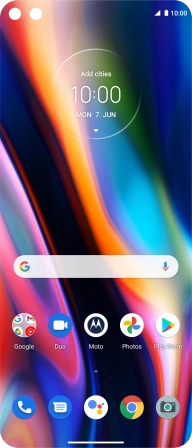
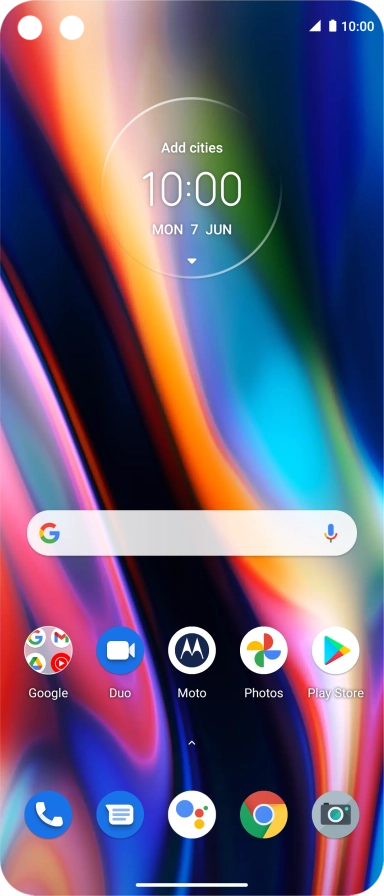
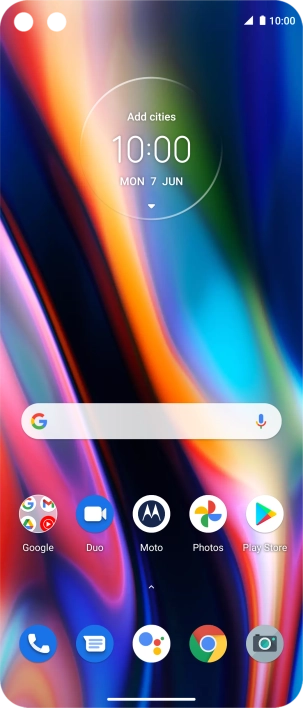
Slide your finger slowly upwards on the screen until the list of running applications is displayed.

Step 2 of 4

End running applications

Slide your finger right starting from the left side of the screen.

Step 3 of 4

End running applications

To end one running application, slide your finger upwards on the required application.

Step 4 of 4

End running applications

To end all running applications, press Clear all.

1 End running applications

Slide your finger slowly upwards on the screen until the list of running applications is displayed.
Slide your finger right starting from the left side of the screen.
To end one running application, slide your finger upwards on the required application.
To end all running applications, press Clear all.

Did this solve the problem?

Yes - All solved No - Go to next cause

Get information on...

Or select...

Another device