Nokia 1 Plus

Nokia 1 Plus

Android 9.0 (Go edition)

Turn flight mode on your Nokia 1 Plus Android 9.0 (Go edition) on or off

Read help info

You can turn off all wireless connections so your phone can’t cause any interference with sensitive equipment in a plane or a hospital. You can use many phone functions when flight mode is turned on, but you can't send messages or make calls.

Slide two fingers downwards starting from the top of the screen.
Step 1 of 6

1. Find "Advanced"

Slide two fingers downwards starting from the top of the screen.

Press the settings icon.
Step 2 of 6

1. Find "Advanced"

Press the settings icon.

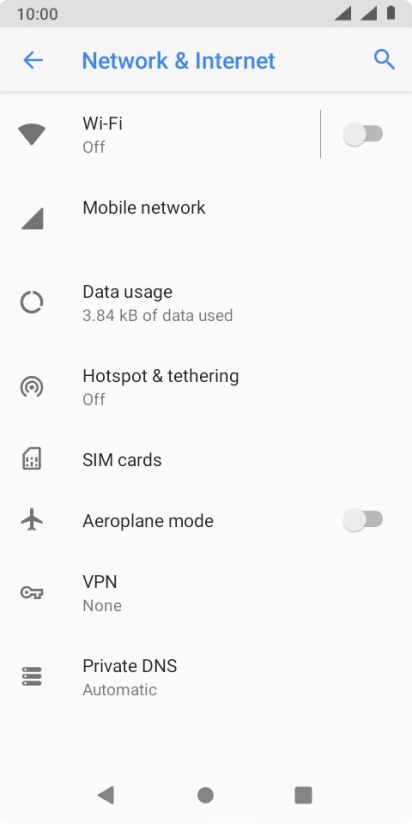
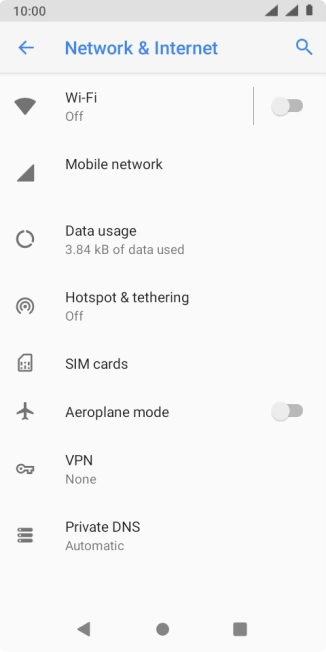
Press Network & Internet.
Step 3 of 6

1. Find "Advanced"

Press Network & Internet.

Press Advanced.
Step 4 of 6

1. Find "Advanced"

Press Advanced.

Press the indicator next to
Step 5 of 6

2. Turn flight mode on or off

Press the indicator next to "Aeroplane mode" to turn the function on or off.

Press the Home key to return to the home screen.
Step 6 of 6

3. Return to the home screen

Press the Home key to return to the home screen.

1. Find "Advanced"

Slide two fingers downwards starting from the top of the screen.
Press the settings icon.
Press Network & Internet.
Press Advanced.

2. Turn flight mode on or off

Press the indicator next to "Aeroplane mode" to turn the function on or off.

3. Return to the home screen

Press the Home key to return to the home screen.

Thank you for your evaluation!

Get information on...

Or select...

Another device