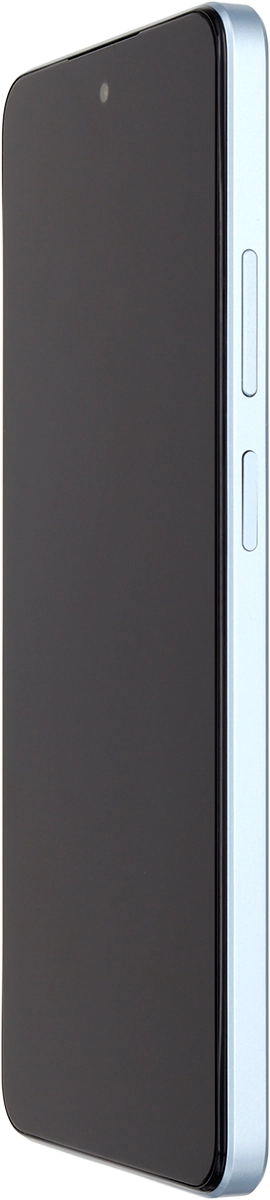
OPPO A60 5G

OPPO A60 5G

Android 14

I can't make voice calls on my OPPO A60 5G Android 14

Cause 3 of 4: There's a connection error

If your phone doesn't receive any calls when someone calls you, it may be caused by an unknown connection error.

Solution: Restart your phone.

Step 1 of 1

Restart your phone

Simultaneously, press the Side key and the upper part of the Volume key and keep them both pressed until your phone restarts.

1 Restart your phone

Simultaneously, press the Side key and the upper part of the Volume key and keep them both pressed until your phone restarts.

Did this solve the problem?

Yes - All solved No - Go to next cause

Get information on...

Or select...

Another device