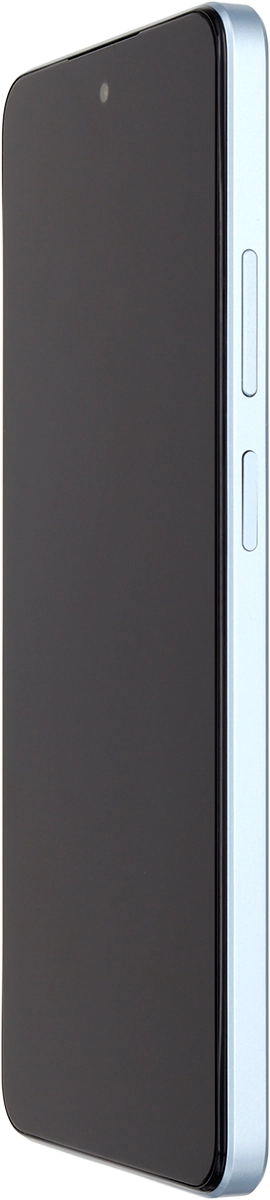
OPPO A60 5G

OPPO A60 5G

Android 14

I can't turn on my OPPO A60 5G Android 14

Cause 2 of 3: Your phone doesn't turn on correctly

To be able to turn on the phone, it needs to be done correctly.

Solution: See how to turn on your phone.

Step 1 of 4

Turn on your phone

Press and hold the Side key until your phone is turned on.

Step 2 of 4

Enter your PIN

If you're asked to key in your PIN, do so and press arrow right.

Step 3 of 4

Turn off your phone

At the same time, press the Side key and the upper part of the Volume key.

Step 4 of 4

Turn off your phone

Press and drag the circle downwards.

1 Turn on your phone

Press and hold the Side key until your phone is turned on.

2 Enter your PIN

If you're asked to key in your PIN, do so and press arrow right.
If an incorrect PIN is entered three times in a row, your SIM will be blocked. To unblock your SIM, you'll need to key in your PUK. The PUK can be obtained by contacting customer services. Please note: If you key in the wrong PUK ten times in a row, your SIM will be blocked permanently. In this case, you need a new SIM from Vodafone.

3 Turn off your phone

At the same time, press the Side key and the upper part of the Volume key.
Press and drag the circle downwards.

Did this solve the problem?

Yes - All solved No - Go to next cause

Get information on...

Or select...

Another device