Skip to content Vodafone Australia Vodafone Australia
How can we help?
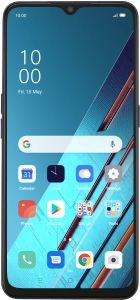
OPPO Find X2 Lite
Help and Support for

OPPO Find X2 Lite

Android 10.0
  1. Home
  2. Device help
  3. OPPO
  4. Find X2 Lite
  5. Calls and contacts
  6. Call a contact in your address book

Choose a help topic

Call a contact in the address book on your OPPO Find X2 Lite Android 10.0

You can make a voice call by finding the number in your phone's address book. To call a contact in your address book, you need to create a contact in the address book.

Are you ready to upgrade your device? Check out our latest mobile phones

© 2026 TPG Telecom Limited ABN 76 096 304 620 We acknowledge the Traditional Custodians of the land on which we live, work and connect. We pay respect to Elders, past, present, and emerging.