Skip to content Vodafone Australia Vodafone Australia
How can we help?
OPPO Reno8 Pro 5G
Help and Support for

OPPO Reno8 Pro 5G

Android 12.0
  1. Home
  2. Device help
  3. OPPO
  4. Reno8 Pro 5G
  5. Getting started
  6. Select settings for Find My Device

Choose a help topic

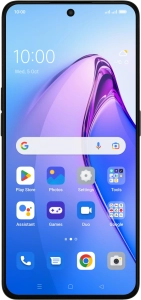
Select settings for Find My Device on your OPPO Reno8 Pro 5G Android 12.0

Find My Device enables you to find your phone if you lose it or you can lock it should it get stolen. To turn on Find My Device, you need to activate your Google account on your phone and turn on GPS.

Are you ready to upgrade your device? Check out our latest mobile phones

© 2026 TPG Telecom Limited ABN 76 096 304 620 We acknowledge the Traditional Custodians of the land on which we live, work and connect. We pay respect to Elders, past, present, and emerging.