Samsung Galaxy Note9

Samsung Galaxy Note9

Android 8.1

Turn Wi-Fi calling on your Samsung Galaxy Note9 Android 8.1 on or off

Read help info

When Wi-Fi calling is turned on, you can make and answer calls using a Wi-Fi network when you're in an area with little or no network coverage. To turn on Wi-Fi calling, you need to establish a connection to a Wi-Fi network and select 4G (LTE) as network mode.

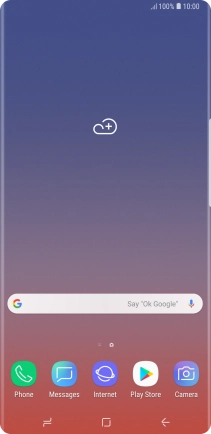
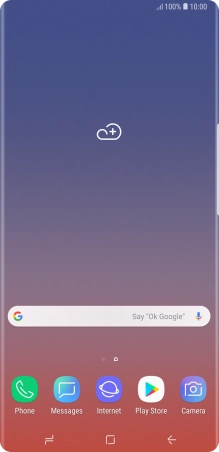
Press Phone.
Step 1 of 6

1. Find "Settings"

Press Phone.
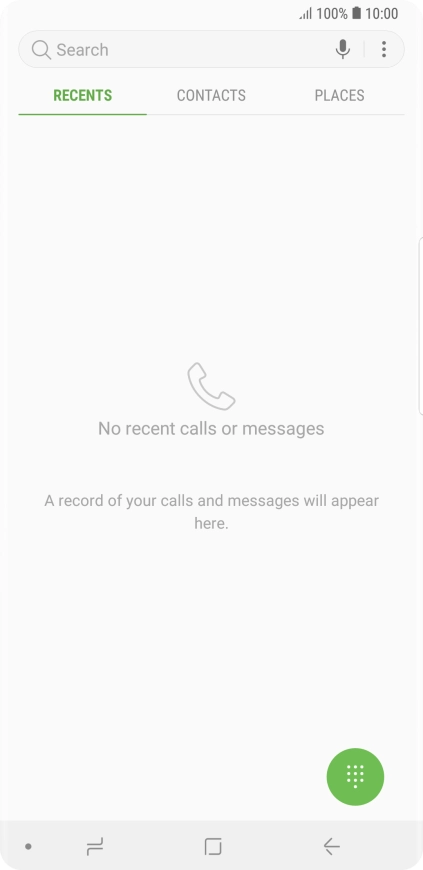
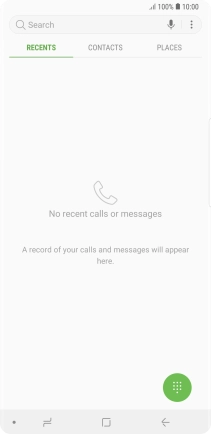
Press the menu icon.
Step 2 of 6

1. Find "Settings"

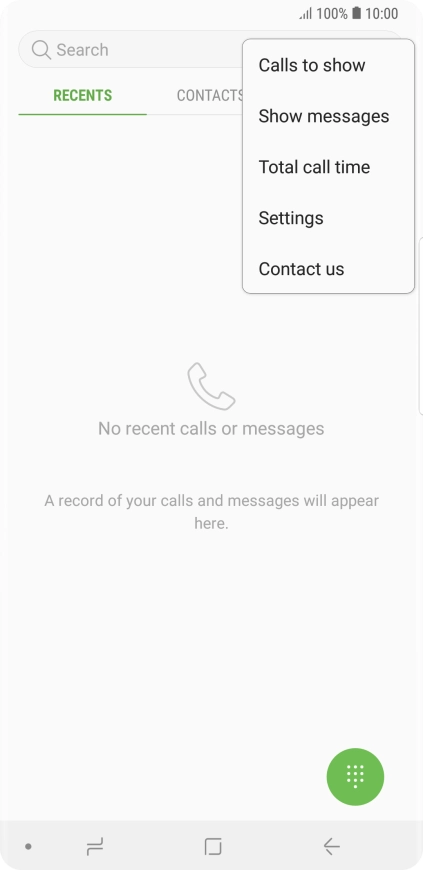
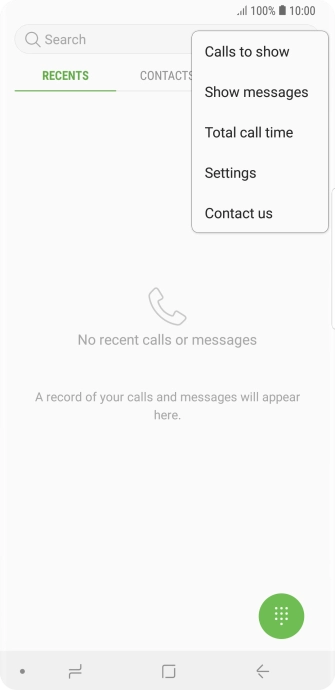
Press the menu icon.

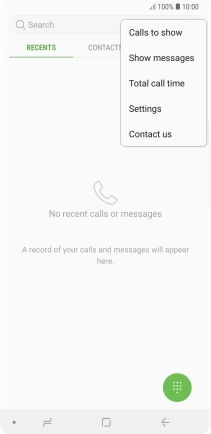
Press Settings.
Step 3 of 6

1. Find "Settings"

Press Settings.

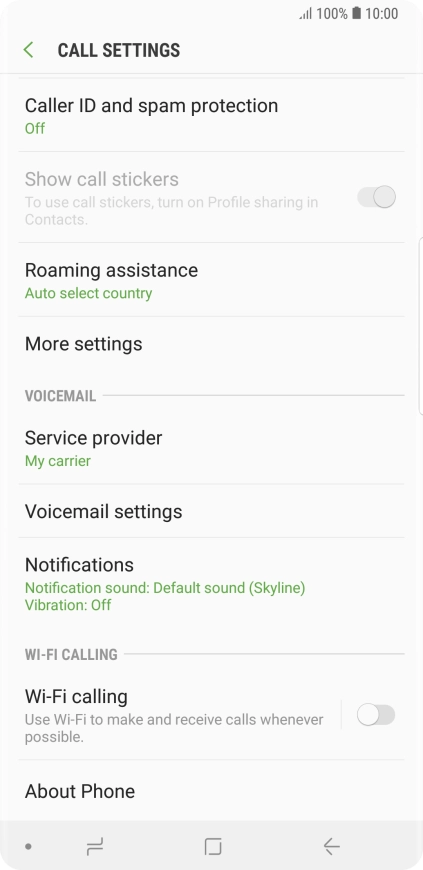
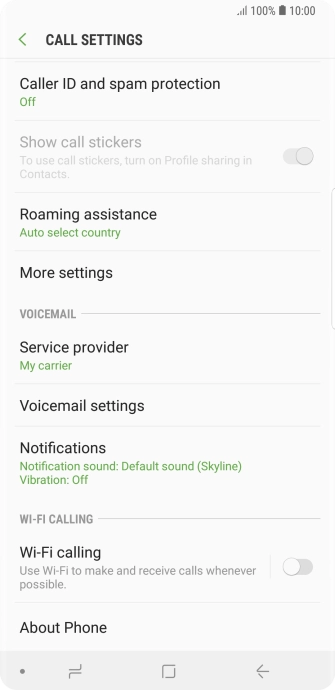
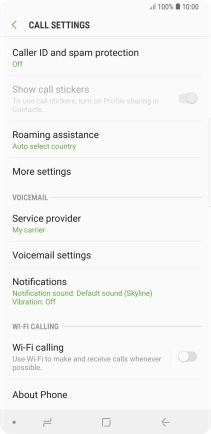
Press the indicator next to
Step 4 of 6

2. Turn Wi-Fi calling on or off

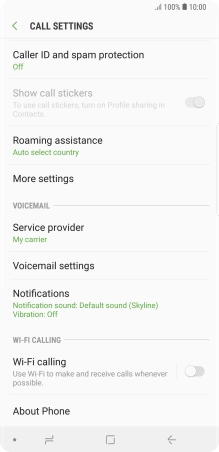
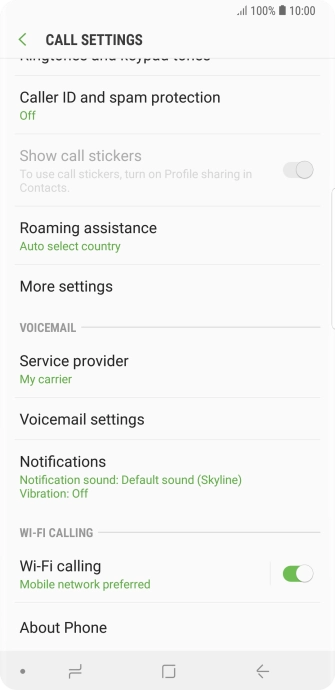
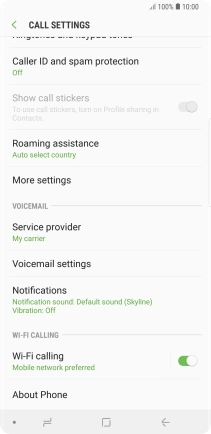
Press the indicator next to "Wi-Fi calling" to turn the function on or off.

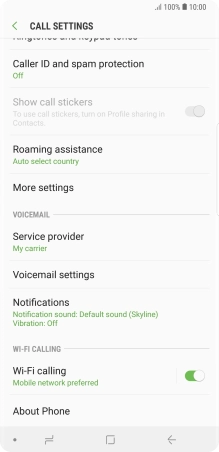
When Wi-Fi calling is active, the Wi-Fi calling icon is displayed.
Step 5 of 6

2. Turn Wi-Fi calling on or off

When Wi-Fi calling is active, the Wi-Fi calling icon is displayed.

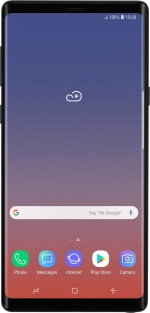
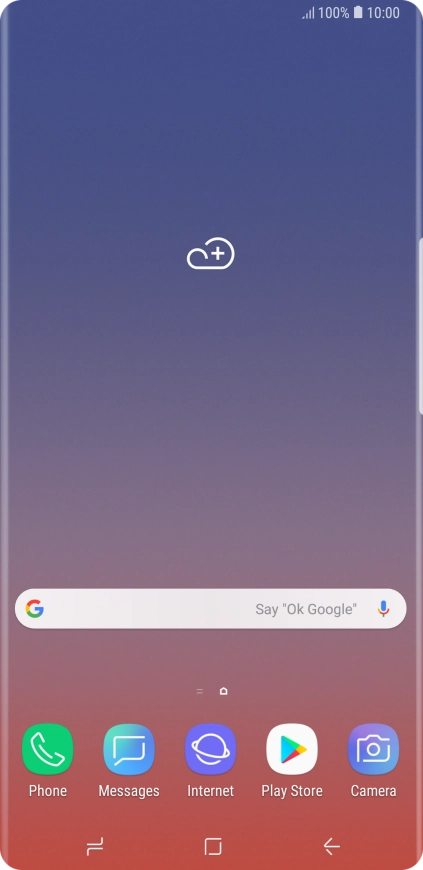
Press the Home key to return to the home screen.
Step 6 of 6

3. Return to the home screen

Press the Home key to return to the home screen.

1. Find "Settings"

Press Phone.
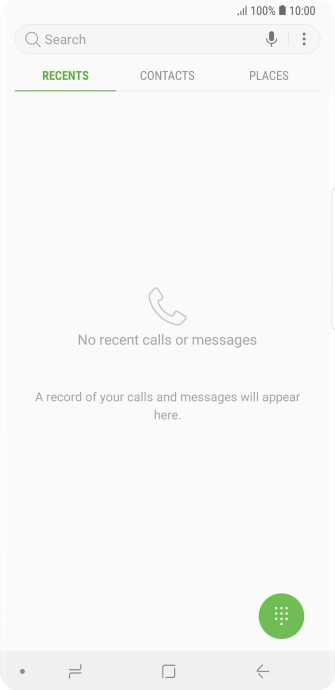
Press the menu icon.
Press Settings.

2. Turn Wi-Fi calling on or off

Press the indicator next to "Wi-Fi calling" to turn the function on or off.
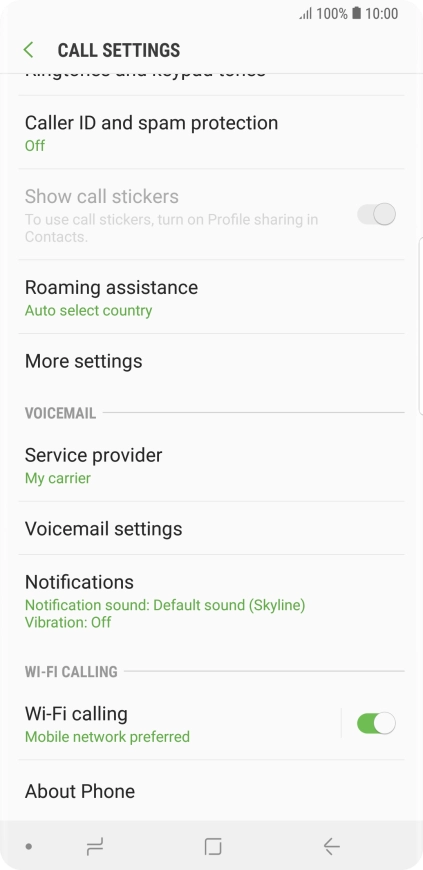
When Wi-Fi calling is active, the Wi-Fi calling icon is displayed.

3. Return to the home screen

Press the Home key to return to the home screen.

Thank you for your evaluation!

Get information on...

Or select...

Another device