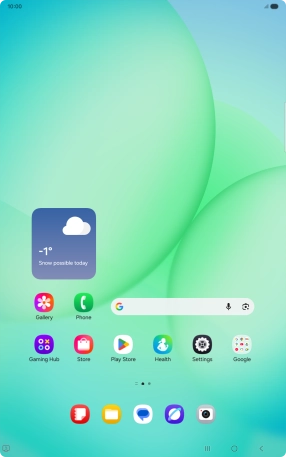
Find "Screen lock and biometrics"
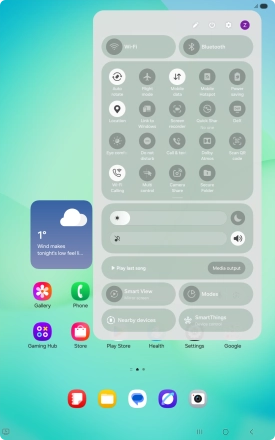
Slide your finger downwards starting from the top right side of the screen.
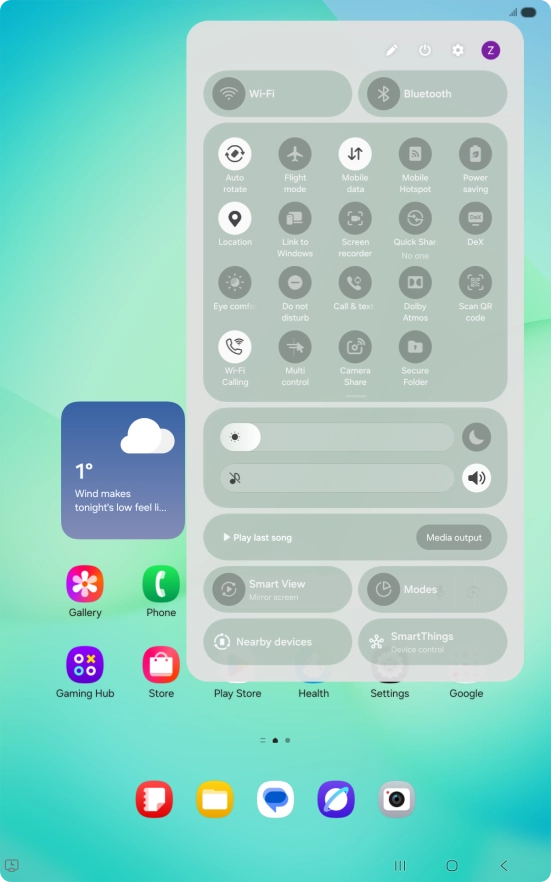
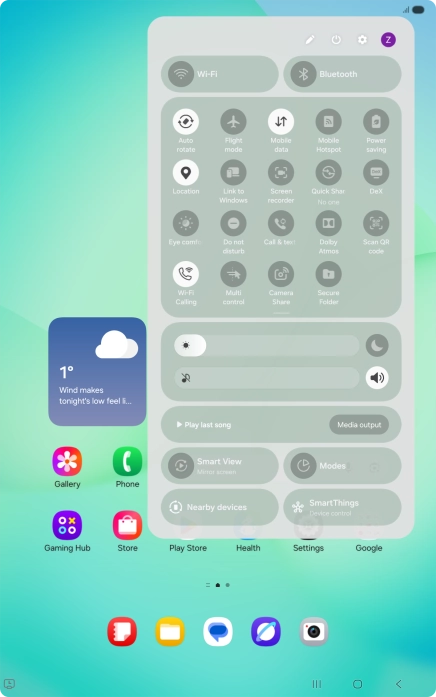
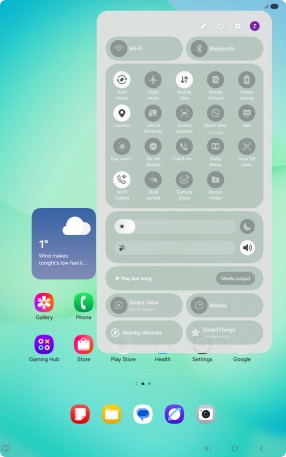
Find "Screen lock and biometrics"
Press the settings icon.
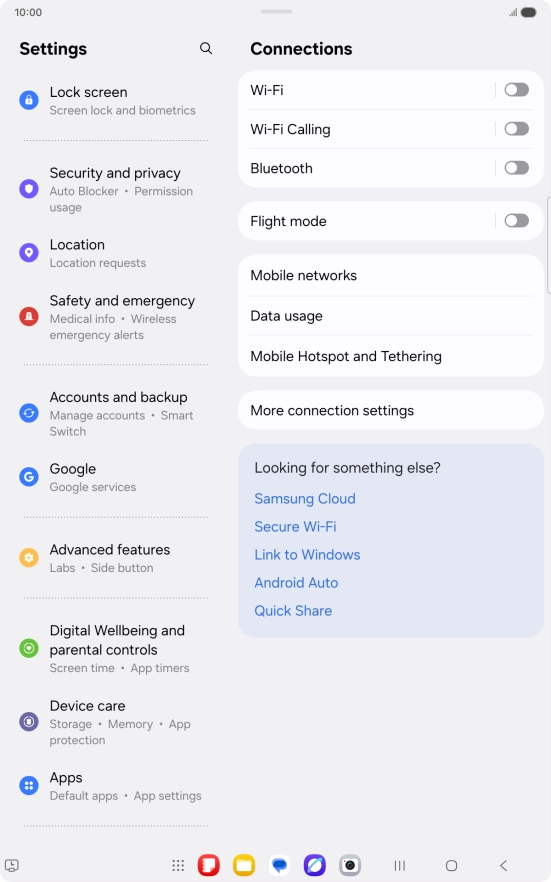
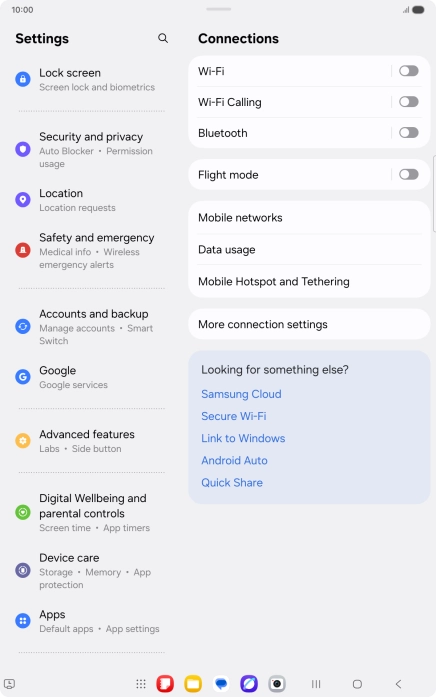
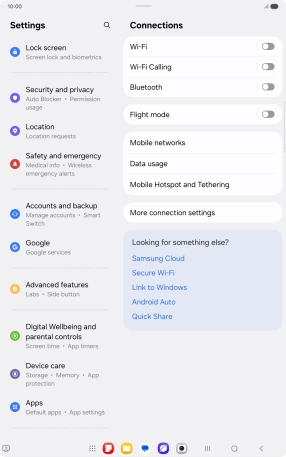
Find "Screen lock and biometrics"
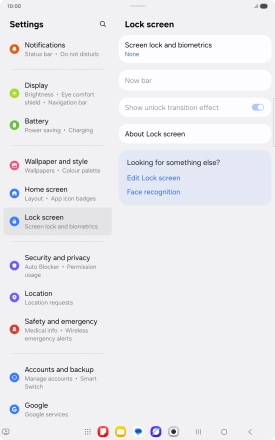
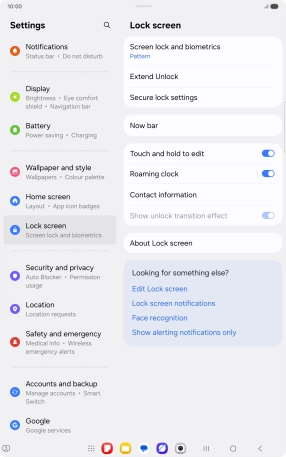
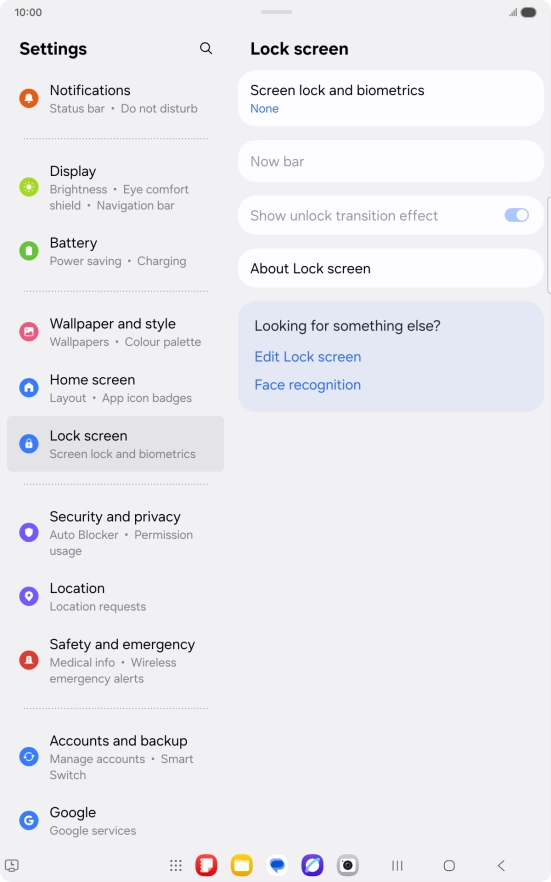
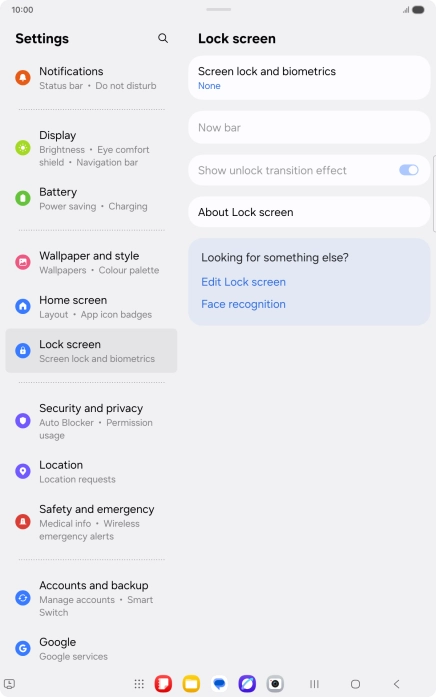
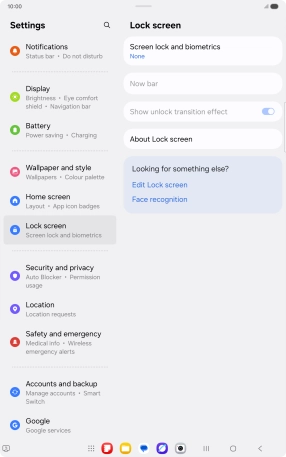
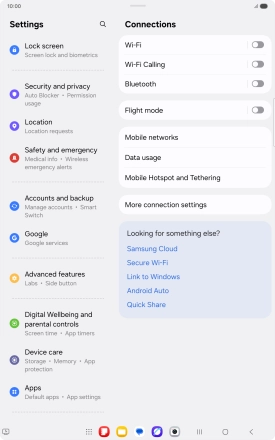
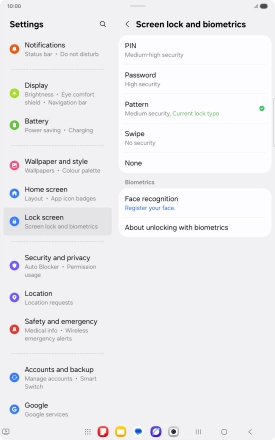
Press Lock screen.
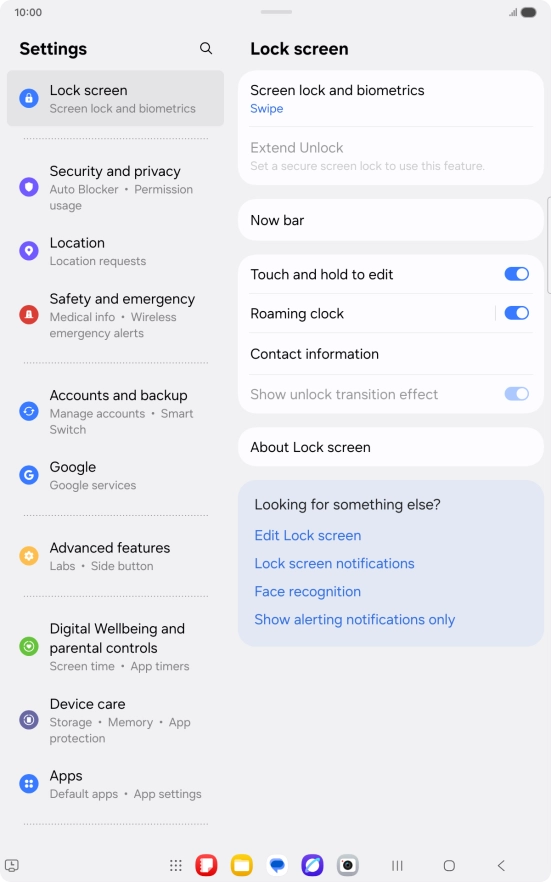
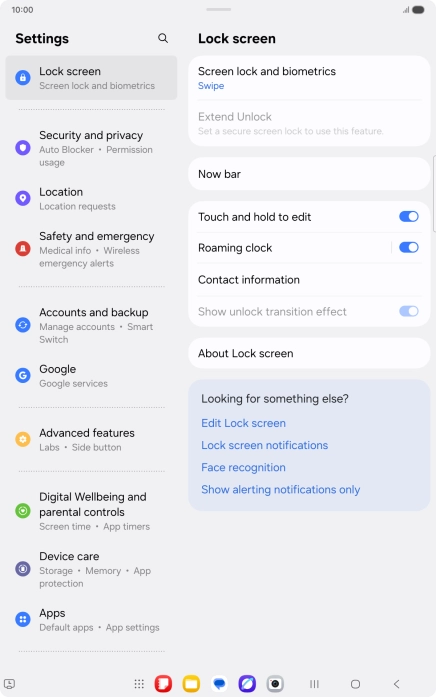
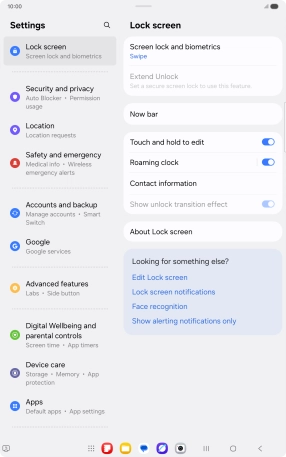
Find "Screen lock and biometrics"
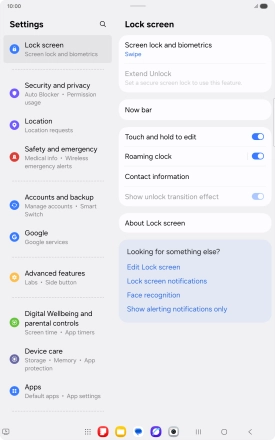
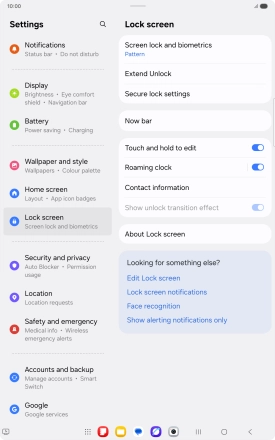
Press Screen lock and biometrics.
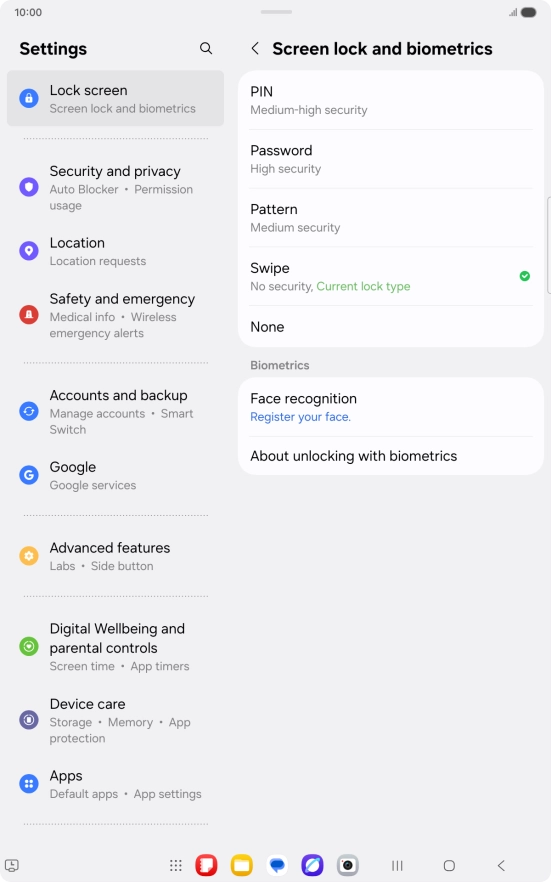
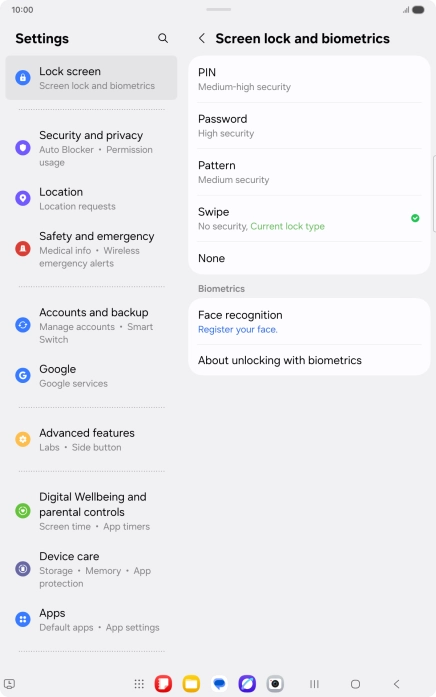
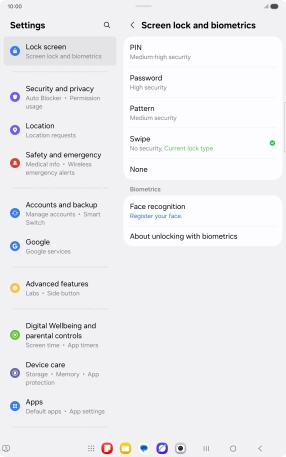
Create lock code using a pattern
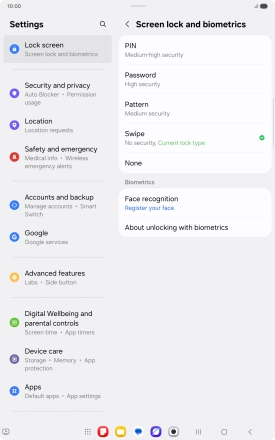
Press Pattern.
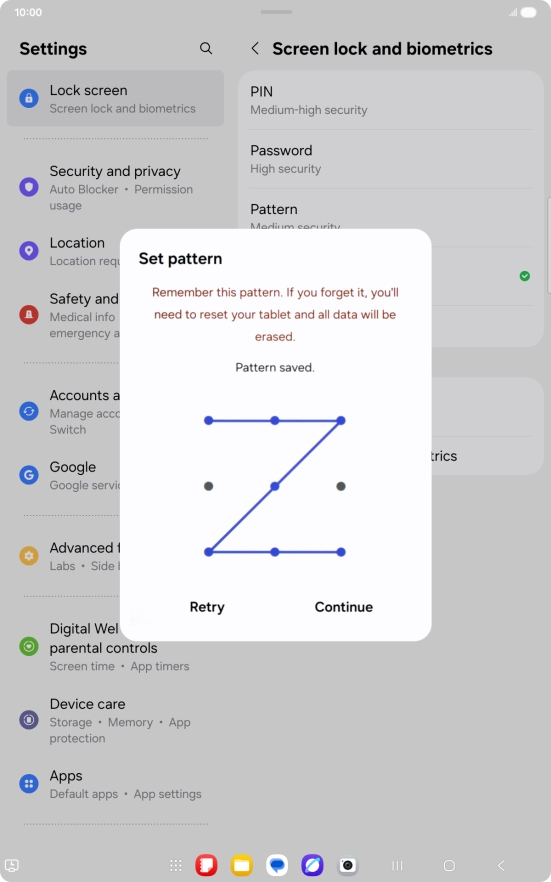
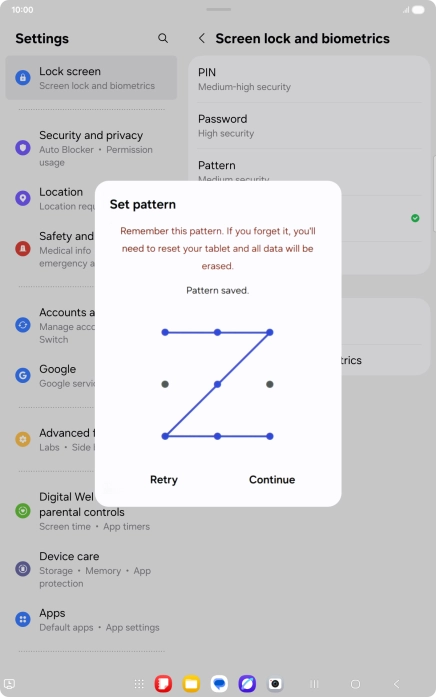
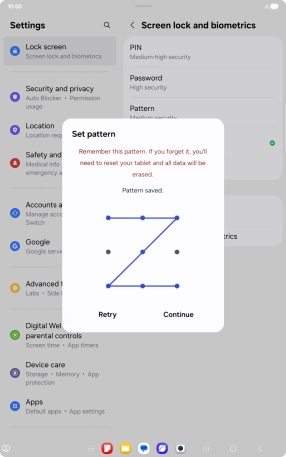
Create lock code using a pattern
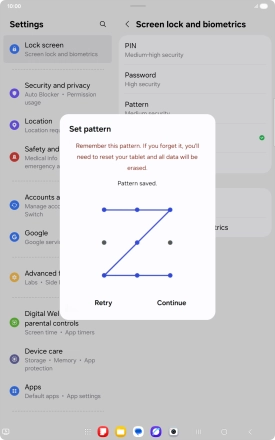
Slide your finger across the screen to connect at least four points and press Continue.
Create lock code using a pattern
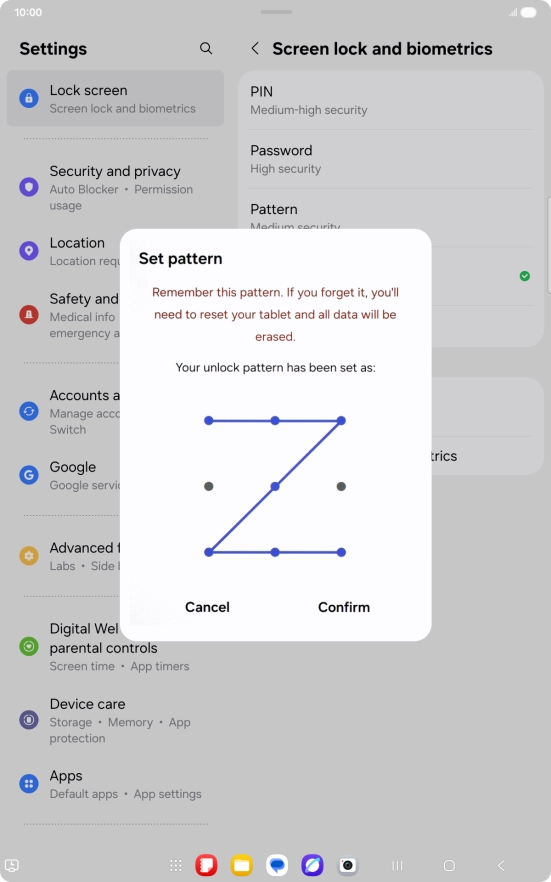
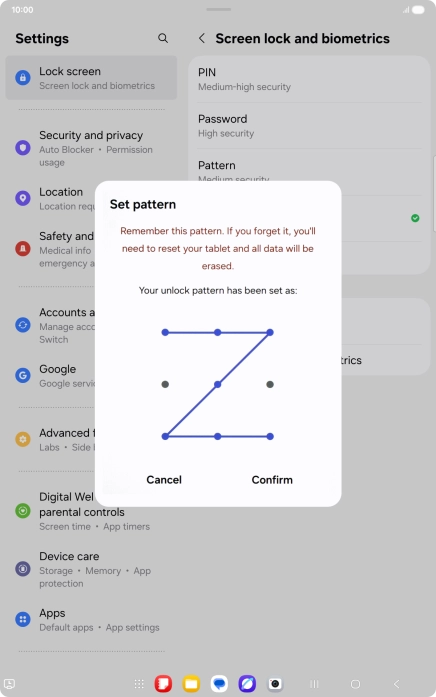
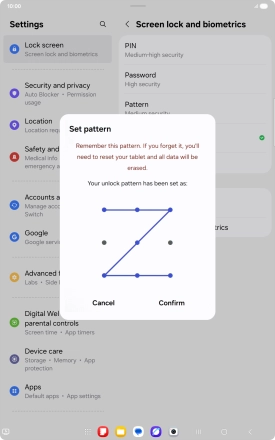
Repeat the selected lock code and press Confirm.
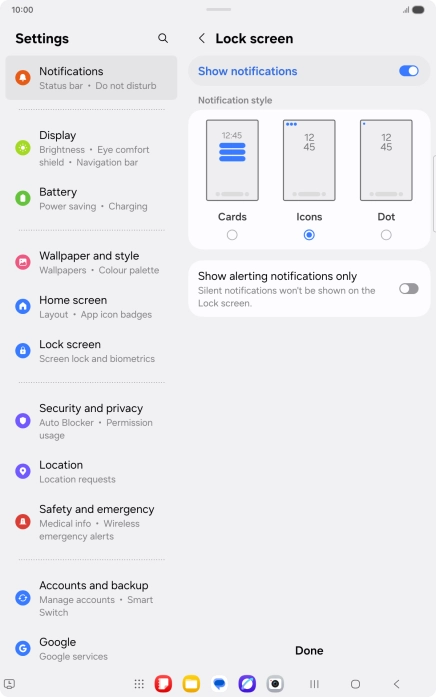
Create lock code using a pattern
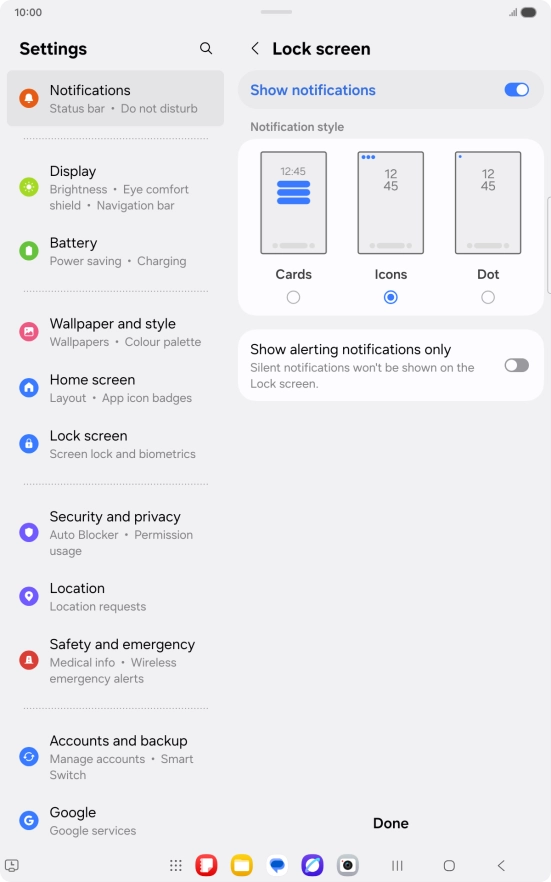
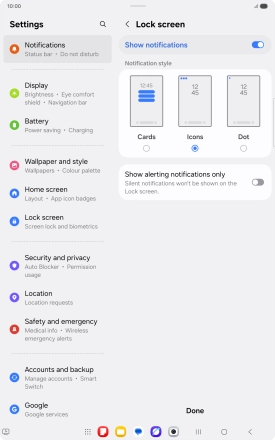
Press the required settings.
Create lock code using a pattern
Press Done.
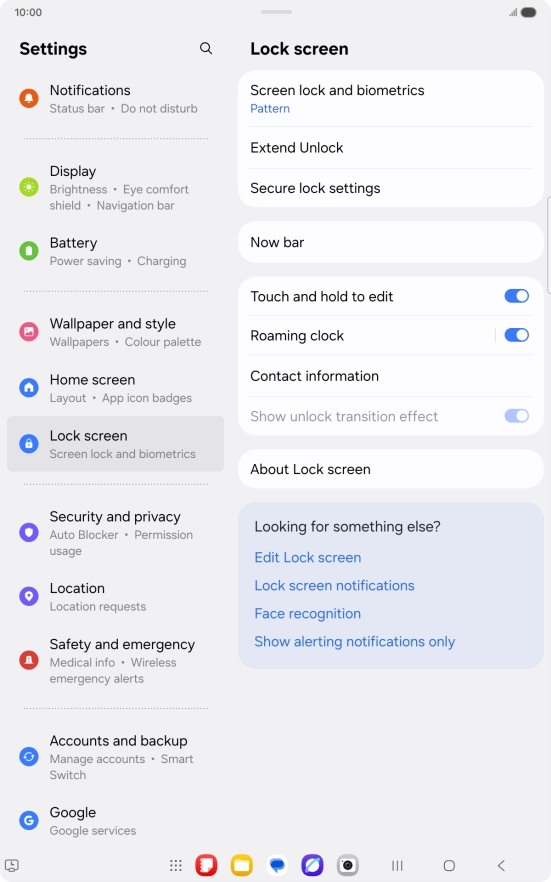
Turn off use of lock code
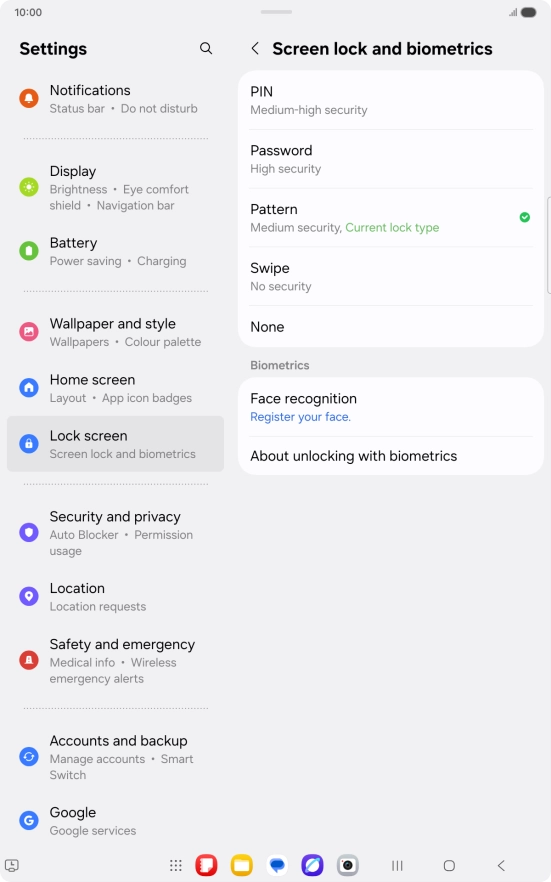
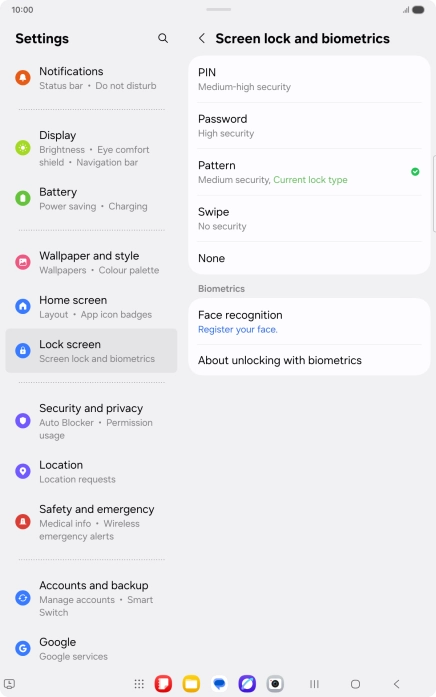
Press Screen lock and biometrics and key in the current lock code.
Turn off use of lock code
Press None.
Return to the home screen
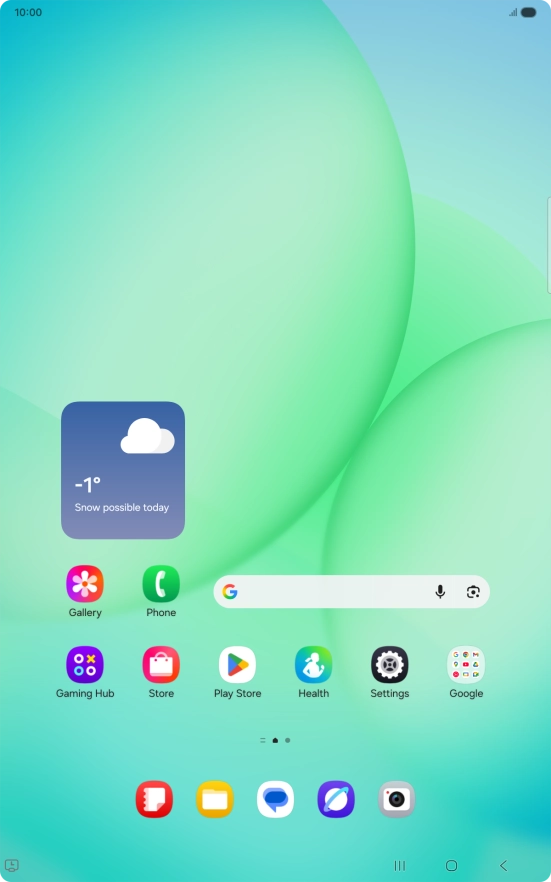
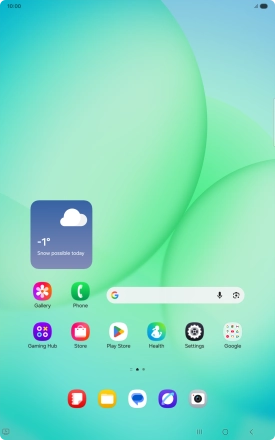
Press the Home key to return to the home screen.
1 Find "Screen lock and biometrics"
2 Create lock code using a pattern
3 Turn off use of lock code
4 Return to the home screen