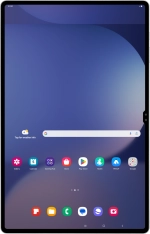
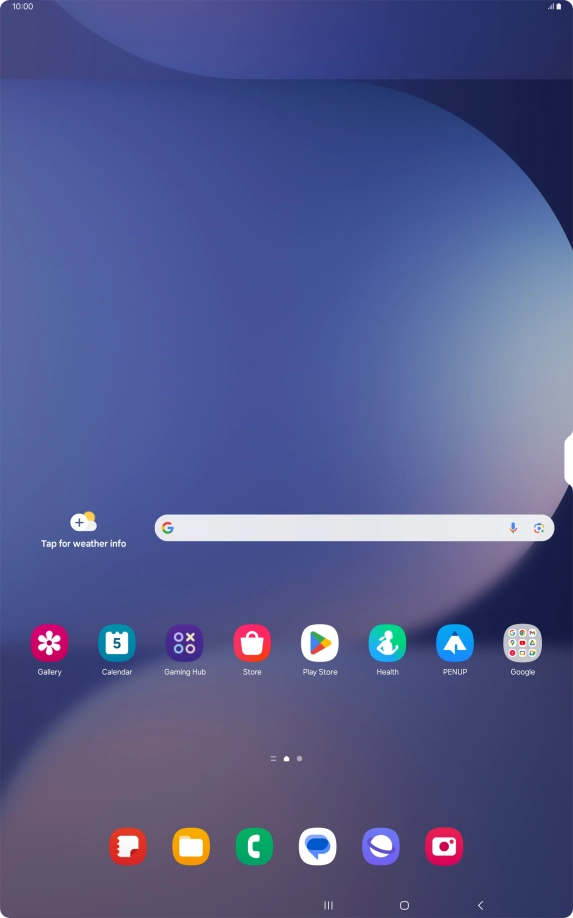
1. Find "SIM card security"
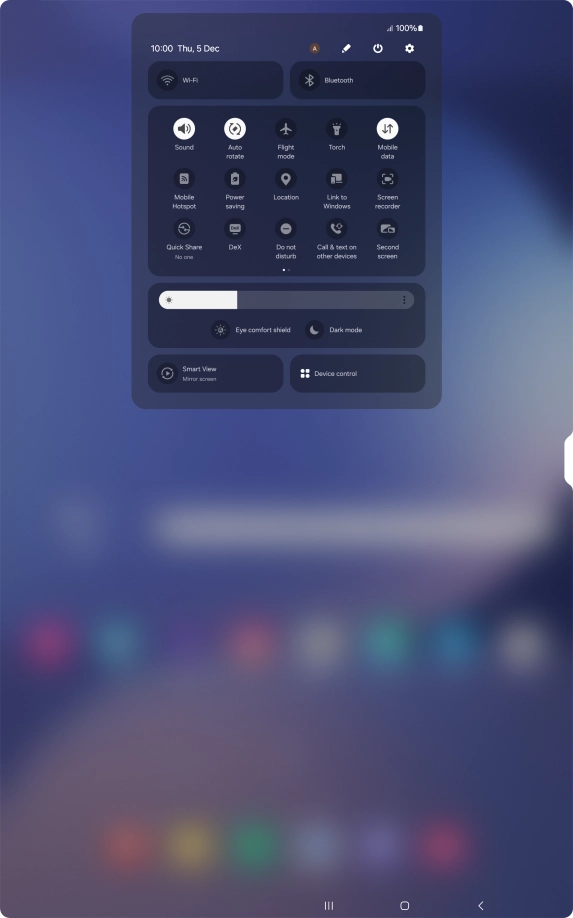
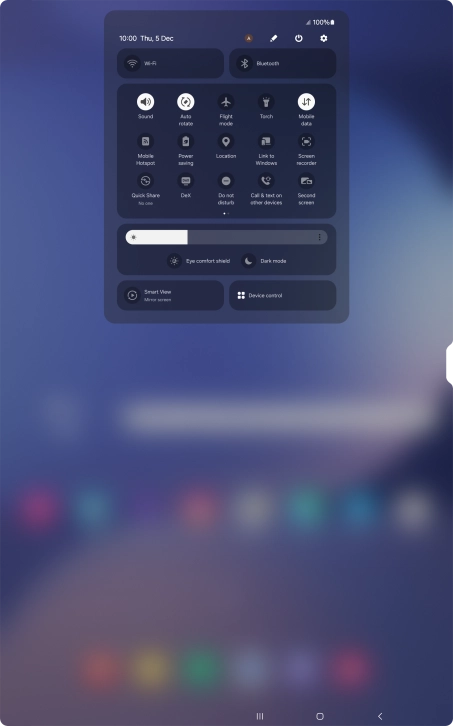
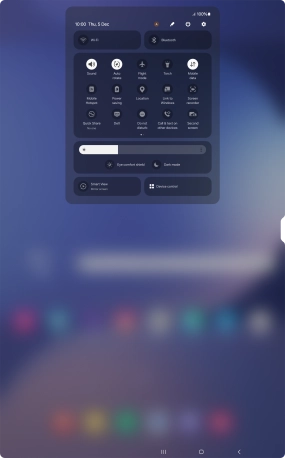
Slide two fingers downwards starting from the top of the screen.
1. Find "SIM card security"
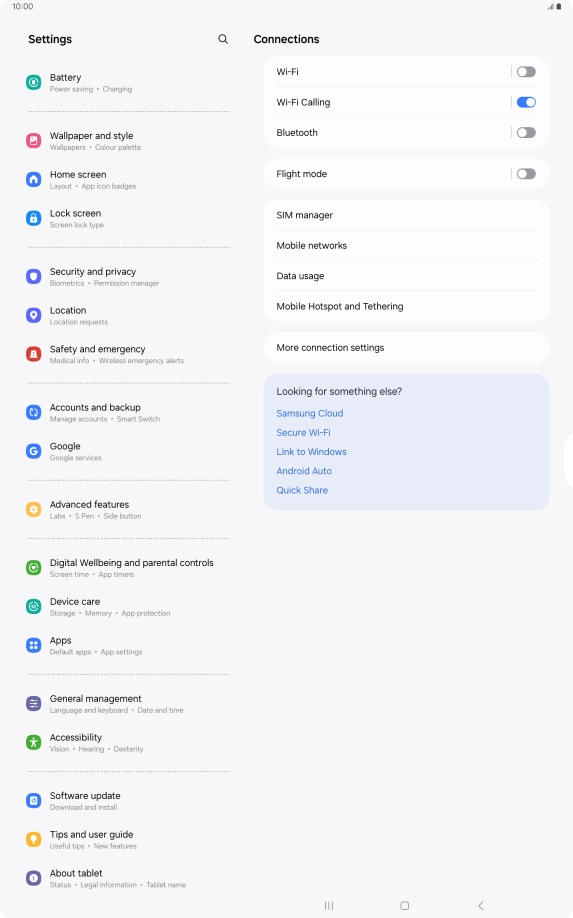
Press the settings icon.
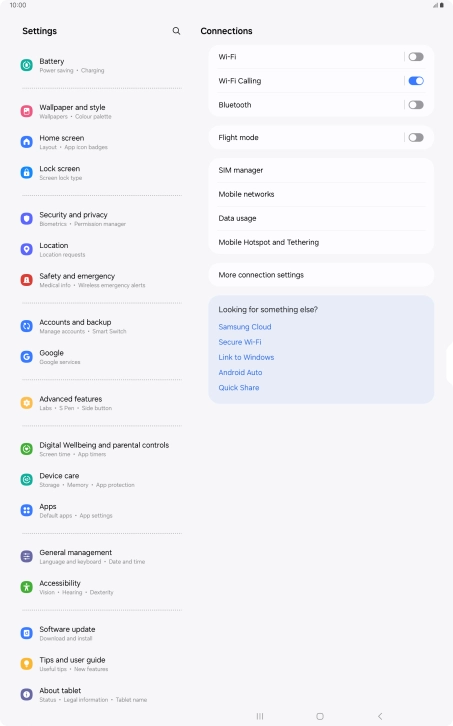
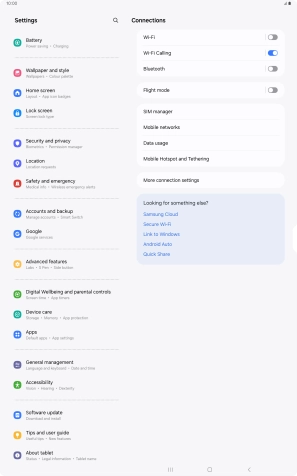
1. Find "SIM card security"
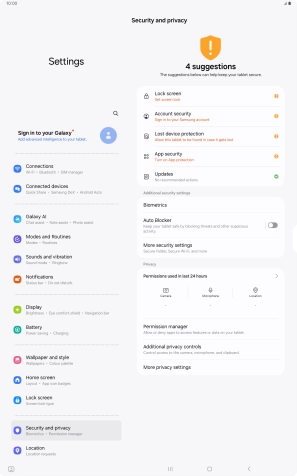
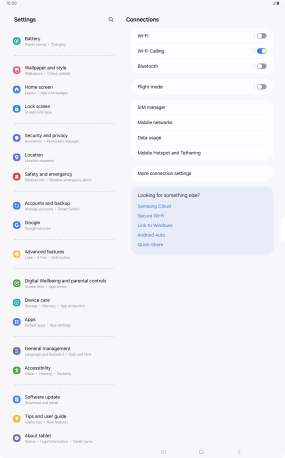
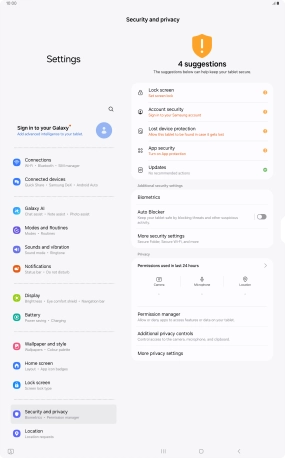
Press Security and privacy.
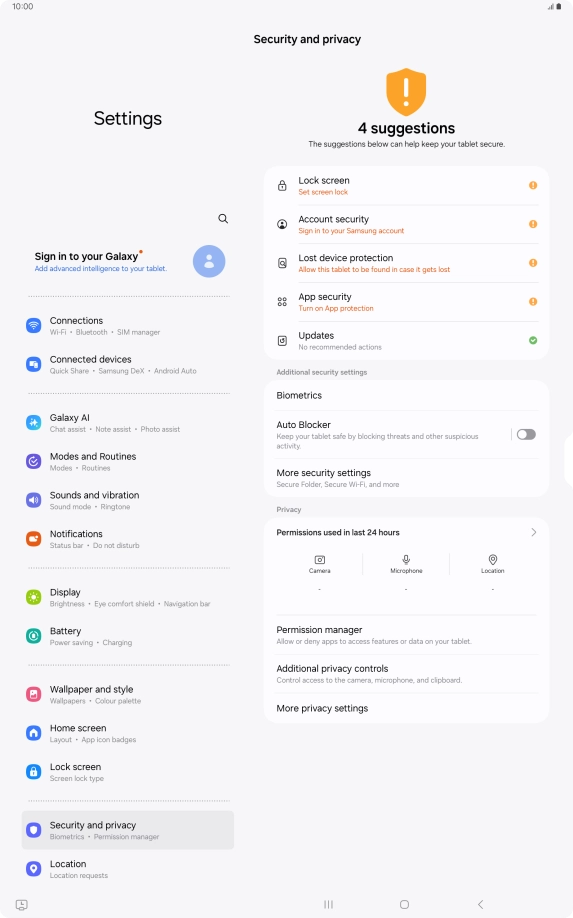
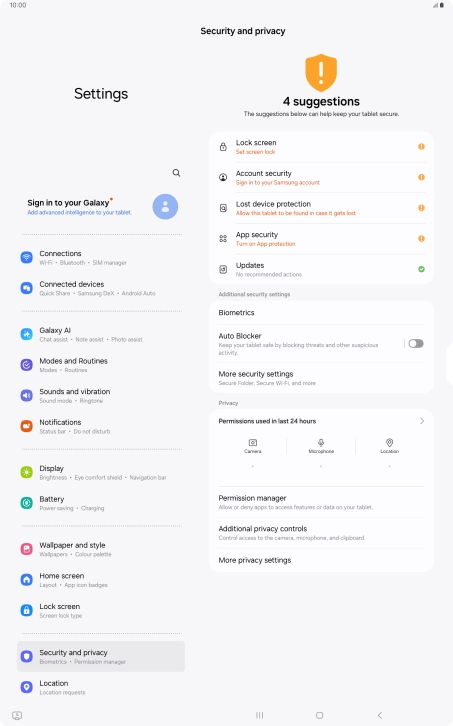
1. Find "SIM card security"
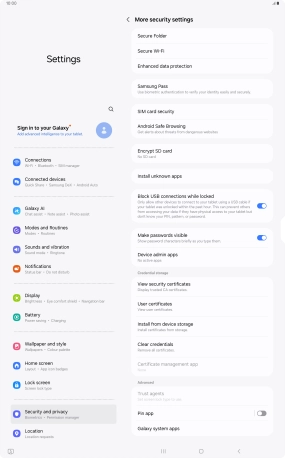
Press More security settings.
1. Find "SIM card security"
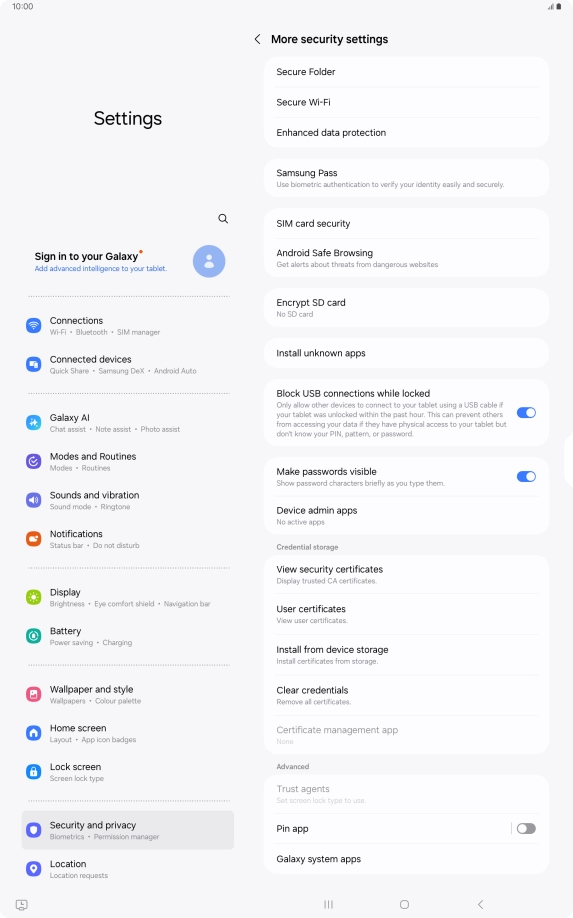
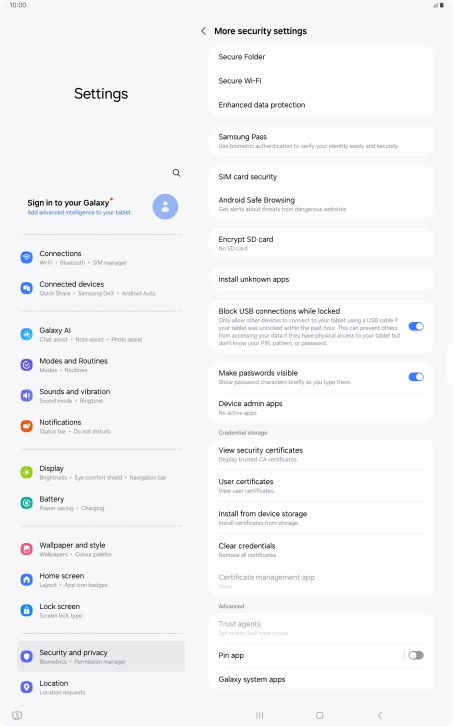
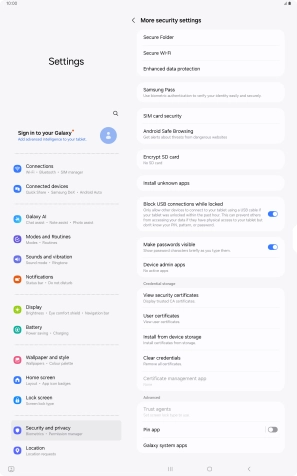
Press SIM card security.
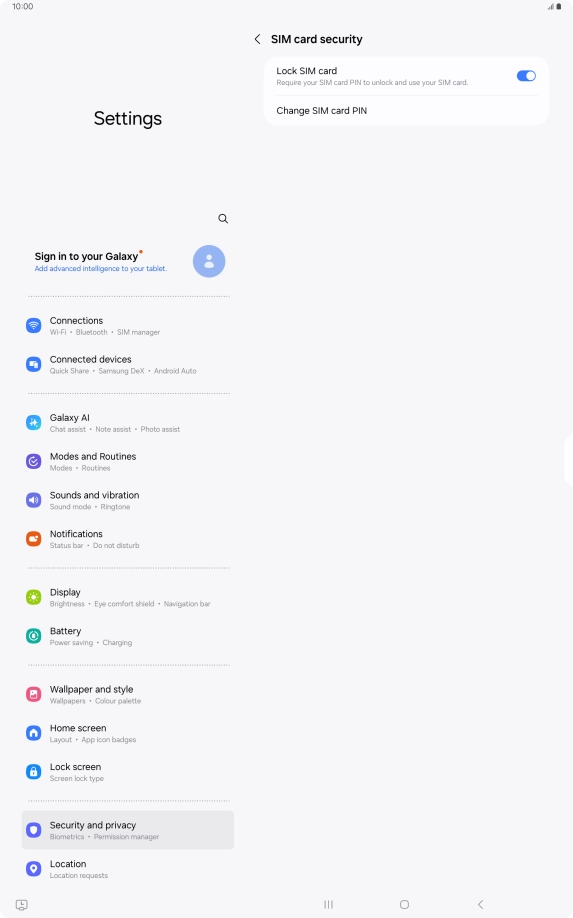
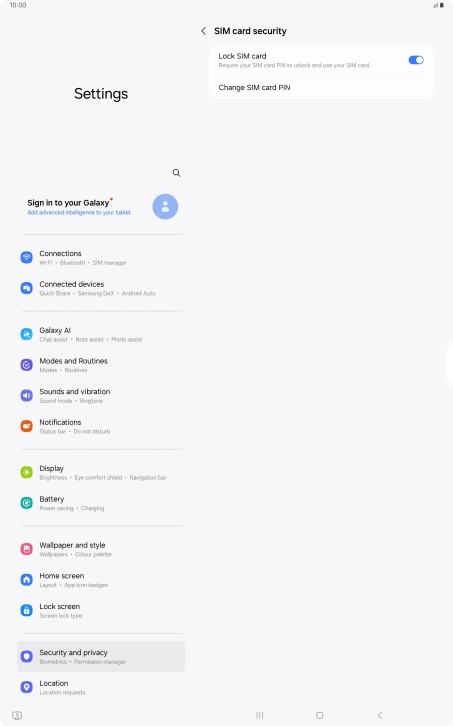
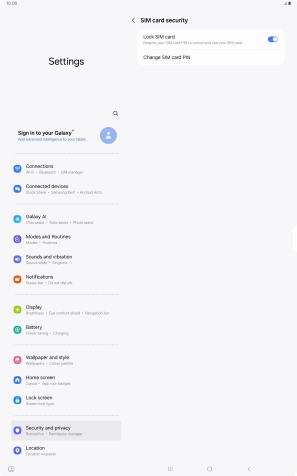
2. Turn use of PIN on or off
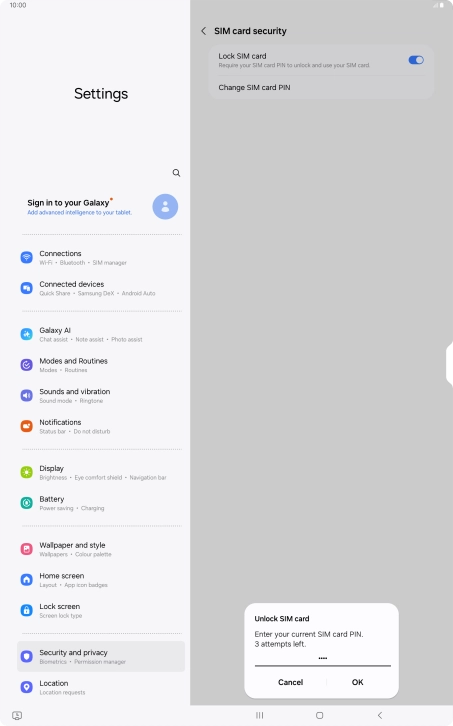
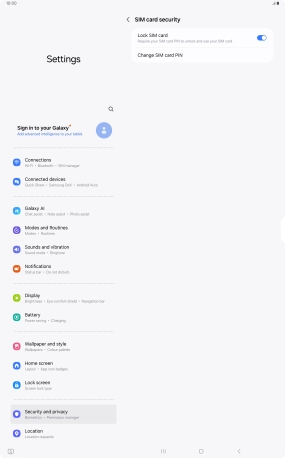
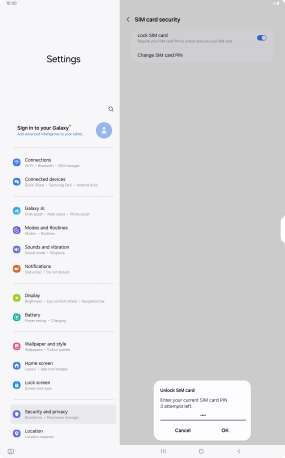
Press the indicator next to "Lock SIM card" to turn the function on or off.
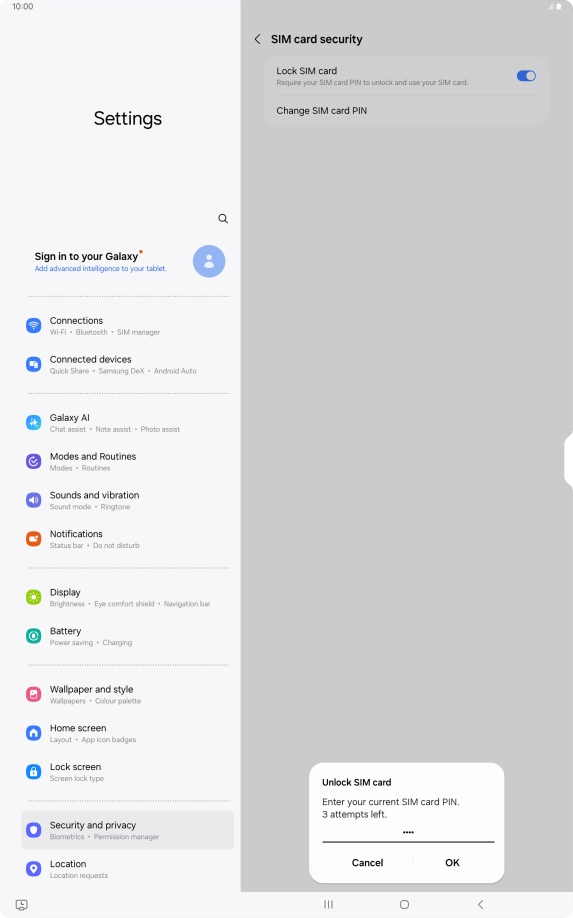
2. Turn use of PIN on or off
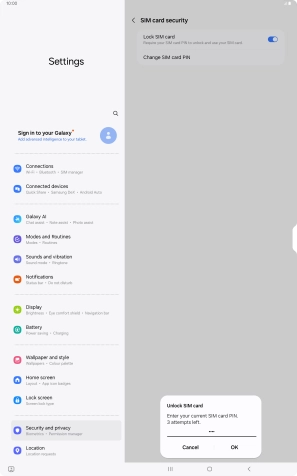
Key in your PIN and press OK.
3. Return to the home screen
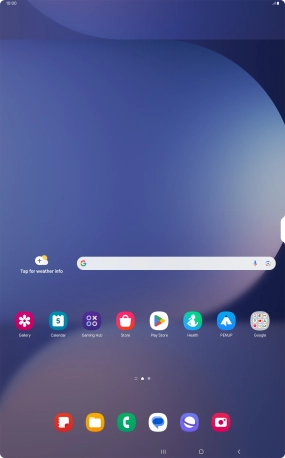
Press the Home key to return to the home screen.
1. Find "SIM card security"
2. Turn use of PIN on or off
3. Return to the home screen
Thank you for your evaluation!

Thank you for your evaluation!