Samsung Galaxy Tab S10 Ultra 5G

Samsung Galaxy Tab S10 Ultra 5G

Android 14

Short battery life on my Samsung Galaxy Tab S10 Ultra 5G Android 14

Cause 12 of 15: Low power mode has been turned off

By turning on low power mode you can reduce the power consumption.

Solution: Turn on Low Power Mode.

Step 1 of 7

Find "Power saving"

Slide two fingers downwards starting from the top of the screen.

Step 2 of 7

Find "Power saving"

Press the settings icon.

Step 3 of 7

Find "Power saving"

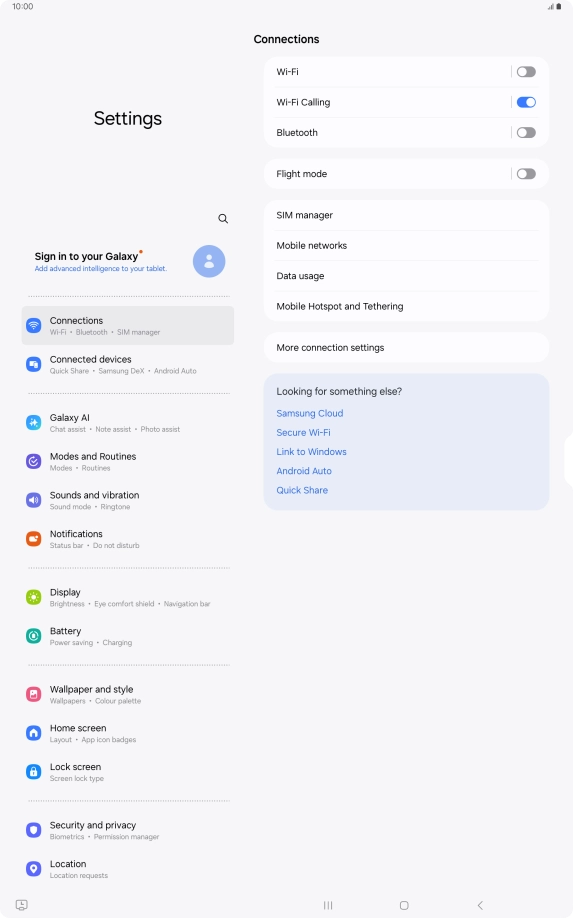
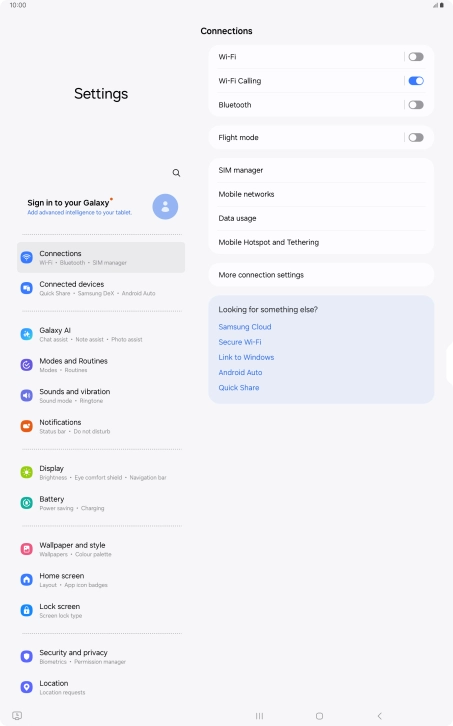
Press Battery.

Step 4 of 7

Find "Power saving"

Press Power saving.

Step 5 of 7

Extend the battery life

Press the indicators next to the required settings.

Step 6 of 7

Extend the battery life

Press the indicator below "Power saving" to turn on the function.

Step 7 of 7

Return to the home screen

Press the Home key to return to the home screen.

1 Find "Power saving"

Slide two fingers downwards starting from the top of the screen.
Press the settings icon.
Press Battery.
Press Power saving.

2 Extend the battery life

Press the indicators next to the required settings.
Press the indicator below "Power saving" to turn on the function.

3 Return to the home screen

Press the Home key to return to the home screen.

Did this solve the problem?

Yes - All solved No - Go to next cause

Get information on...

Or select...

Another device