


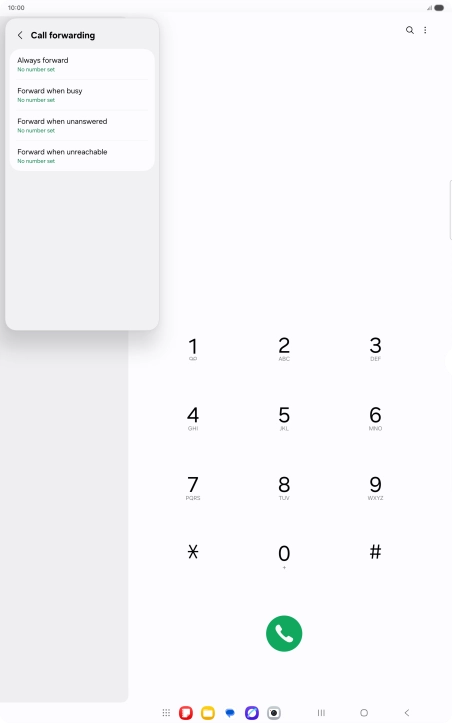
1. Find "Call forwarding"
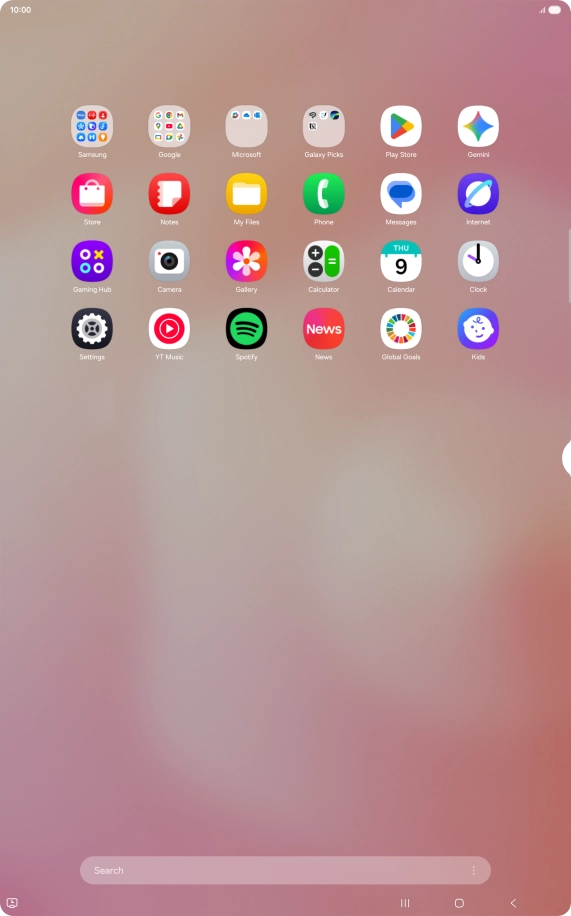
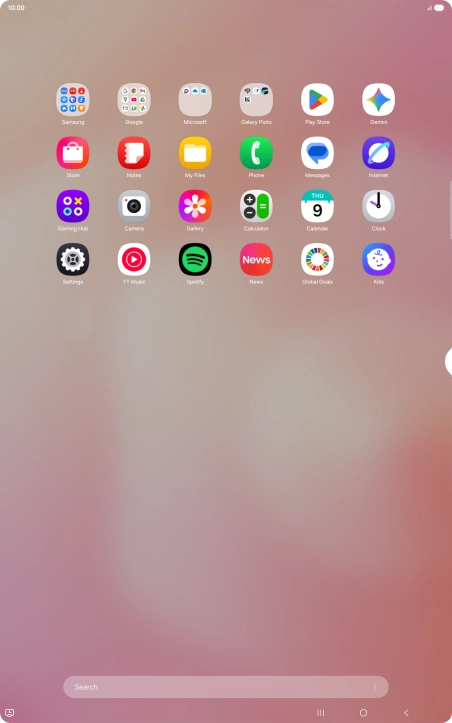
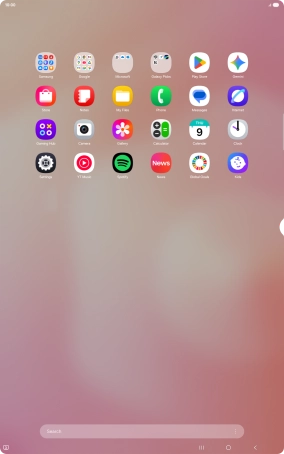
Slide your finger upwards on the screen.
1. Find "Call forwarding"
Press Phone.


1. Find "Call forwarding"
Press the settings icon.


1. Find "Call forwarding"
Press Supplementary services.


1. Find "Call forwarding"
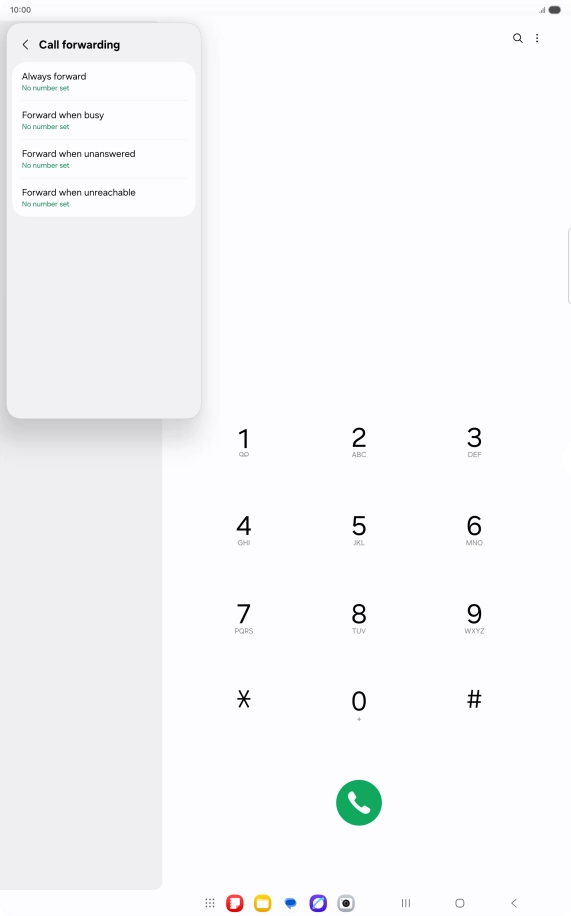
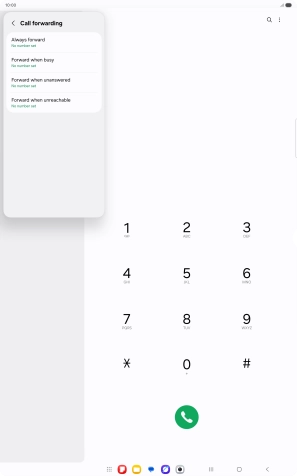
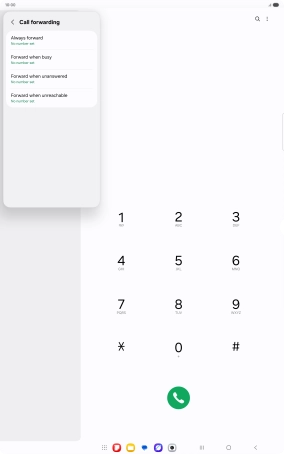
Press Call forwarding.


2. Cancel all diverts
Press the required divert type.


2. Cancel all diverts
Press Disable.
3. Return to the home screen
Press the Home key to return to the home screen.
1. Find "Call forwarding"



2. Cancel all diverts


3. Return to the home screen
Thank you for your evaluation!

Thank you for your evaluation!