Samsung Galaxy Tab S11 Ultra 5G

Samsung Galaxy Tab S11 Ultra 5G

Android 16

I can't check my voicemail on my Samsung Galaxy Tab S11 Ultra 5G Android 16

Cause 2 of 4: Your voicemail number isn't saved on your tablet

To use a shortcut key to call your voicemail, the voicemail number needs to be saved on your tablet.

Solution: Save the voicemail number.

Step 1 of 7

Find "Voicemail number"

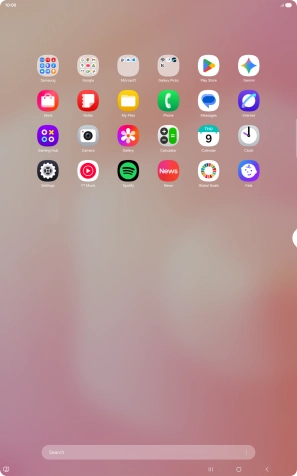
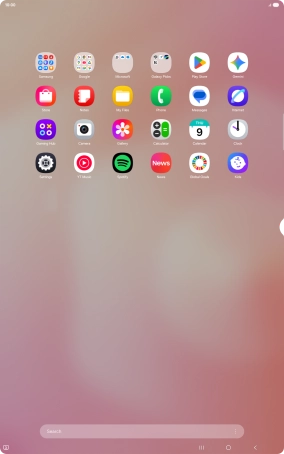
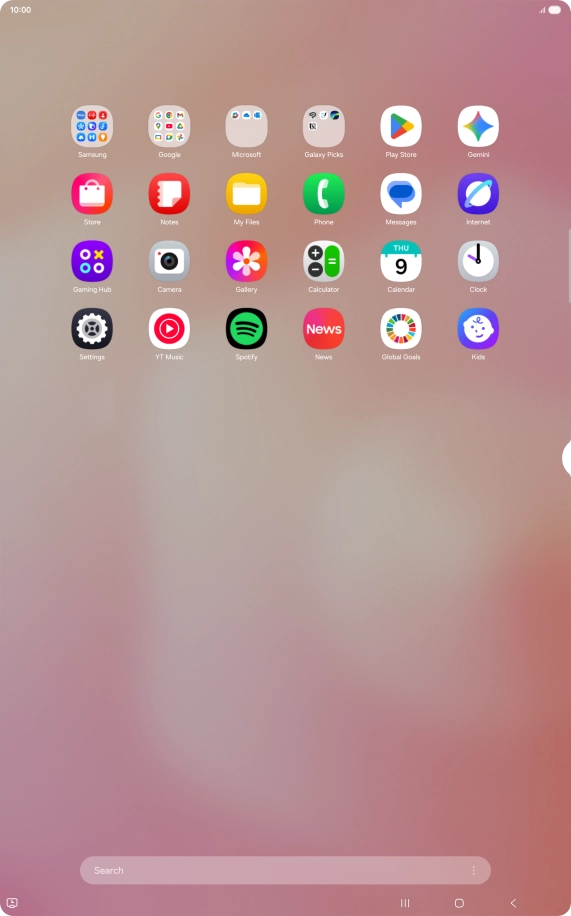
Slide your finger upwards on the screen.
Step 2 of 7

Find "Voicemail number"

Press Phone.

Step 3 of 7

Find "Voicemail number"

Press the settings icon.

Step 4 of 7

Find "Voicemail number"

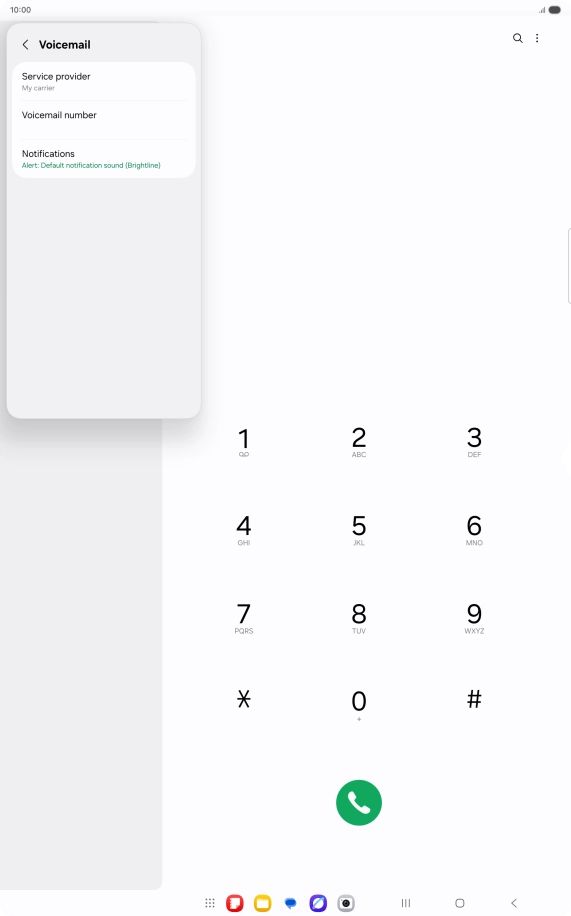
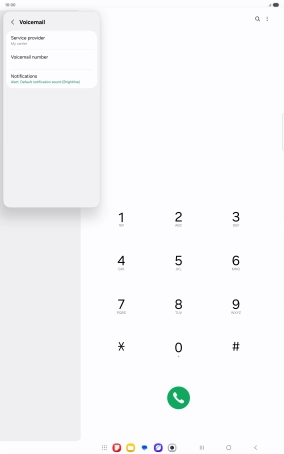
Press Voicemail.

Step 5 of 7

Find "Voicemail number"

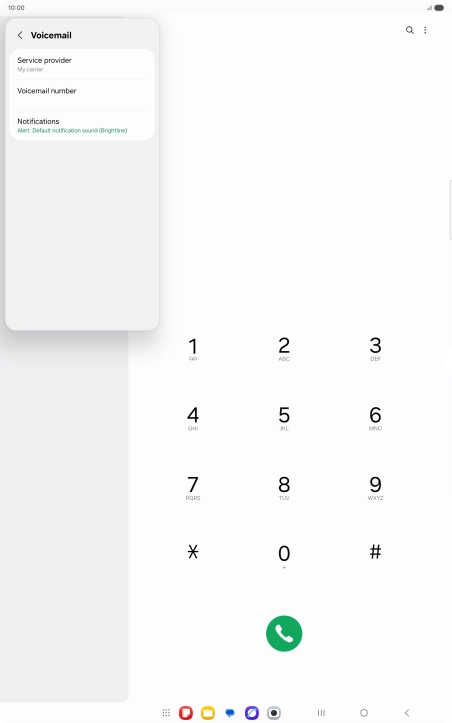
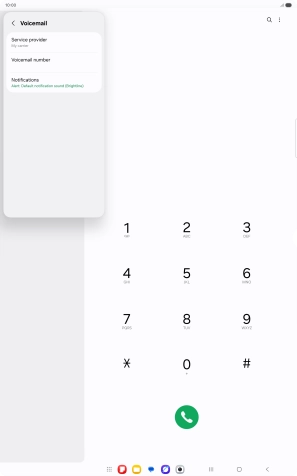
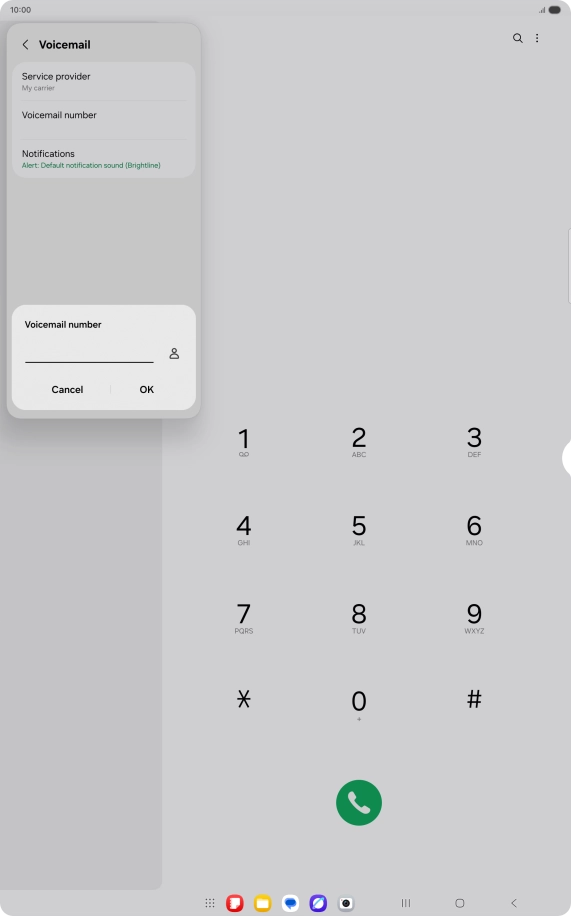
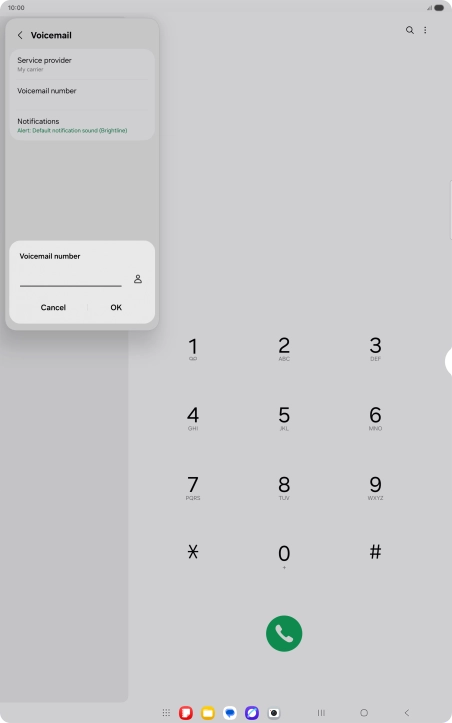
Press Voicemail number.

+61414121121
Step 6 of 7

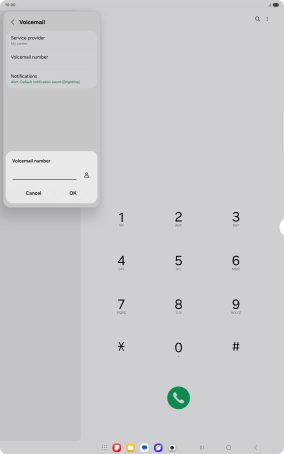
Save voicemail number

Key in +61414121121 and press OK.

Step 7 of 7

Return to the home screen

Press the Home key to return to the home screen.

1 Find "Voicemail number"

Slide your finger upwards on the screen.
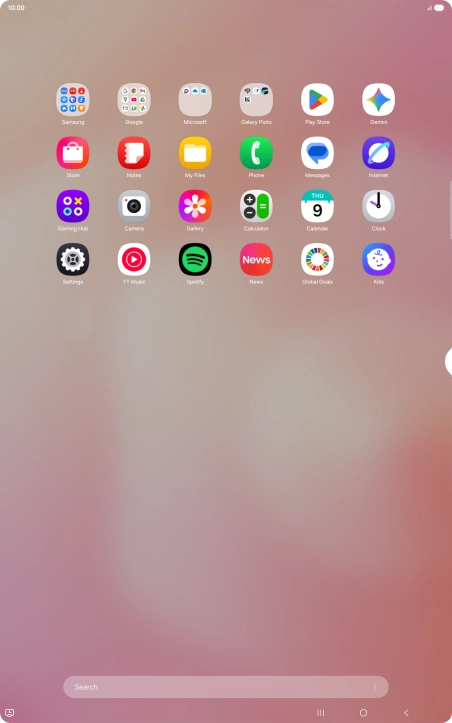
Press Phone.
Press the settings icon.
Press Voicemail.
Press Voicemail number.

2 Save voicemail number

Key in +61414121121 and press OK.
+61414121121

3 Return to the home screen

Press the Home key to return to the home screen.

Did this solve the problem?

Yes - All solved No - Go to next cause

Get information on...

Or select...

Another device