Samsung Galaxy Tab S4

Samsung Galaxy Tab S4

Android 8.1

Turn automatic synchronisation of content on your Samsung Galaxy Tab S4 Android 8.1 on or off

Read help info

You can access the contents of your tablet on other devices by turning on automatic content synchronisation.

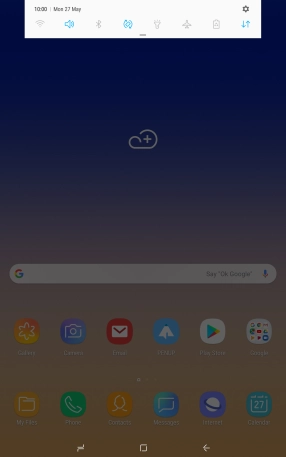
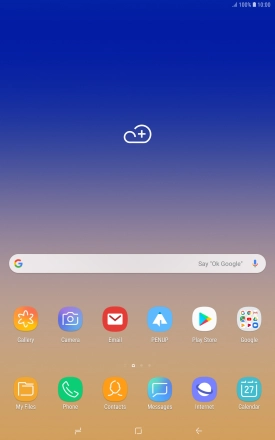
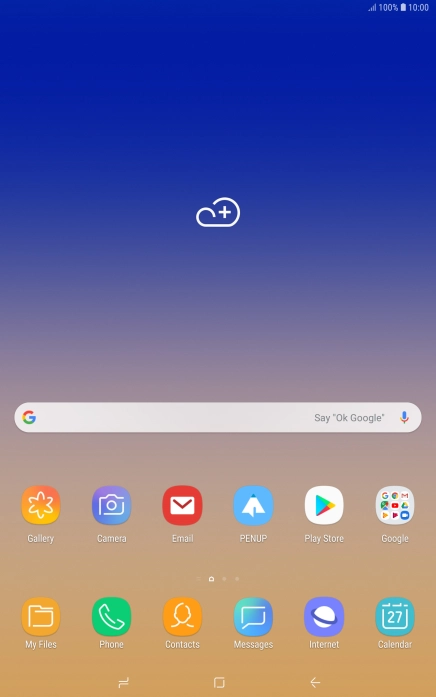
Slide your finger downwards starting from the top of the screen.
Step 1 of 7

1. Find "Accounts"

Slide your finger downwards starting from the top of the screen.
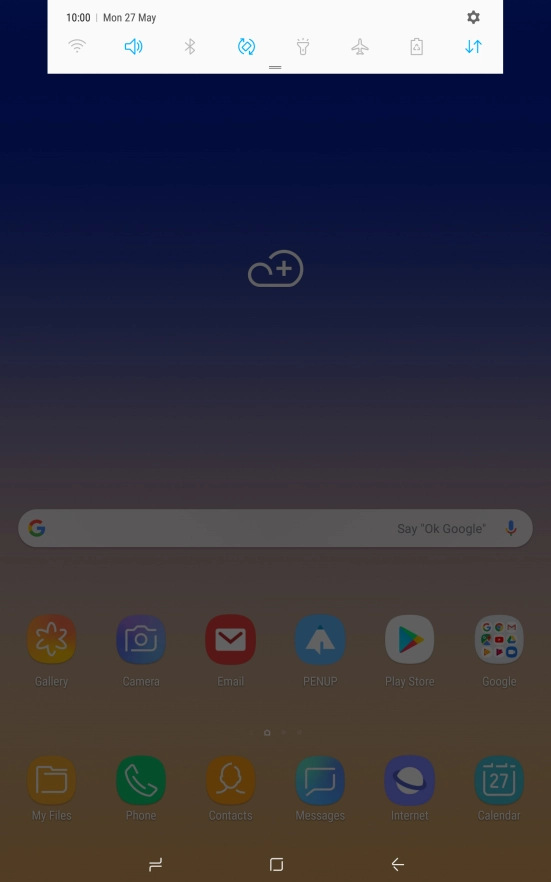
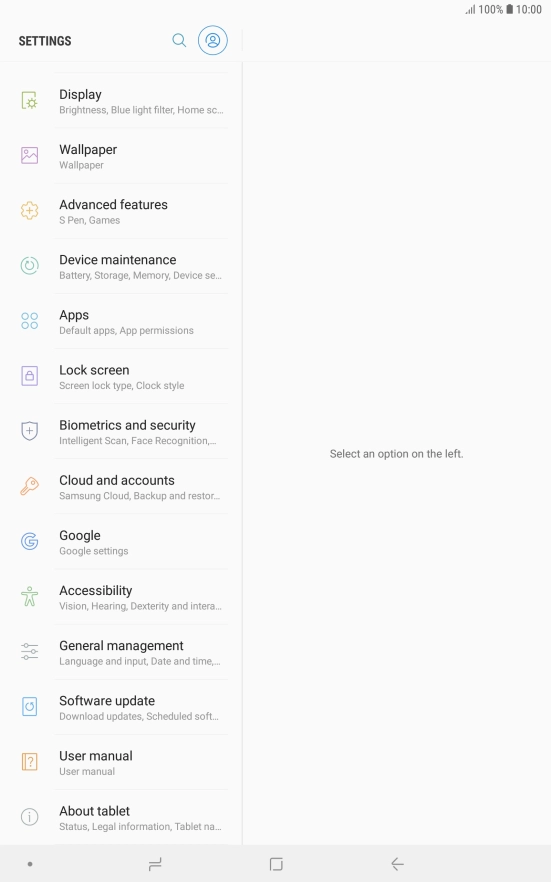
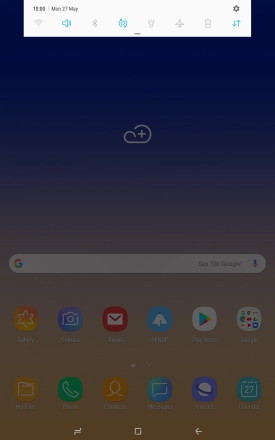
Press the settings icon.
Step 2 of 7

1. Find "Accounts"

Press the settings icon.

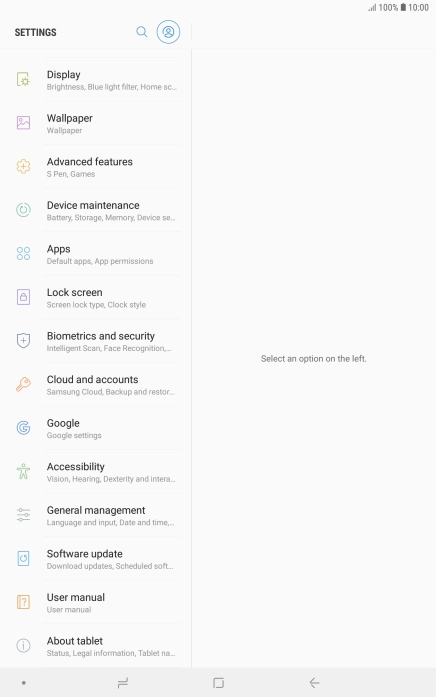
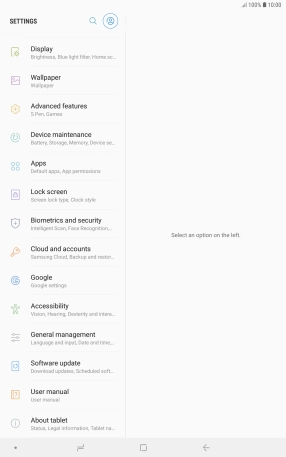
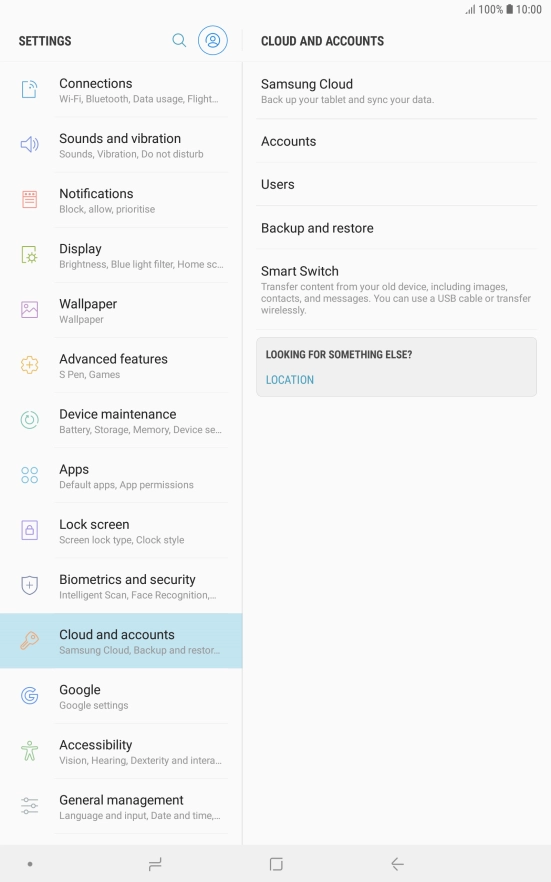
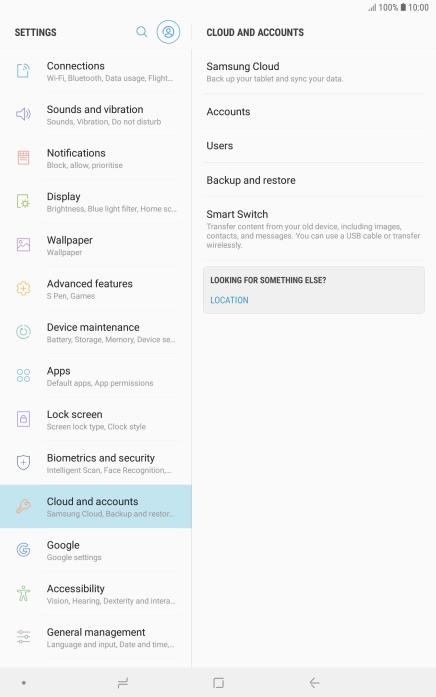
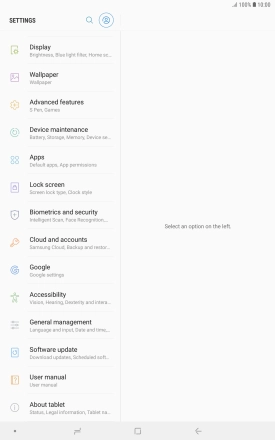
Press Cloud and accounts.
Step 3 of 7

1. Find "Accounts"

Press Cloud and accounts.

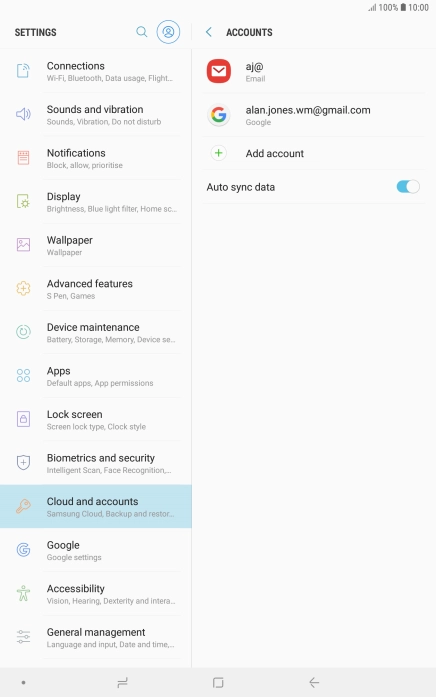
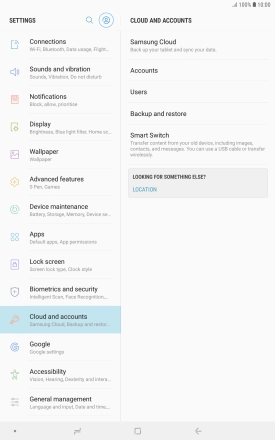
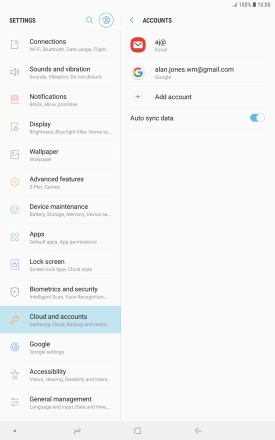
Press Accounts.
Step 4 of 7

1. Find "Accounts"

Press Accounts.

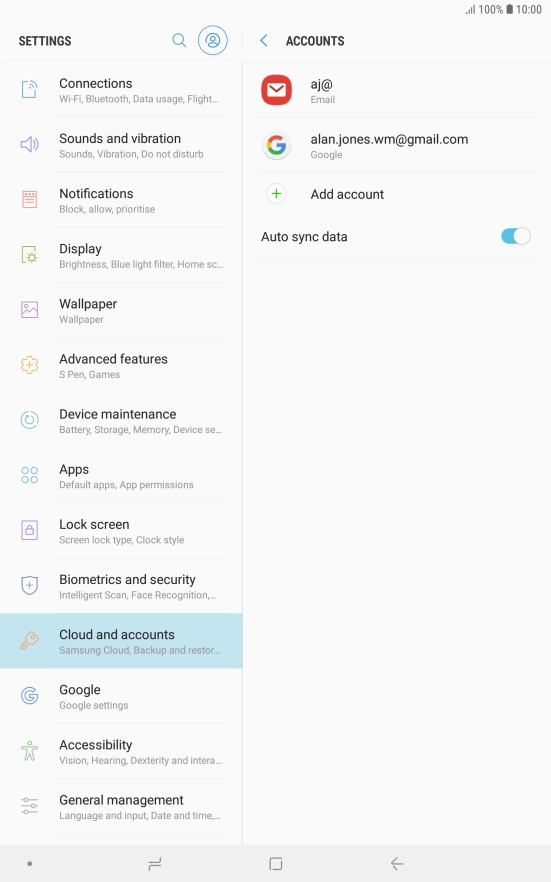
Press the indicator next to
Step 5 of 7

2. Turn automatic synchronisation of content on or off

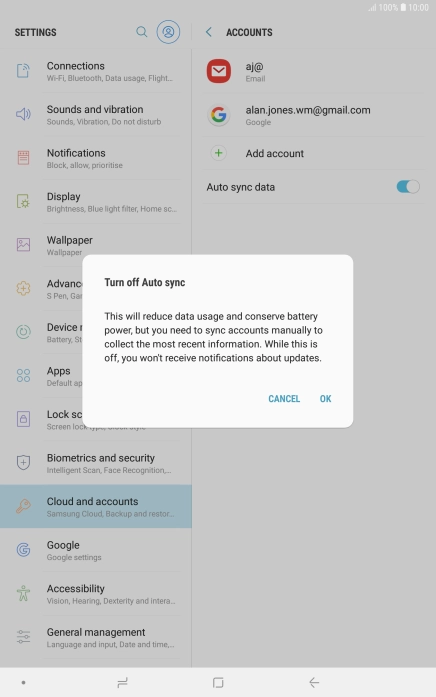
Press the indicator next to "Auto sync data".

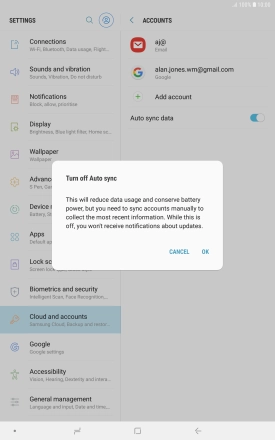
Press OK.
Step 6 of 7

2. Turn automatic synchronisation of content on or off

Press OK.

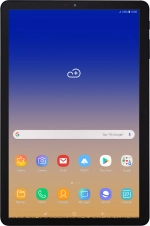
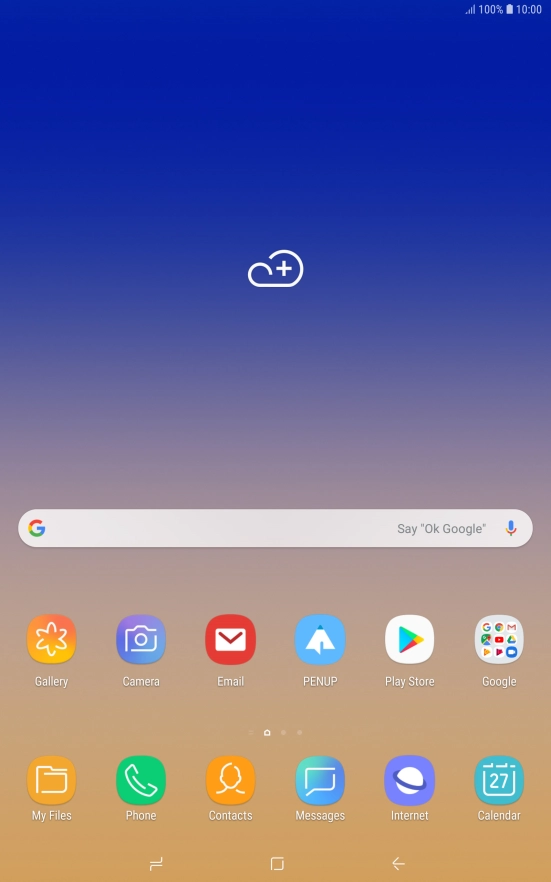
Press the Home key to return to the home screen.
Step 7 of 7

3. Return to the home screen

Press the Home key to return to the home screen.

1. Find "Accounts"

Slide your finger downwards starting from the top of the screen.
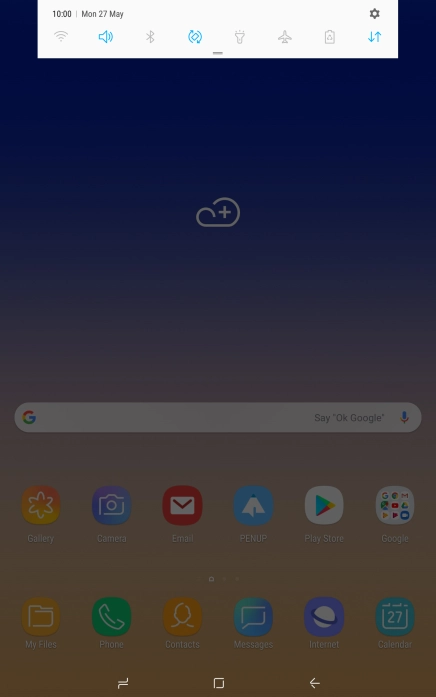
Press the settings icon.
Press Cloud and accounts.
Press Accounts.

2. Turn automatic synchronisation of content on or off

Press the indicator next to "Auto sync data".
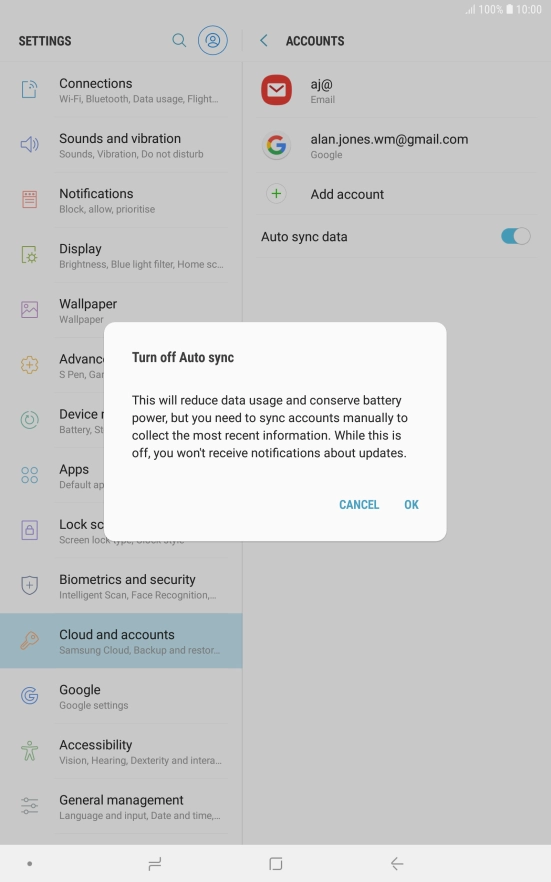
Press OK.

3. Return to the home screen

Press the Home key to return to the home screen.

Thank you for your evaluation!

Get information on...

Or select...

Another device