Samsung Galaxy Tab S4

Samsung Galaxy Tab S4

Android 8.1

Write and send text message on your Samsung Galaxy Tab S4 Android 8.1

Read help info

A text message is a message that can be sent to other tablets and mobile phones. If you can't send and receive text messages as soon as you've inserted your SIM, you need to set up your tablet for text messaging.

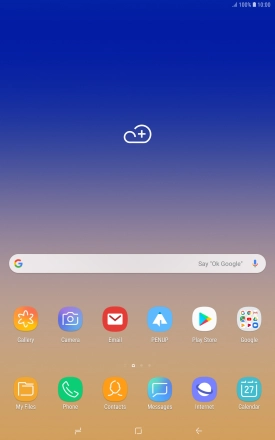
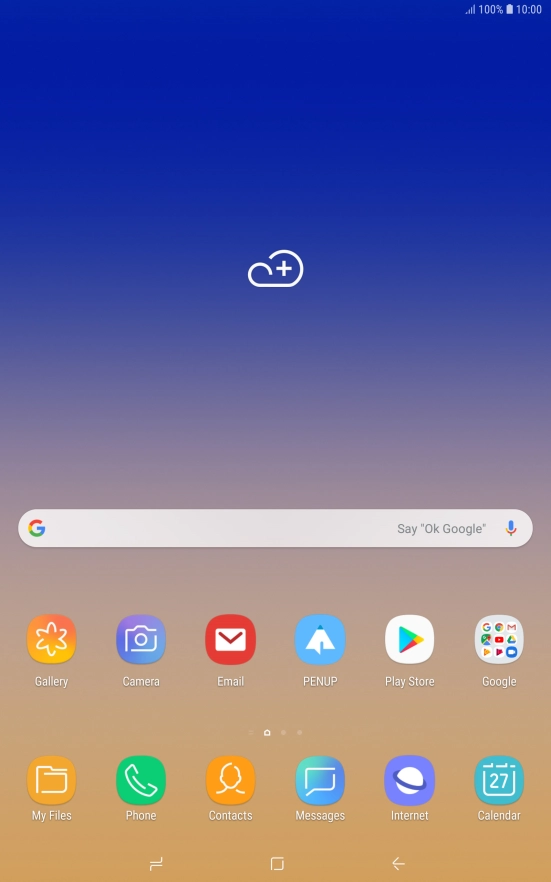
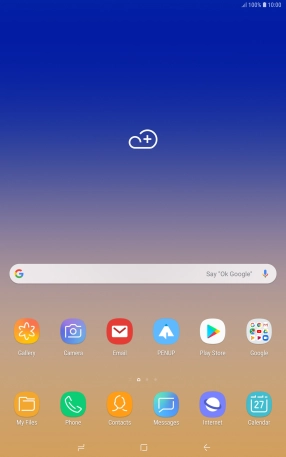
Press Messages.
Step 1 of 8

1. Create new text message

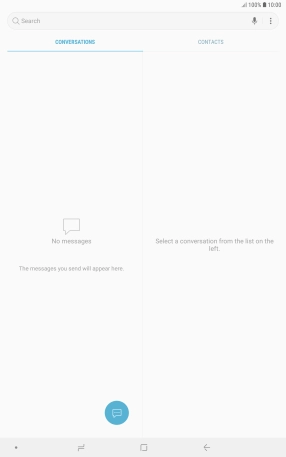
Press Messages.
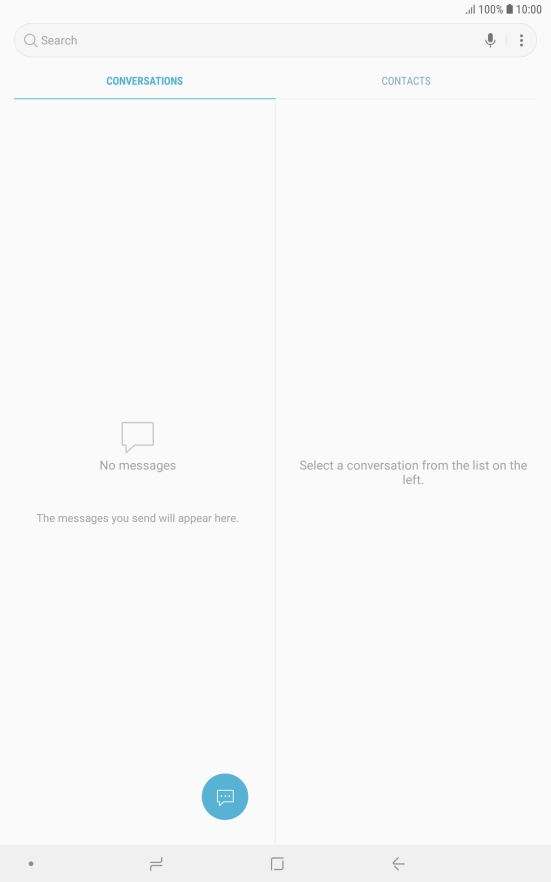
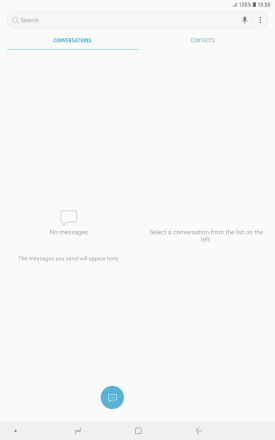
Press the new message icon.
Step 2 of 8

1. Create new text message

Press the new message icon.

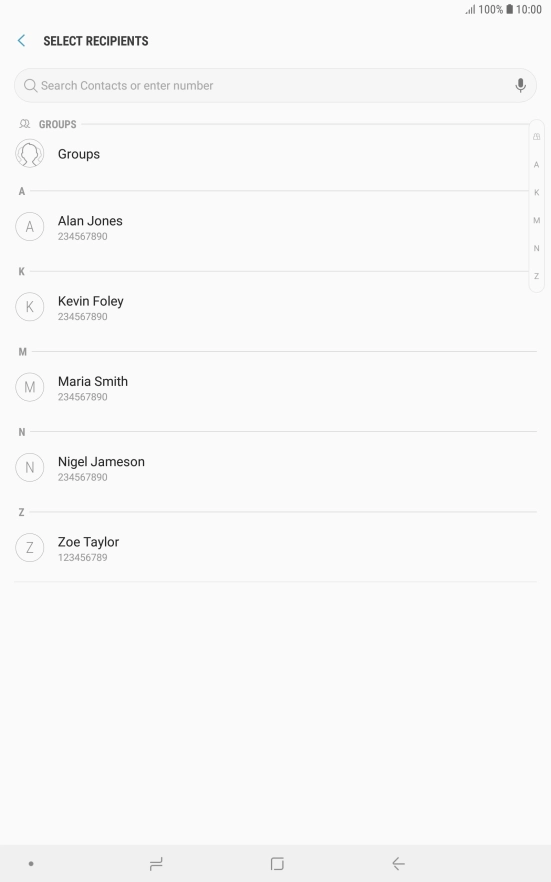
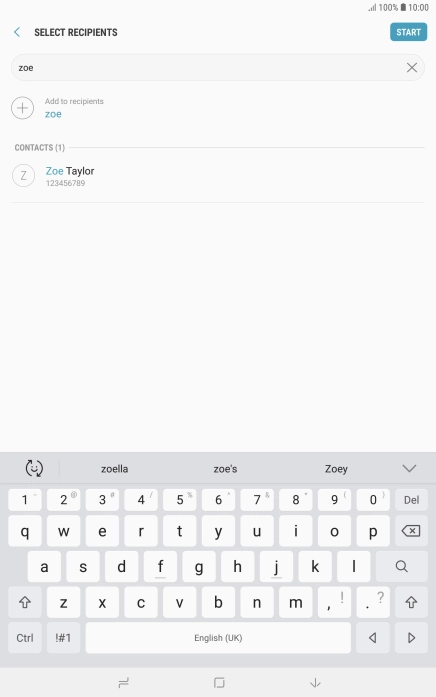
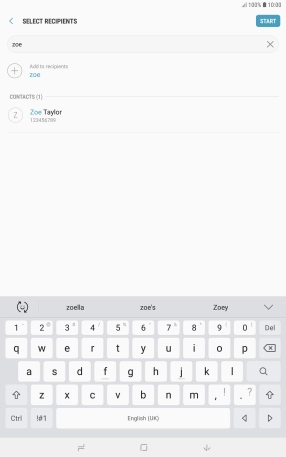
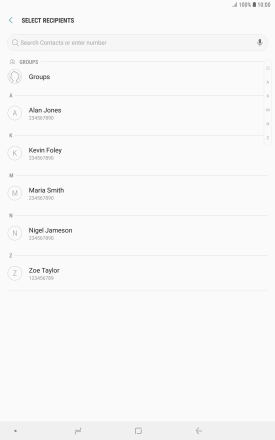
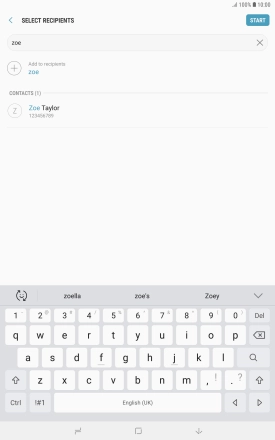
Press the search field and key in the first letters of the recipient's name.
Step 3 of 8

2. Select recipient

Press the search field and key in the first letters of the recipient's name.

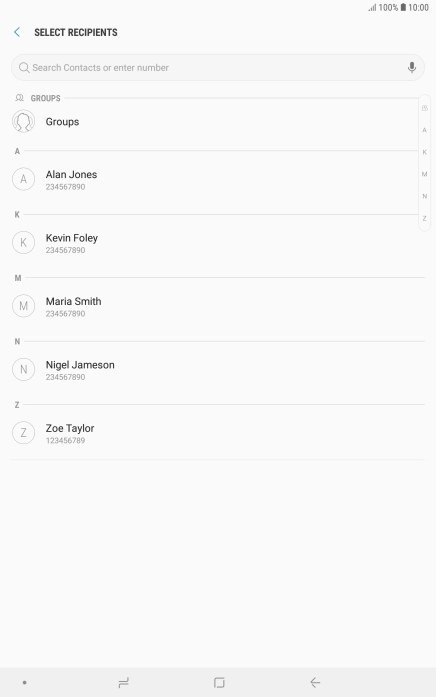
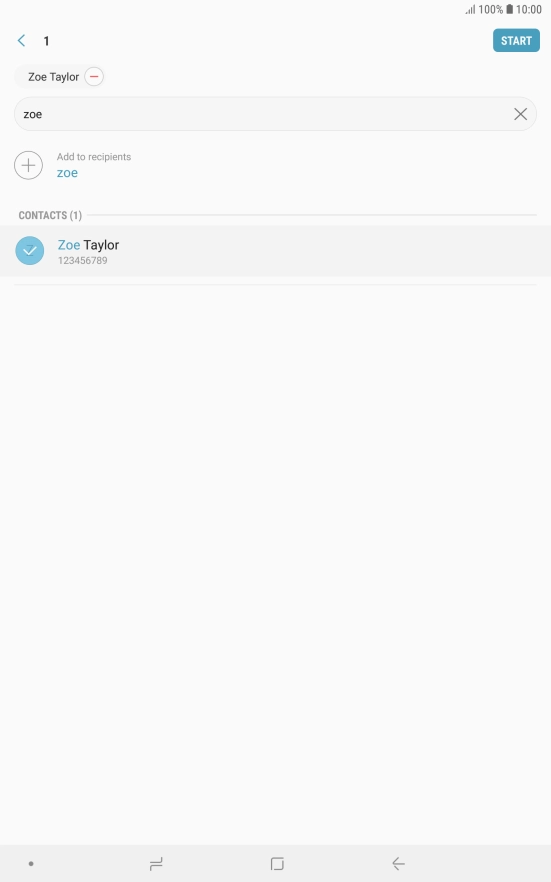
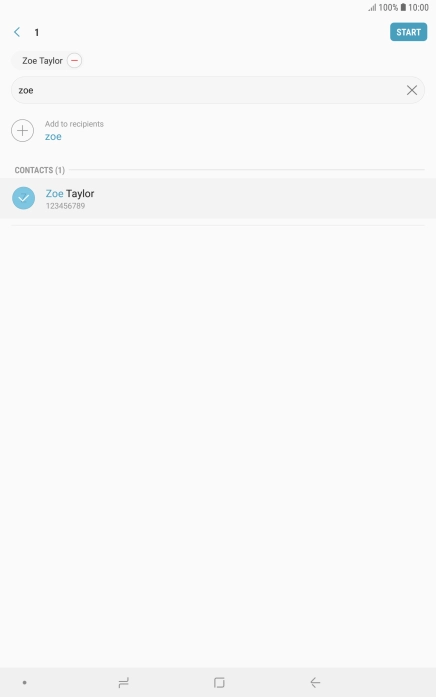
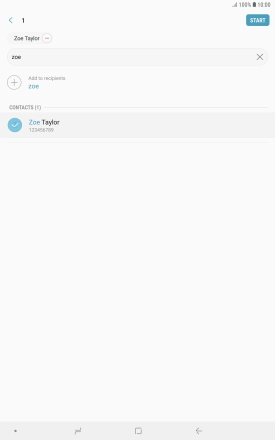
Press the required contact.
Step 4 of 8

2. Select recipient

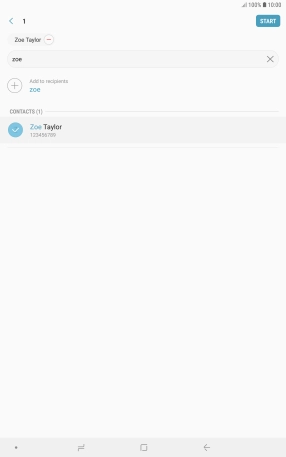
Press the required contact.

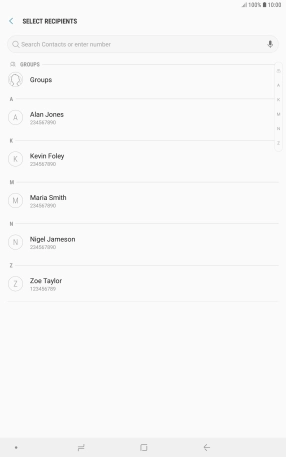
Press START.
Step 5 of 8

2. Select recipient

Press START.

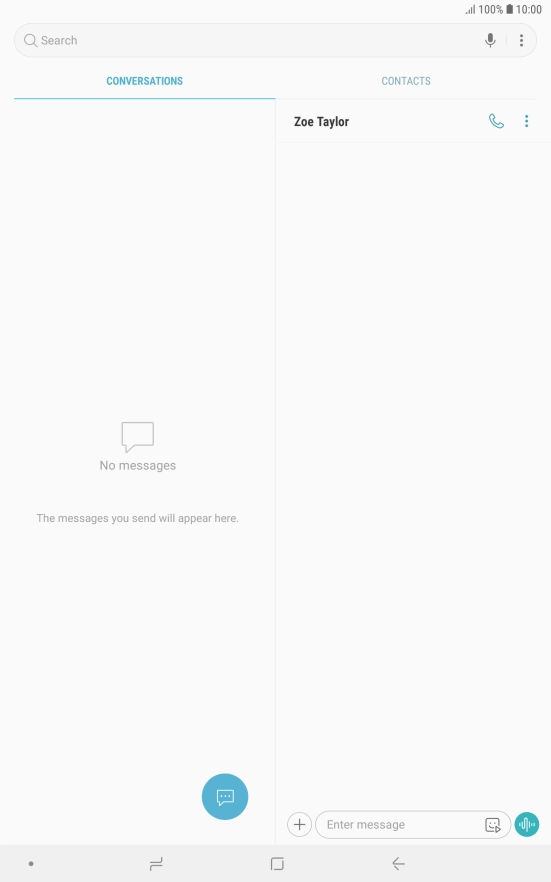
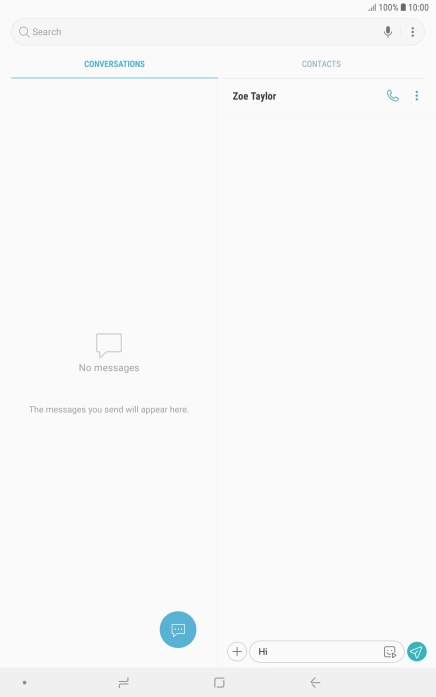
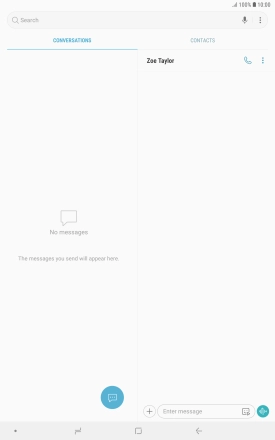
Press the text input field and write the text for your text message.
Step 6 of 8

3. Write text

Press the text input field and write the text for your text message.

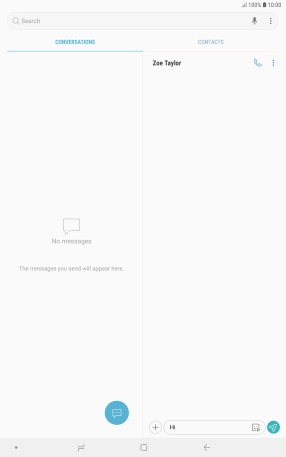
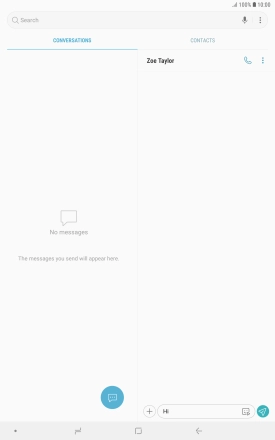
Press the send icon when you've finished your text message.
Step 7 of 8

4. Send text message

Press the send icon when you've finished your text message.

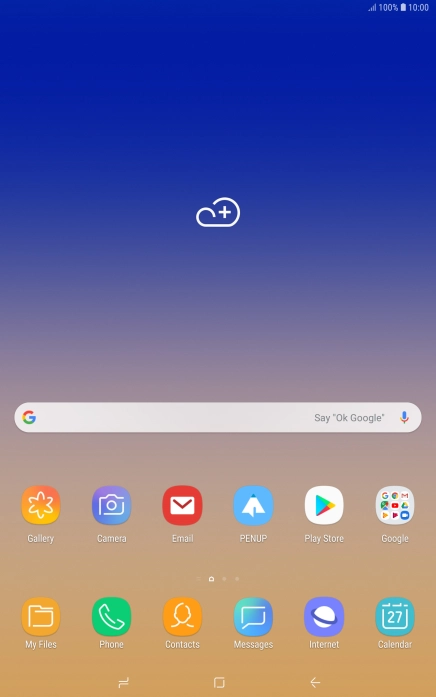
Press the Home key to return to the home screen.
Step 8 of 8

5. Return to the home screen

Press the Home key to return to the home screen.

1. Create new text message

Press Messages.
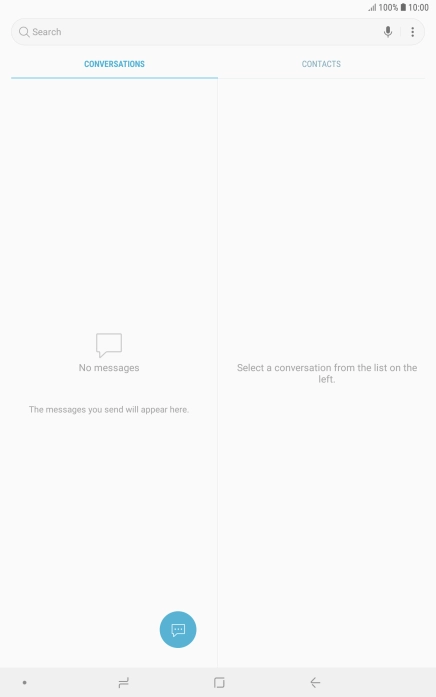
Press the new message icon.

2. Select recipient

Press the search field and key in the first letters of the recipient's name.
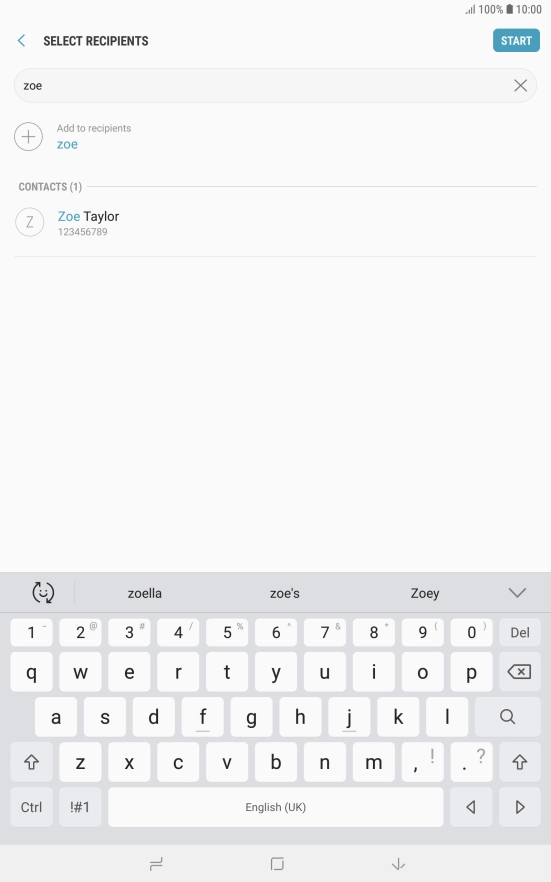
Press the required contact.
Press START.

3. Write text

Press the text input field and write the text for your text message.
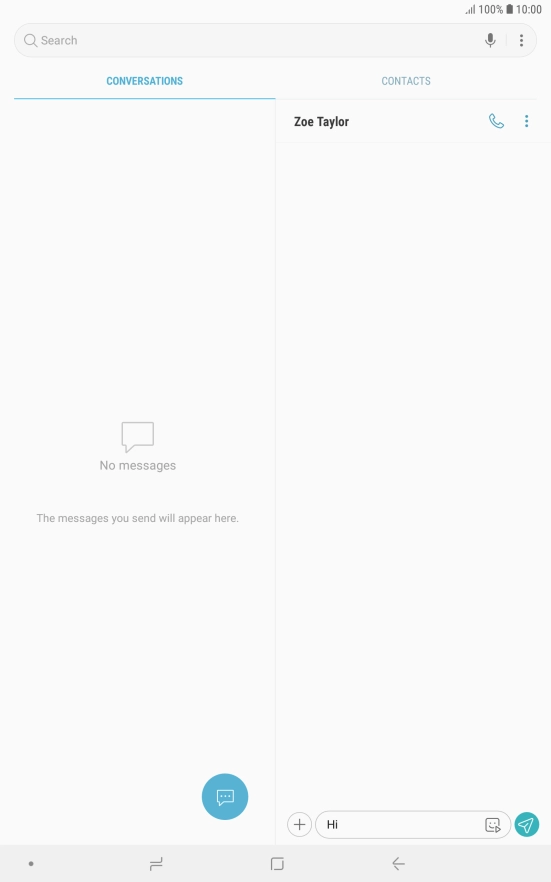
4. Send text message

Press the send icon when you've finished your text message.

5. Return to the home screen

Press the Home key to return to the home screen.

Thank you for your evaluation!

Get information on...

Or select...

Another device