
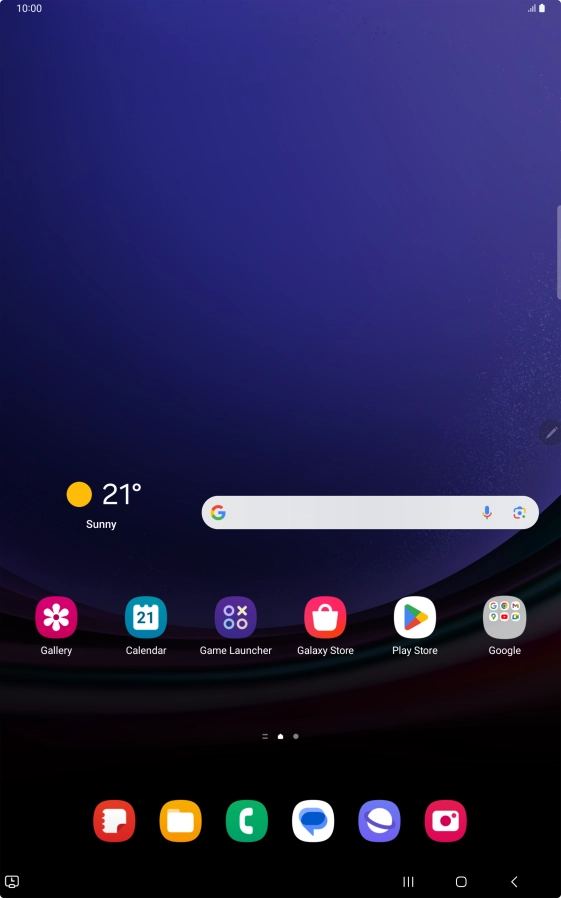
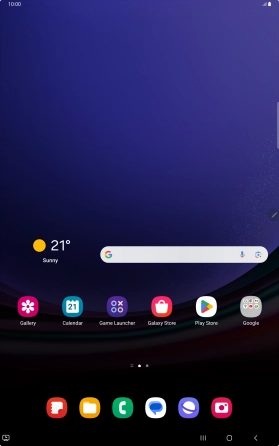
1. Find "Contacts"
Slide your finger upwards on the screen.
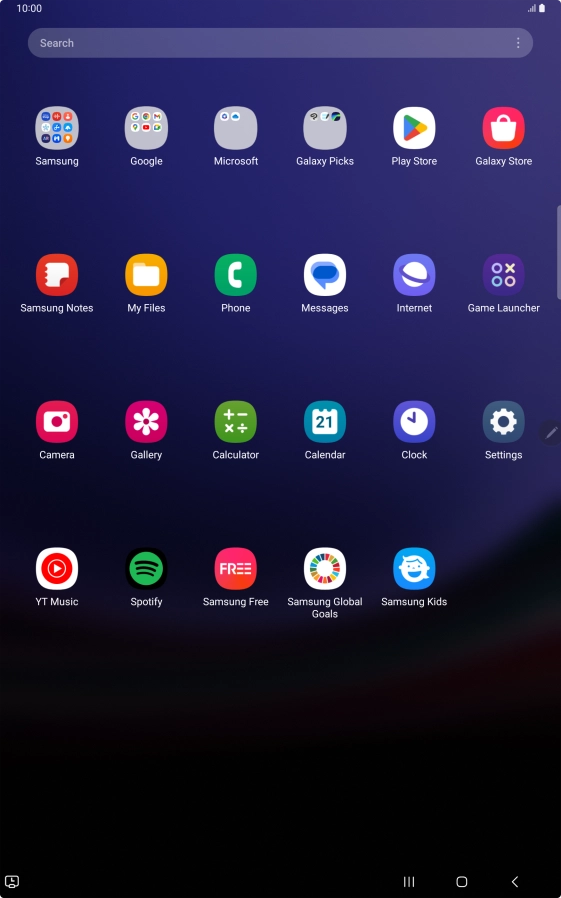
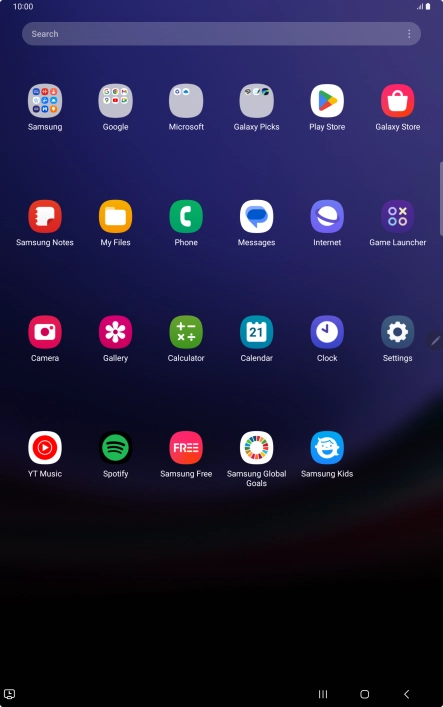
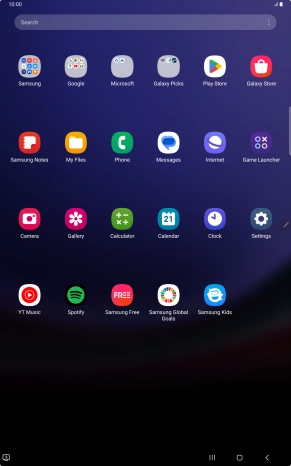
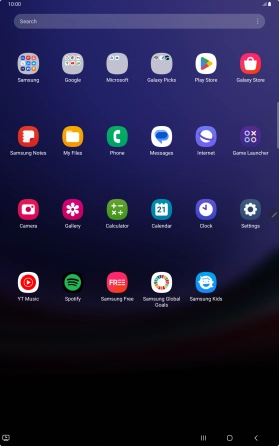
1. Find "Contacts"
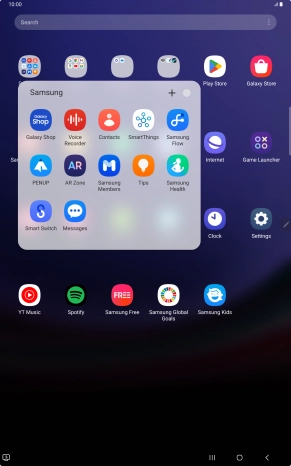
Press Samsung.
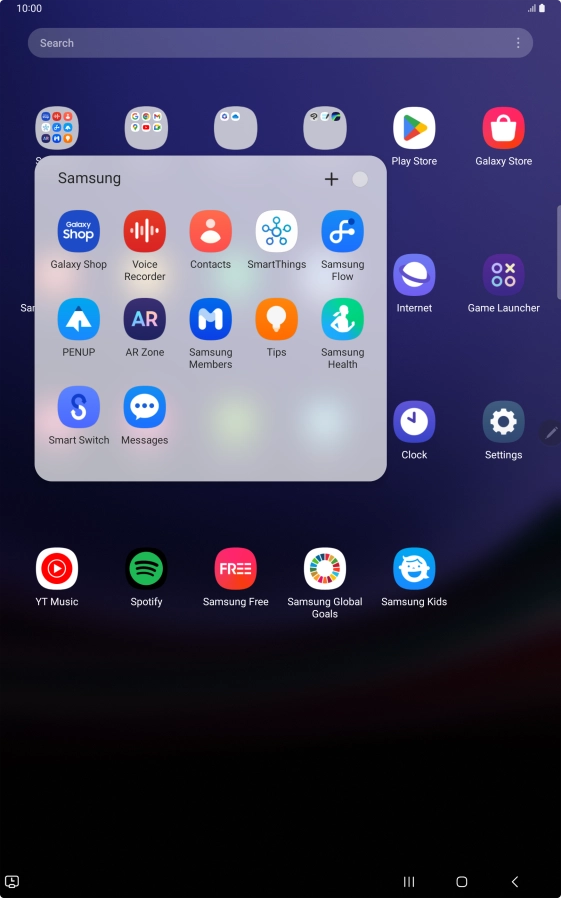
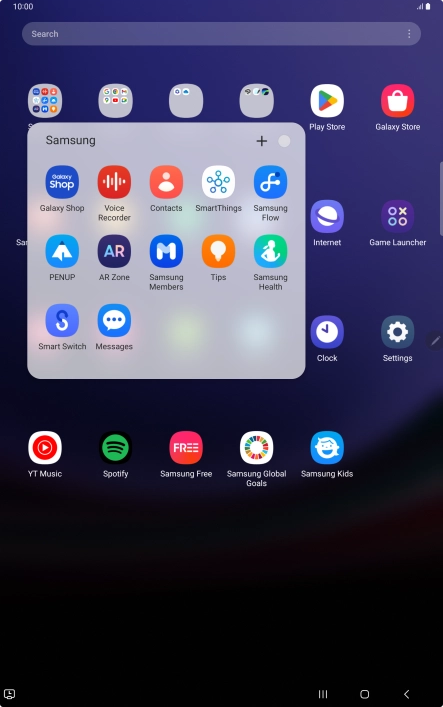
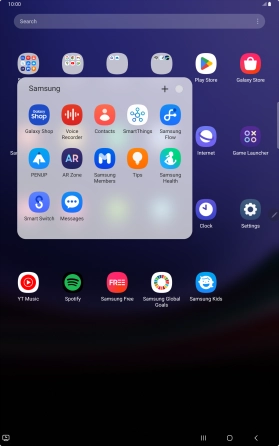
1. Find "Contacts"
Press Contacts.
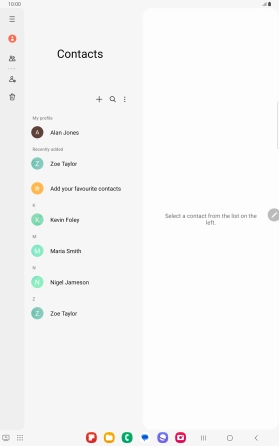
2. Create contact
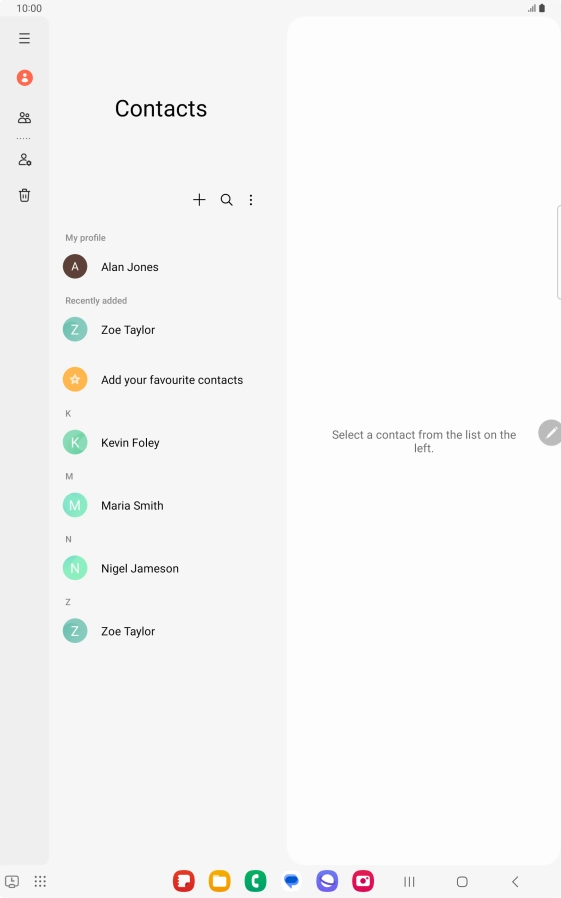
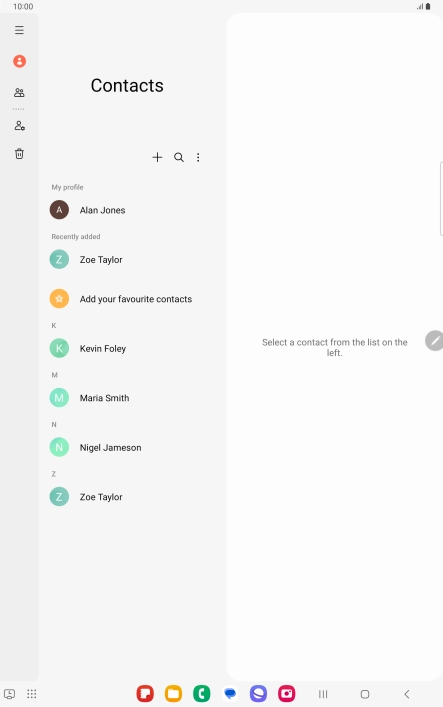
Press the new contact icon.


3. Select address book
Press the address book drop down list.


3. Select address book
Press the required Google account.
4. Enter name
Press Name and key in the required name.


5. Enter phone number
Press Phone and key in the required phone number.


6. Save contact
Press Save.


7. Return to the home screen
Press the Home key to return to the home screen.
1. Find "Contacts"
2. Create contact
3. Select address book


4. Enter name
5. Enter phone number

6. Save contact

7. Return to the home screen

Thank you for your evaluation!

Thank you for your evaluation!