Samsung Galaxy Watch

Samsung Galaxy Watch

TIZEN OS

I can't use mobile data on my Samsung Galaxy Watch TIZEN OS

Cause 1 of 4: Your smartwatch isn't correctly set up for mobile data.

Several functions on your smartwatch use mobile data, e.g. when making or receiving calls, sending email messages and listening to music on streaming services.

Solution: Set up mobile data on your smartwatch.

Step 1 of 5

Find "Connections"

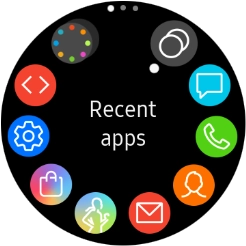
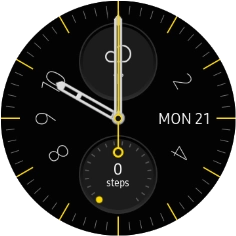
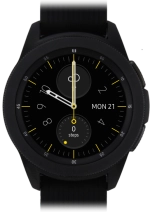
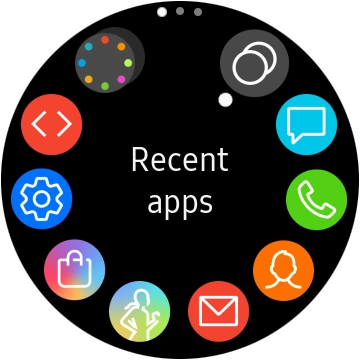
Press the Home key.
Step 2 of 5

Find "Connections"

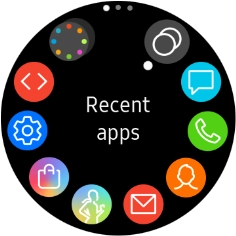
Press the settings icon.

Step 3 of 5

Find "Connections"

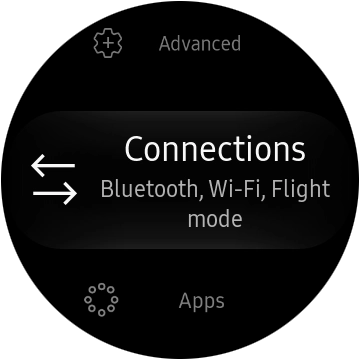
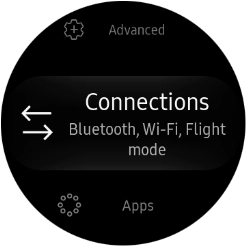
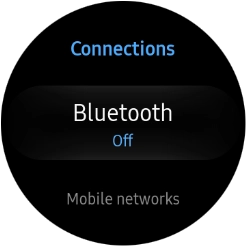
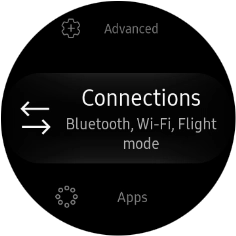
Press Connections.

Step 4 of 5

Set up mobile data

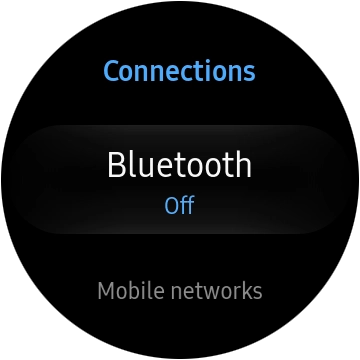
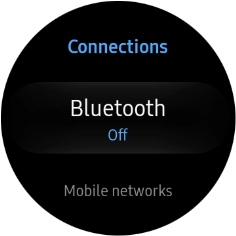
Press Mobile networks.

Step 5 of 5

Set up mobile data

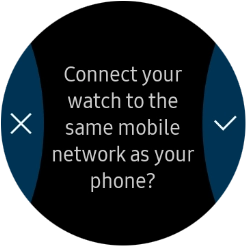
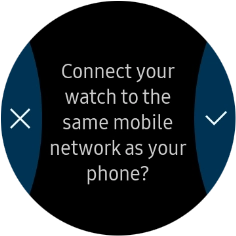
Press the confirm icon and follow the instructions on the screen to set up mobile data.

1 Find "Connections"

Press the Home key.
Press the settings icon.
Press Connections.

2 Set up mobile data

Press Mobile networks.
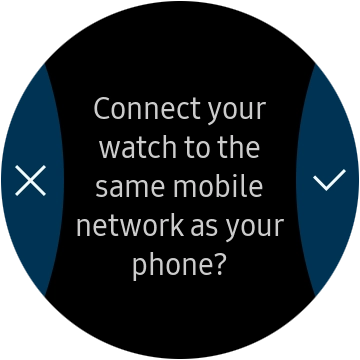
Press the confirm icon and follow the instructions on the screen to set up mobile data.

Did this solve the problem?

Yes - All solved No - Go to next cause

Get information on...

Or select...

Another device