Step 1 of 2
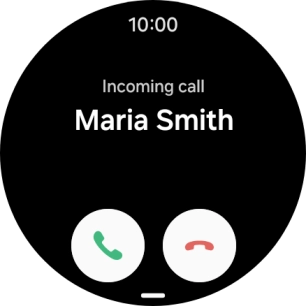
1. Answer a call
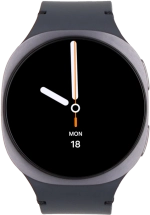
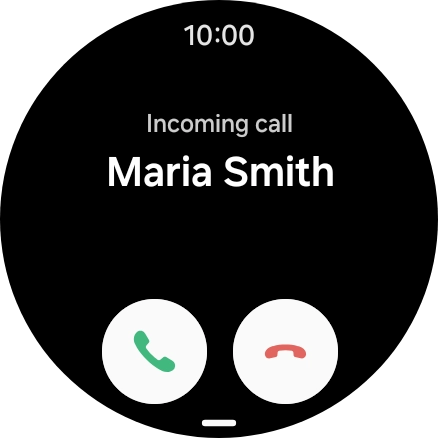
Press the accept call icon and slide your finger upwards to answer the call.
Step 2 of 2
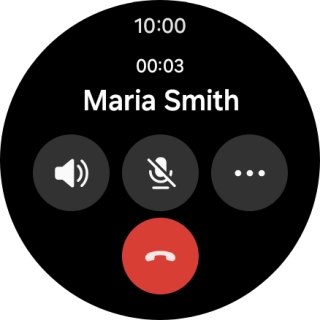
2. End call
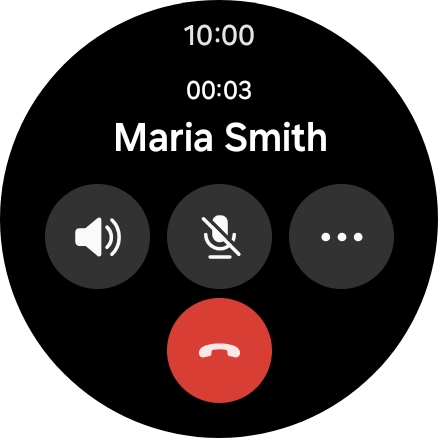
Press the end call icon.
1. Answer a call
Press the accept call icon and slide your finger upwards to answer the call.
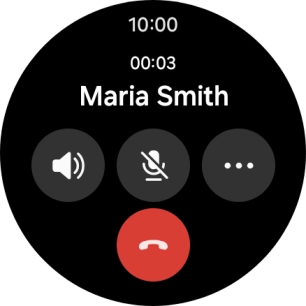
2. End call
Press the end call icon.
How would you rate your experience?
Thank you for your evaluation!

Do you have any additional feedback?
Thank you for your evaluation!