


1. Find "Manage accounts"
Slide two fingers downwards starting from the top of the screen.


1. Find "Manage accounts"
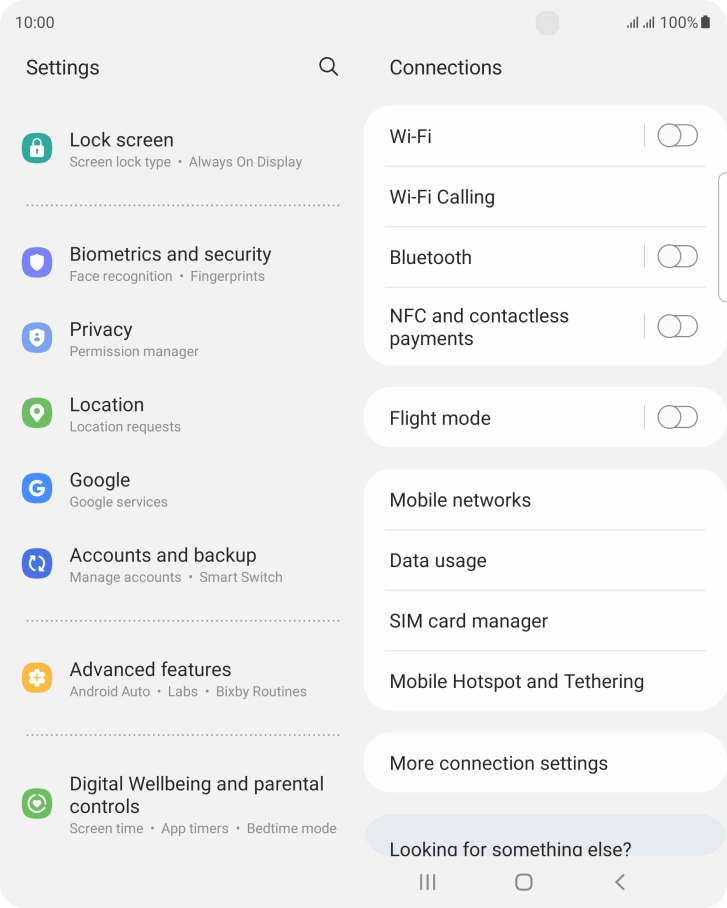
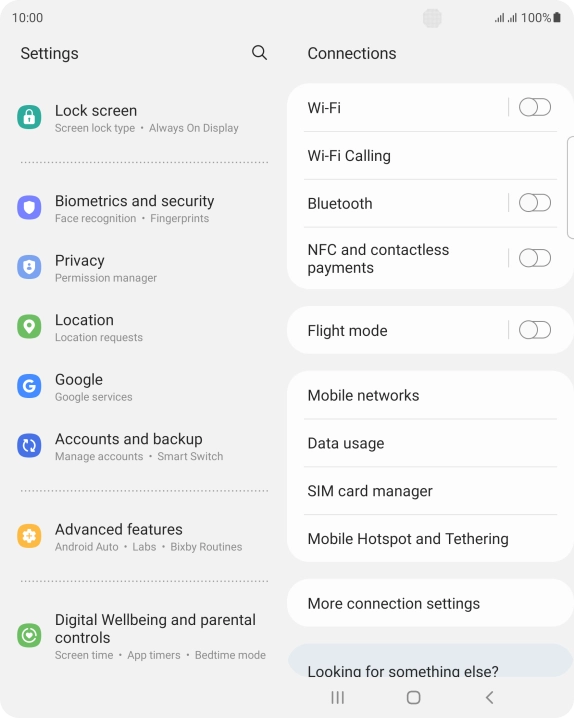
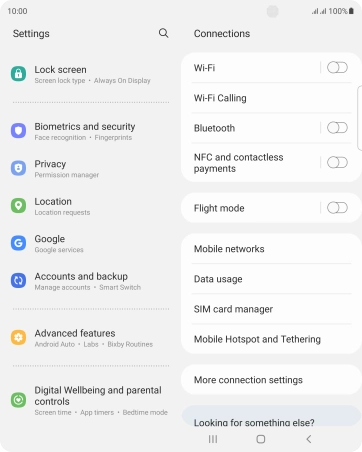
Press the settings icon.
1. Find "Manage accounts"
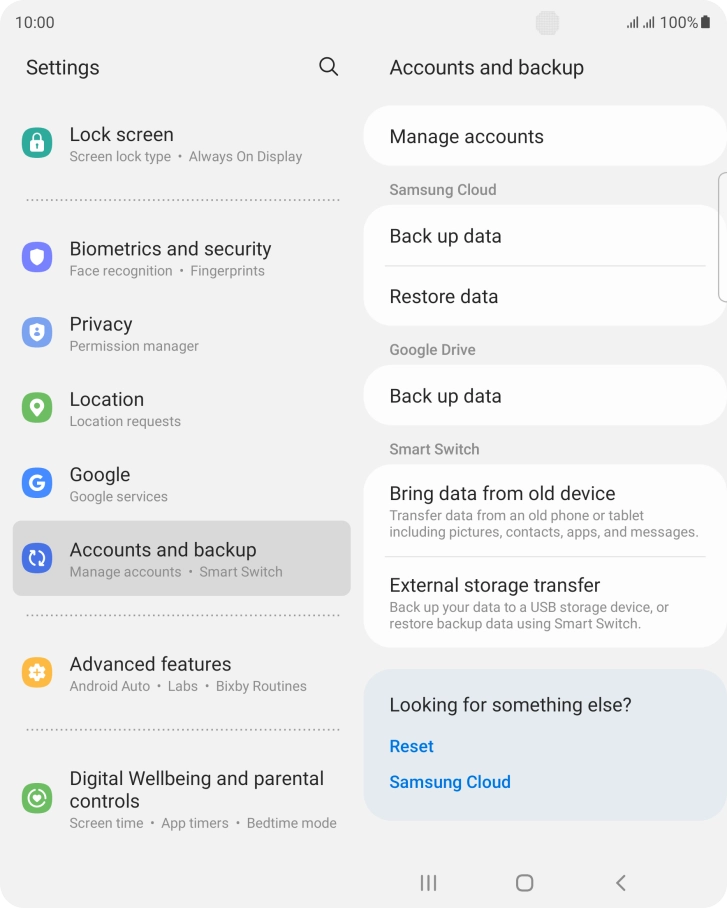
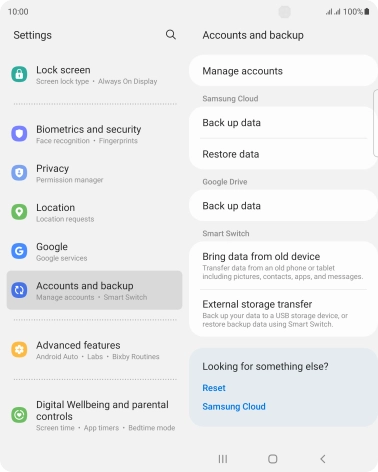
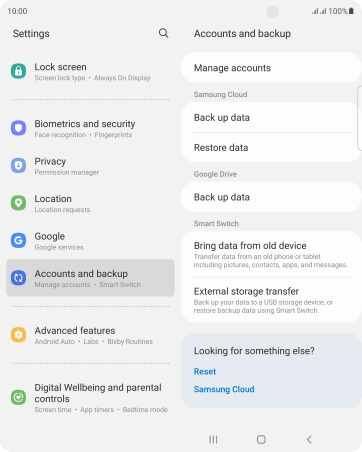
Press Accounts and backup.

1. Find "Manage accounts"
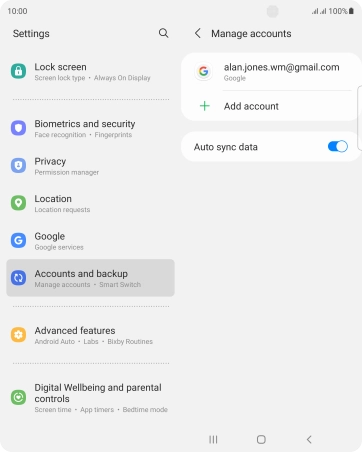
Press Manage accounts.
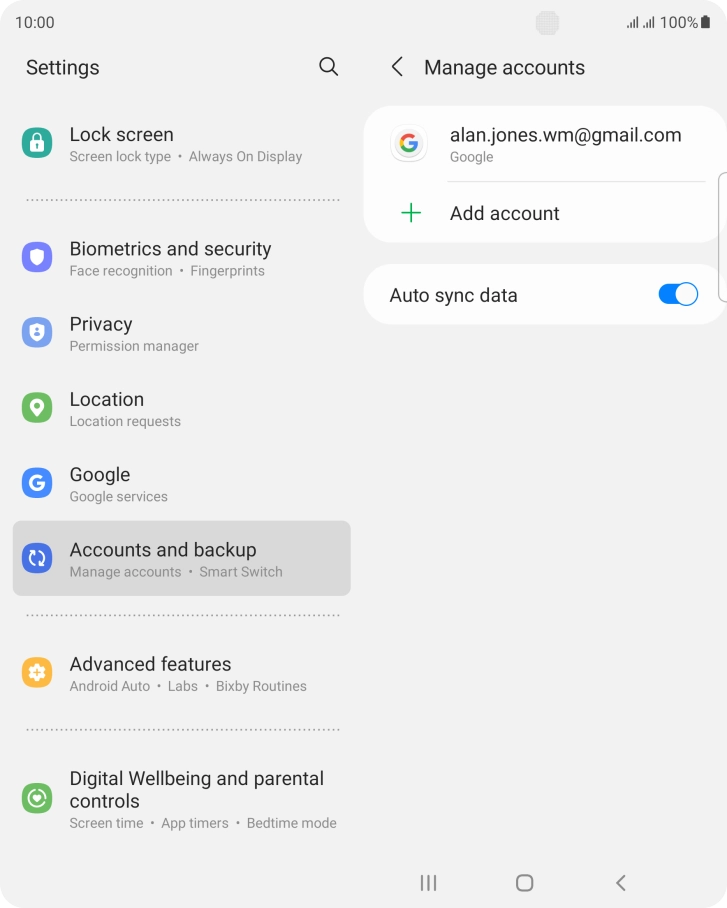
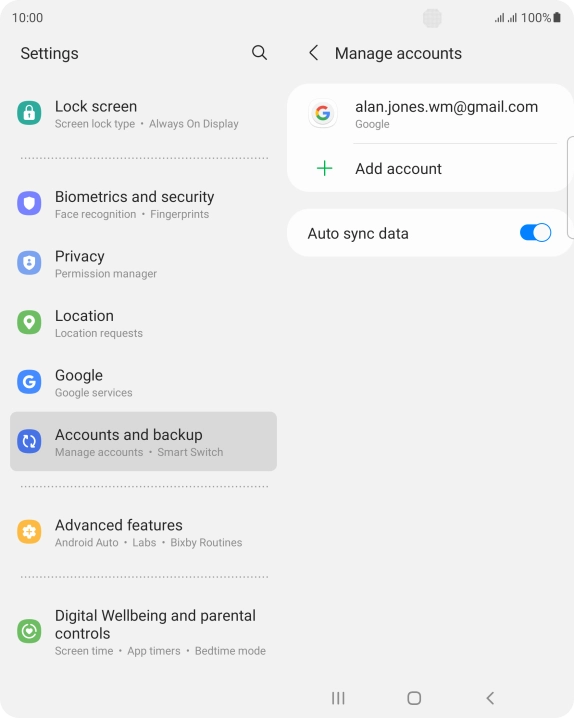
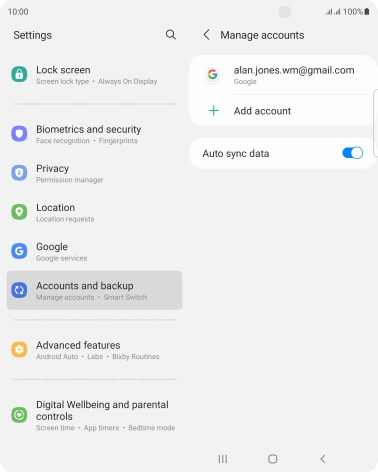
2. Select social network or email account
Press the required account.


3. Copy contacts
Press Sync account.


3. Copy contacts
Press the indicator next to "Contacts" to turn on the function.


4. Return to the home screen
Press the Home key to return to the home screen.
1. Find "Manage accounts"


2. Select social network or email account
3. Copy contacts


4. Return to the home screen

Thank you for your evaluation!

Thank you for your evaluation!