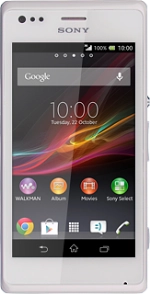
Find "Network operators"
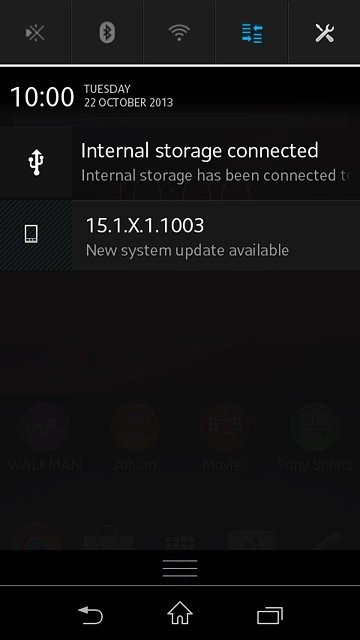
Slide your finger down the display starting from the top edge of your phone.
Press the settings icon.
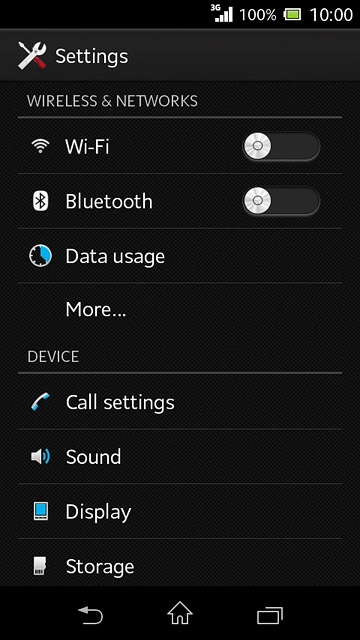
Find "Network operators"
Press More....
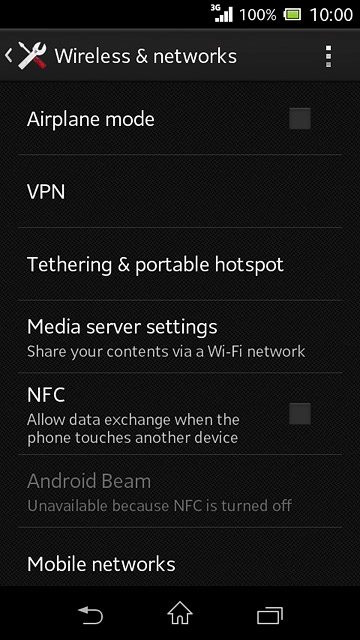
Find "Network operators"
Press Mobile networks.
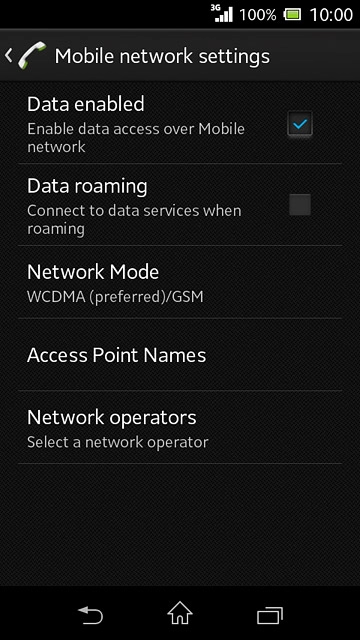
Find "Network operators"
Press Network operators.
Select option
Your phone searches for networks within range.
Select one of the following options:
Select network manually, go to 2a.
Select network automatically, go to 2b.
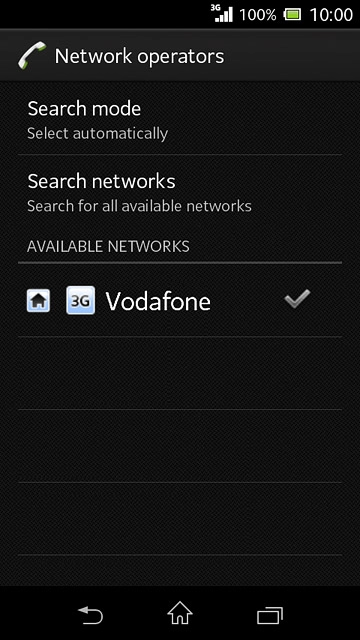
2a - Select network manually
Press Search mode.
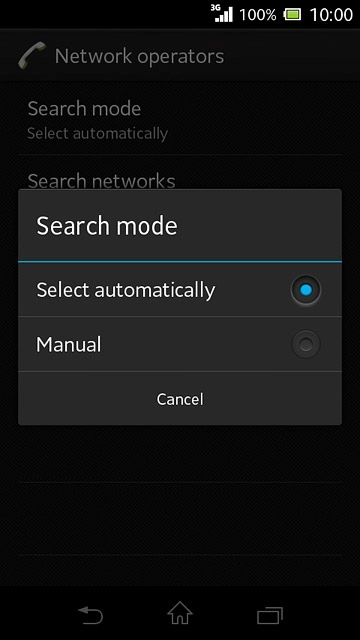
2a - Select network manually
Press Manual.
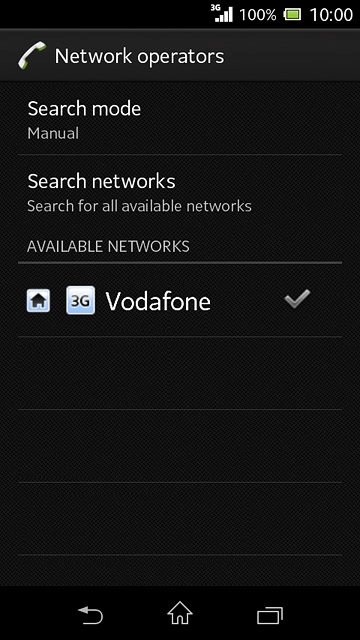
2a - Select network manually
Press the required network.
The display will tell you if you have access to the network you've chosen.
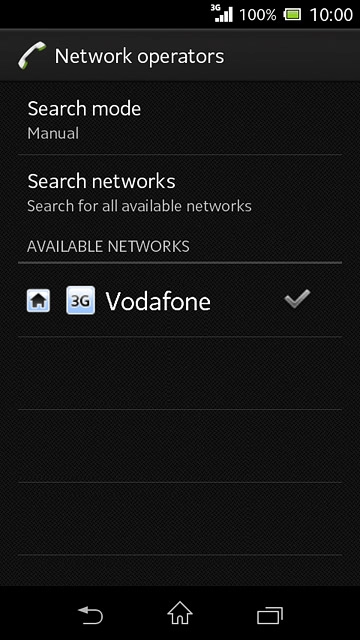
2b - Select network automatically
Press Search mode.
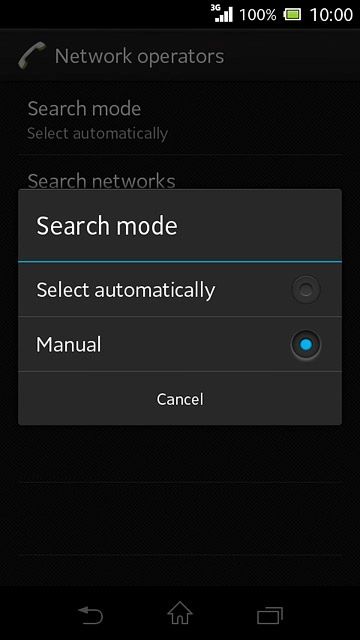
2b - Select network automatically
Press Select automatically.
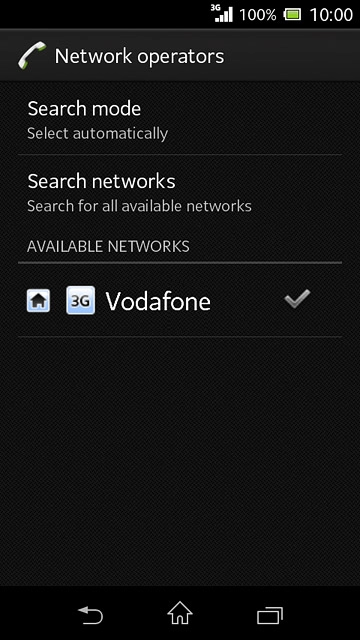
Return to the home screen
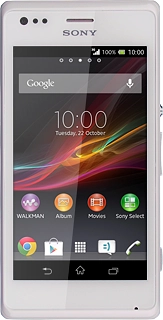
Press the home icon to return to the home screen.
Find "Network operators"
Press the settings icon.
Select option
Select one of the following options:
Select network manually, go to 2a.
Select network automatically, go to 2b.
2a - Select network manually
The display will tell you if you have access to the network you've chosen.
2b - Select network automatically
Return to the home screen
Thank you for your evaluation!

Thank you for your evaluation!