Sony Xperia Z5

Sony Xperia Z5

Android 5.1.1

Install apps from Google Play on your Sony Xperia Z5 Android 5.1.1

Read help info

You can add new functions to your phone by installing apps from Google Play. To install apps, you need to set up your phone for internet and activate your Google account on your phone.

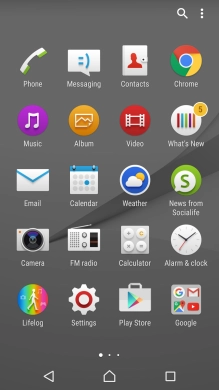
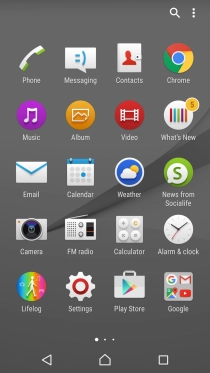
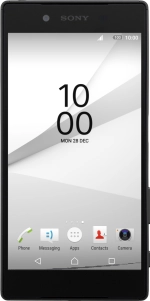
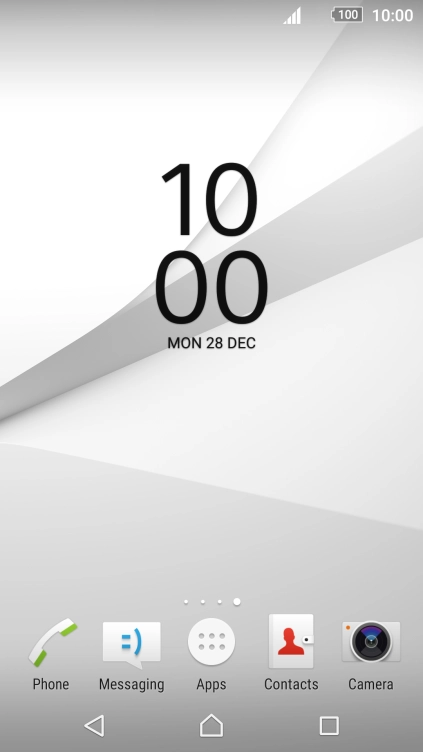
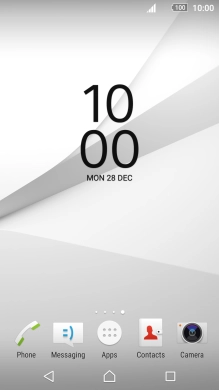
Press Apps.
Step 1 of 8

1. Find "Play Store"

Press Apps.
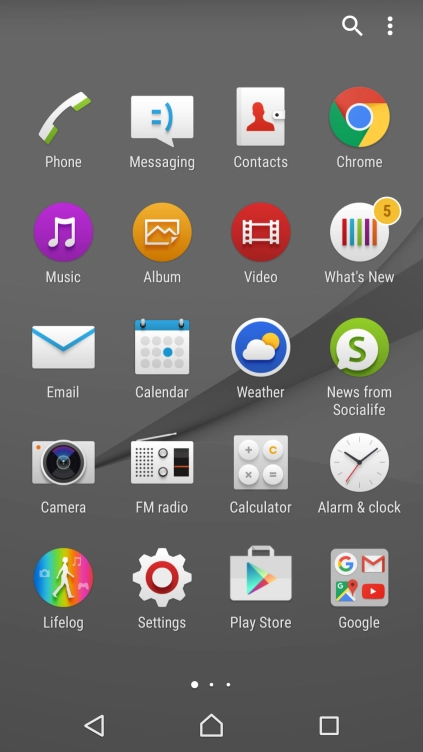
Press Play Store.
Step 2 of 8

1. Find "Play Store"

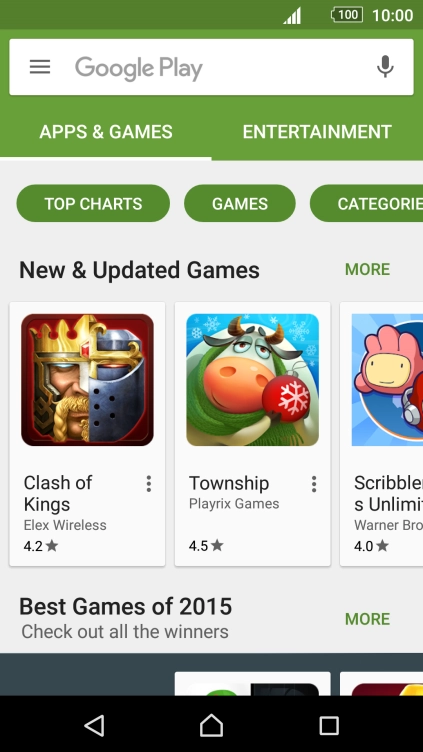
Press Play Store.

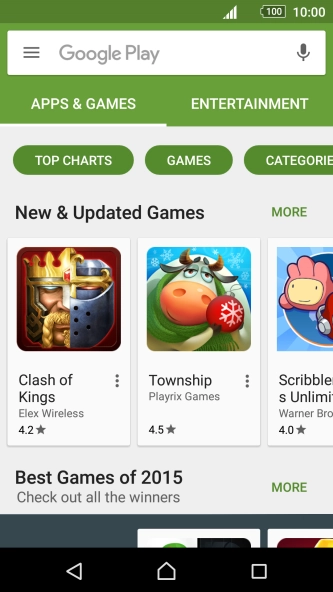
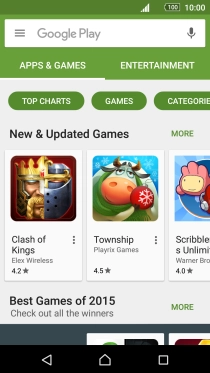
Press Google Play.
Step 3 of 8

2. Find app

Press Google Play.

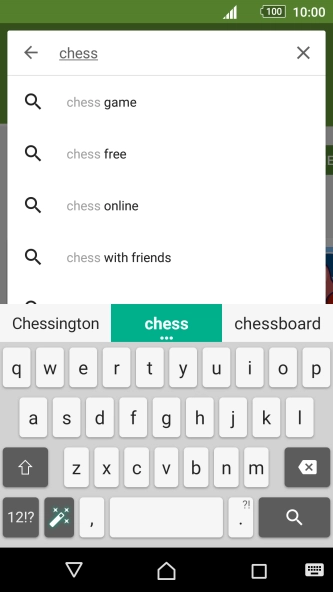
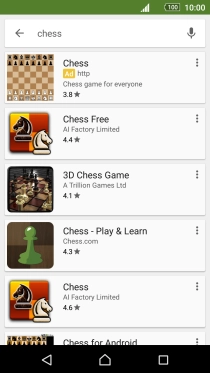
Key in the name or subject of the required app and press the search icon.
Step 4 of 8

2. Find app

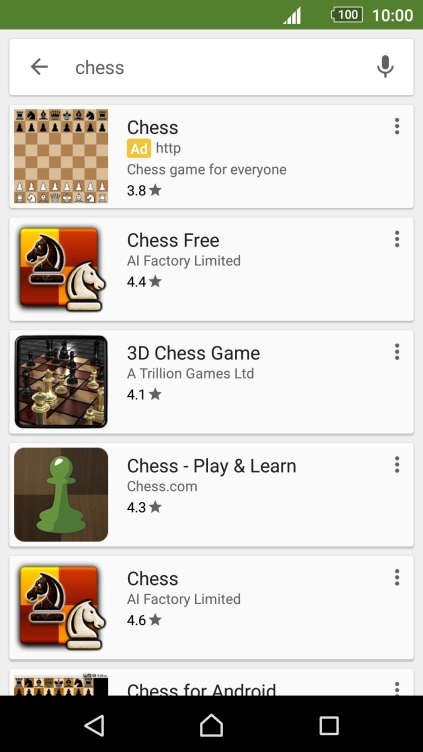
Key in the name or subject of the required app and press the search icon.

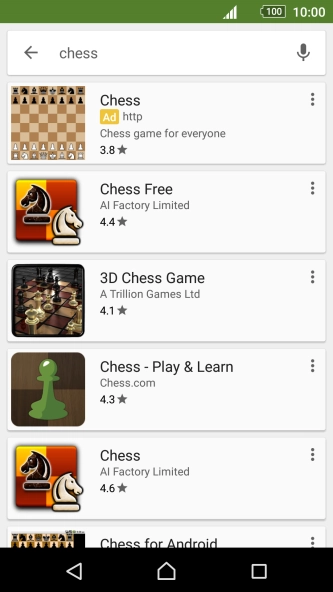
Press the required app.
Step 5 of 8

3. Install app

Press the required app.

Press INSTALL.
Step 6 of 8

3. Install app

Press INSTALL.

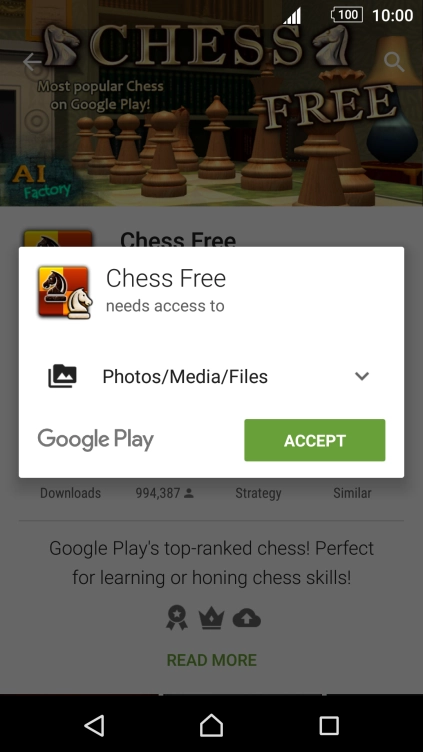
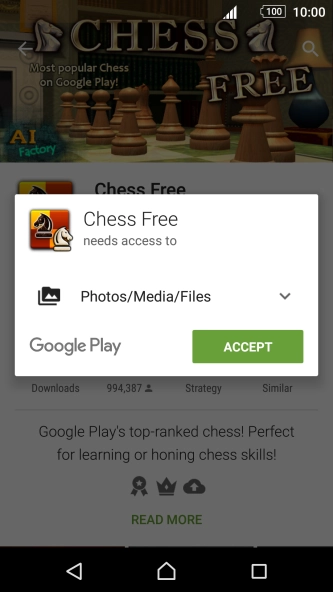
Press ACCEPT.
Step 7 of 8

3. Install app

Press ACCEPT.

If you've selected a paid app, press the price to install the app.
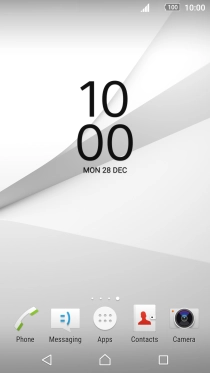
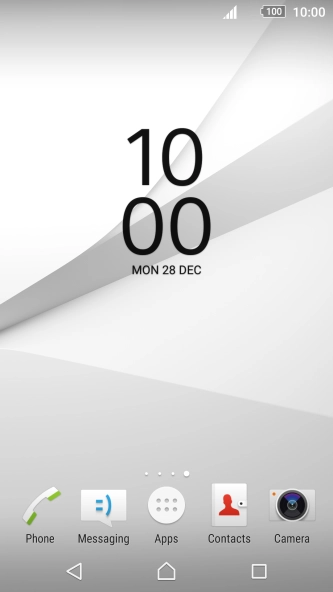
Press the Home key to return to the home screen.
Step 8 of 8

4. Return to the home screen

Press the Home key to return to the home screen.

1. Find "Play Store"

Press Apps.
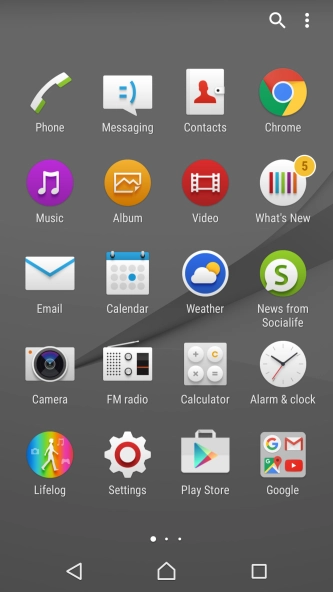
Press Play Store.

2. Find app

Press Google Play.
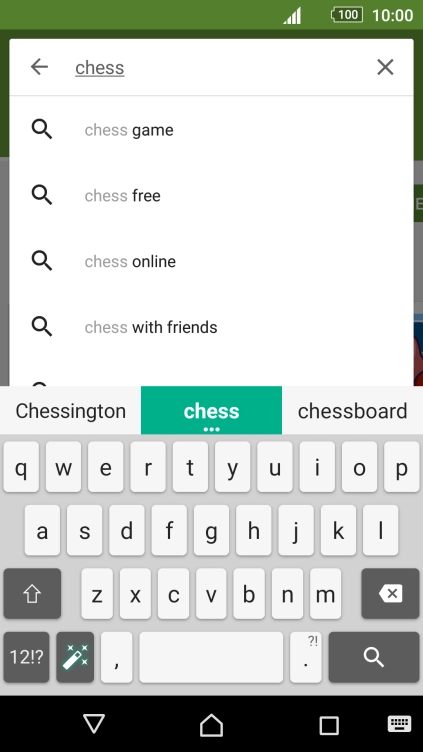
Key in the name or subject of the required app and press the search icon.
3. Install app

Press the required app.

Press INSTALL.
Press ACCEPT.
If you've selected a paid app, press the price to install the app.

4. Return to the home screen

Press the Home key to return to the home screen.

Thank you for your evaluation!

Get information on...

Or select...

Another device