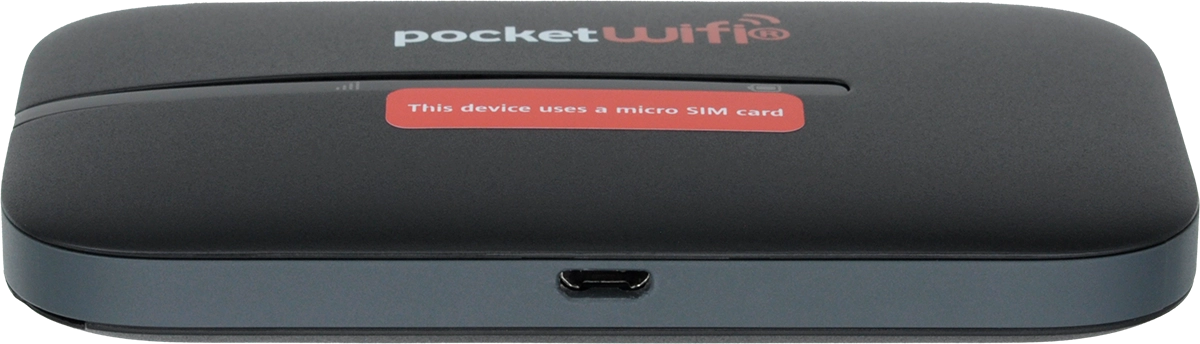
Vodafone Pocket WiFi 4 4G

Vodafone Pocket WiFi 4 4G

Mac OS Sonoma

Guide to keys and sockets on your Vodafone Pocket WiFi 4 4G Mac OS Sonoma

Read help info

The list below shows you what the different keys and sockets on your router are used for.

Connect the charger to the socket and to a wall socket to charge the battery.
Step 1 of 3

1. Socket

Connect the charger to the socket and to a wall socket to charge the battery.

Press and hold On/Off to turn your router on or off.
Step 2 of 3

2. On/Off

Press and hold On/Off to turn your router on or off.

Use a sharp-pointed object to press and hold the key next to
Step 3 of 3

3. "RESET" button

Use a sharp-pointed object to press and hold the key next to "RESET" for at least 5 seconds to restore the factory default settings.

1. Socket

Connect the charger to the socket and to a wall socket to charge the battery.

2. On/Off

Press and hold On/Off to turn your router on or off.

3. "RESET" button

Use a sharp-pointed object to press and hold the key next to "RESET" for at least 5 seconds to restore the factory default settings.

Thank you for your evaluation!

Get information on...

Or select...

Another device