


Step 1 of 2
1. Turn on your router
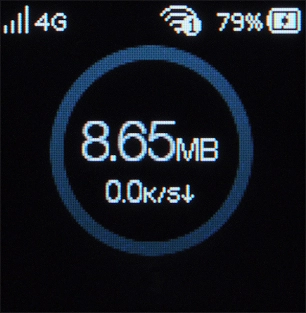
Press and hold On/Off until your router is turned on.
Step 2 of 2
2. Turn off your router
Press and hold On/Off until your router is turned off.
1. Turn on your router
Press and hold On/Off until your router is turned on.

2. Turn off your router
Press and hold On/Off until your router is turned off.
How would you rate your experience?
Thank you for your evaluation!

Do you have any additional feedback?
Thank you for your evaluation!