Vodafone Pocket WiFi® 5 (M7350) 4G

Vodafone Pocket WiFi® 5 (M7350) 4G

Guide to the Vodafone Pocket WiFi® 5 (M7350) 4G Windows 11 web interface

Read help info

This guide gives you a general introduction to the router web interface. Remember, you need to establish a connection to the router web interface.

You can click on the shortcuts at the top of your router's web interface to get to selected settings faster.
Step 1 of 5

1. Shortcuts

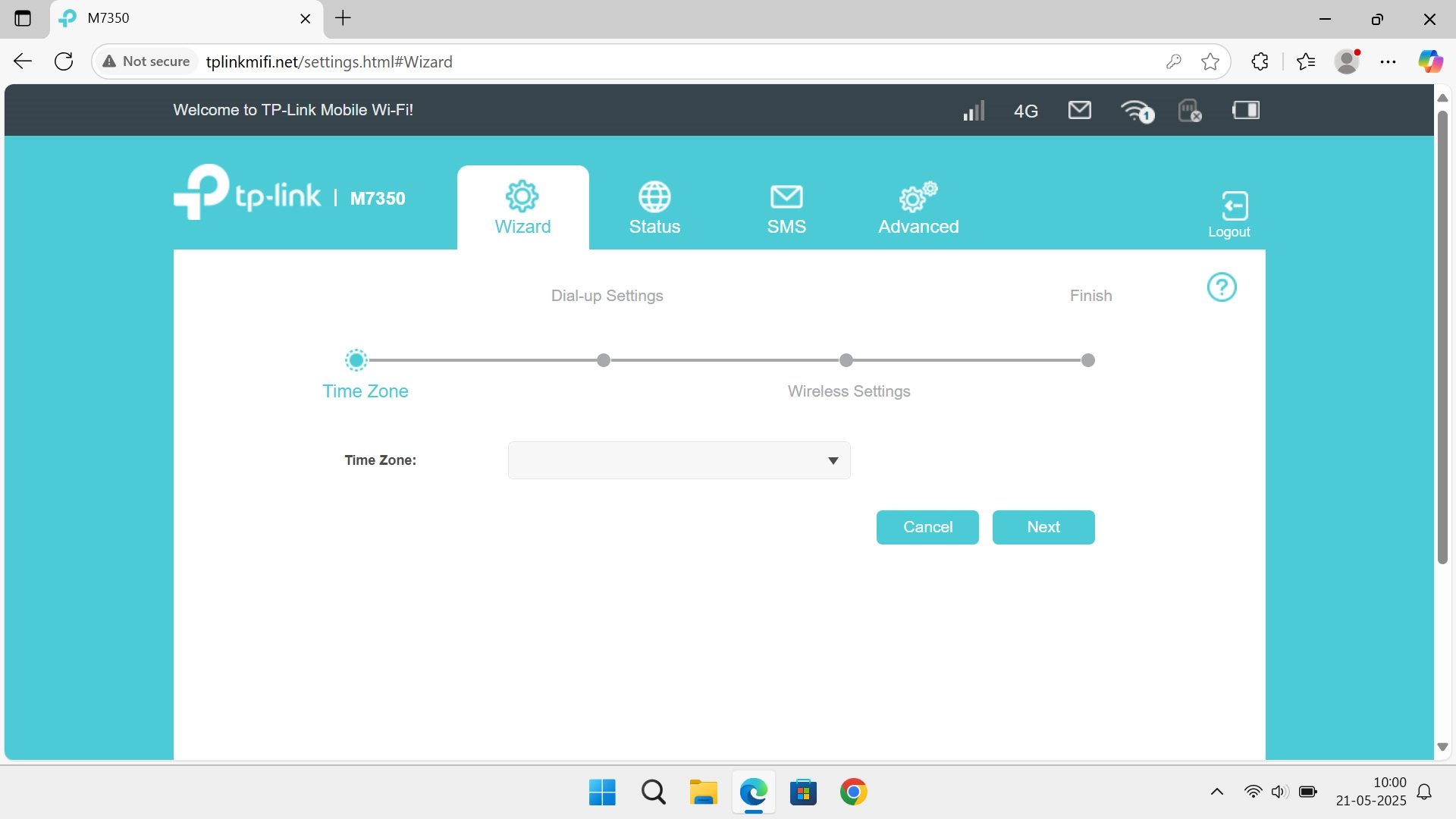
You can click on the shortcuts at the top of your router's web interface to get to selected settings faster.

In Wizard you can review some of the basic router settings that you selected when you started using your router.
Step 2 of 5

2. Wizard

In Wizard you can review some of the basic router settings that you selected when you started using your router.

In Status, you can view information about the internet connection.
Step 3 of 5

3. Status

In Status, you can view information about the internet connection.

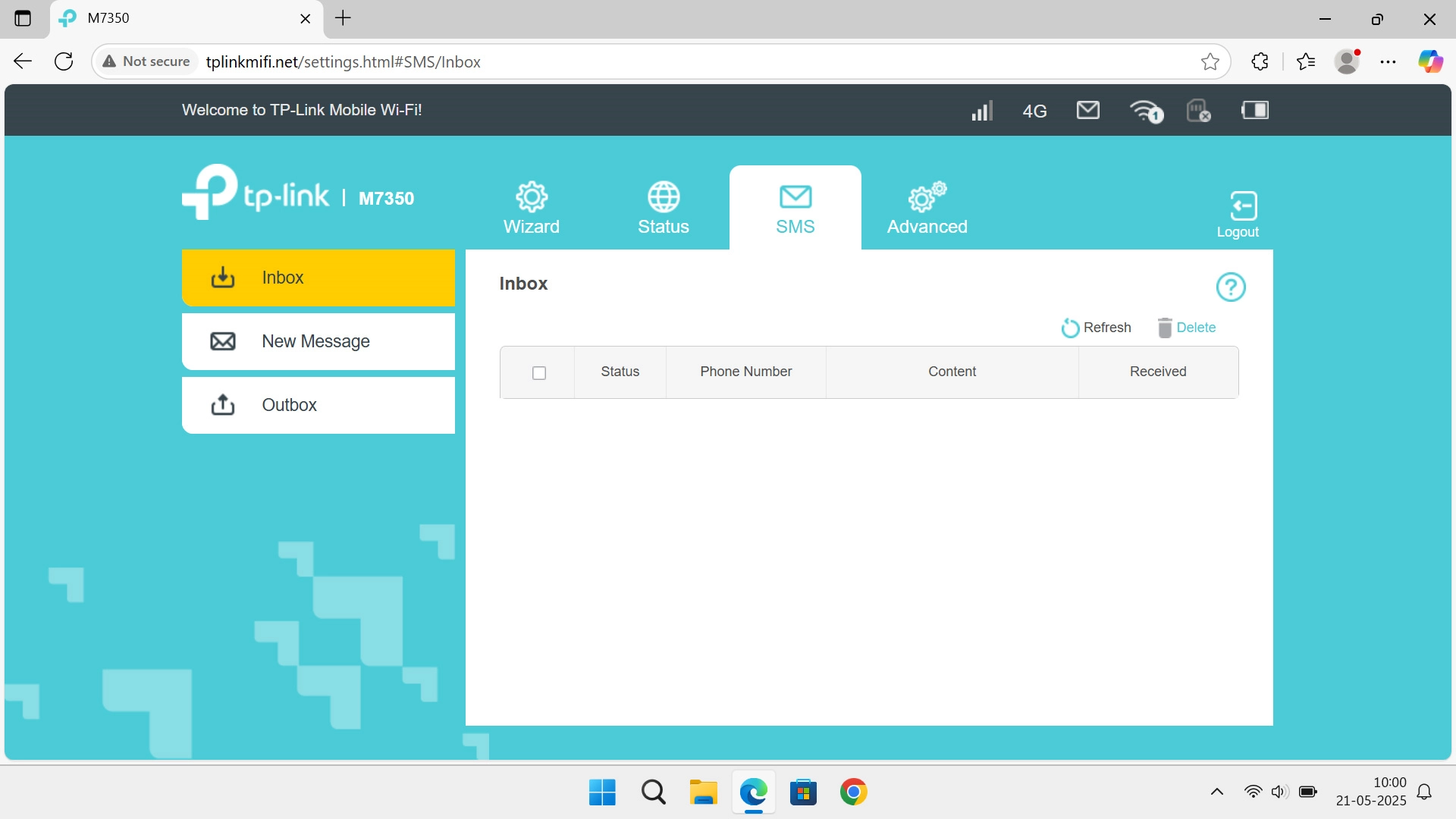
In SMS you can send and read text messages.
Step 4 of 5

4. SMS

In SMS you can send and read text messages.

In Advanced you can change the router settings. You can select settings for your network connection and set up your router for internet, change name and password for your Wi-Fi hotspot and restore the factory default settings.
Step 5 of 5

5. Advanced

In Advanced you can change the router settings. You can select settings for your network connection and set up your router for internet, change name and password for your Wi-Fi hotspot and restore the factory default settings.

1. Shortcuts

You can click on the shortcuts at the top of your router's web interface to get to selected settings faster.

2. Wizard

In Wizard you can review some of the basic router settings that you selected when you started using your router.

3. Status

In Status, you can view information about the internet connection.
4. SMS

In SMS you can send and read text messages.

5. Advanced

In Advanced you can change the router settings. You can select settings for your network connection and set up your router for internet, change name and password for your Wi-Fi hotspot and restore the factory default settings.

Thank you for your evaluation!

Get information on...

Or select...

Another device