Vodafone Smart C9

Vodafone Smart C9

Android 8.1 (Go edition)

Turn your Vodafone Smart C9 Android 8.1 (Go edition) on and off

Read help info

See how to turn your phone on and off. To turn on your phone, you need to insert the battery into your phone. To use mobile network services on your phone, you need to insert your SIM into your phone.

Press and hold On/Off until your phone is turned on.
Step 1 of 4

1. Turn on your phone

Press and hold On/Off until your phone is turned on.
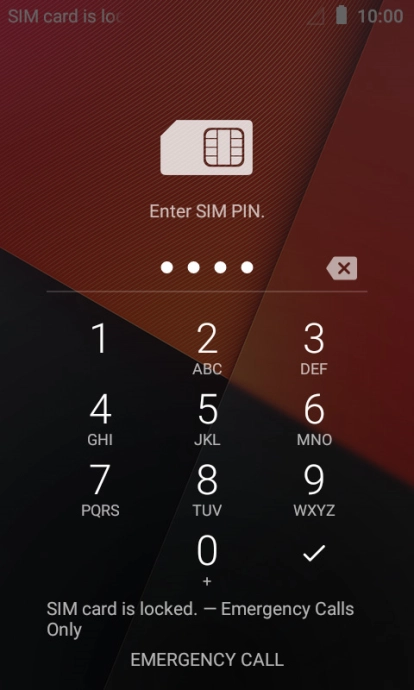
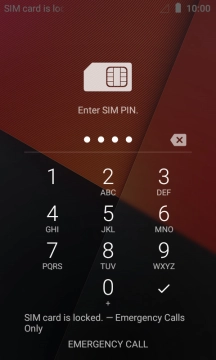
If you're asked to key in your PIN, do so and press the confirm icon.
Step 2 of 4

2. Enter your PIN

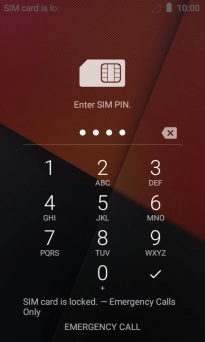
If you're asked to key in your PIN, do so and press the confirm icon.

If an incorrect PIN is entered three times in a row, your SIM will be blocked. To unblock your SIM, you'll need to key in your PUK. The PUK can be obtained by contacting customer services. Please note: If you key in the wrong PUK ten times in a row, your SIM will be blocked permanently. In this case, you need a new SIM from Vodafone.
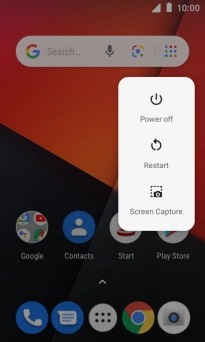
Press and hold On/Off until a pop-up menu is displayed.
Step 3 of 4

3. Turn off your phone

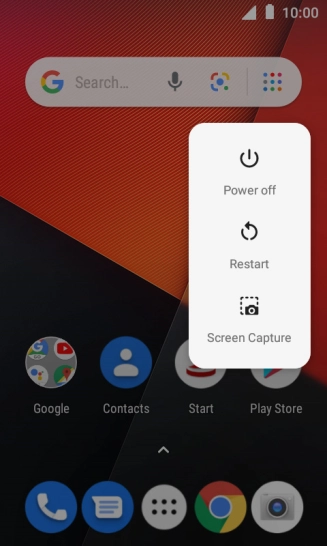
Press and hold On/Off until a pop-up menu is displayed.

Press Power off.
Step 4 of 4

3. Turn off your phone

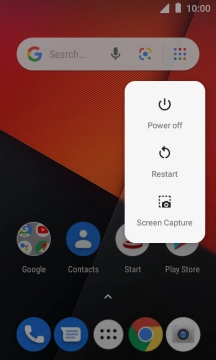
Press Power off.

1. Turn on your phone

Press and hold On/Off until your phone is turned on.
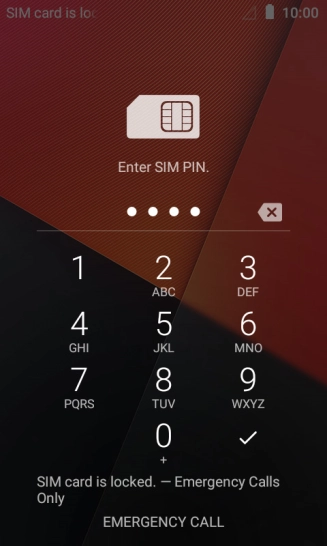
2. Enter your PIN

If you're asked to key in your PIN, do so and press the confirm icon.
If an incorrect PIN is entered three times in a row, your SIM will be blocked. To unblock your SIM, you'll need to key in your PUK. The PUK can be obtained by contacting customer services. Please note: If you key in the wrong PUK ten times in a row, your SIM will be blocked permanently. In this case, you need a new SIM from Vodafone.

3. Turn off your phone

Press and hold On/Off until a pop-up menu is displayed.
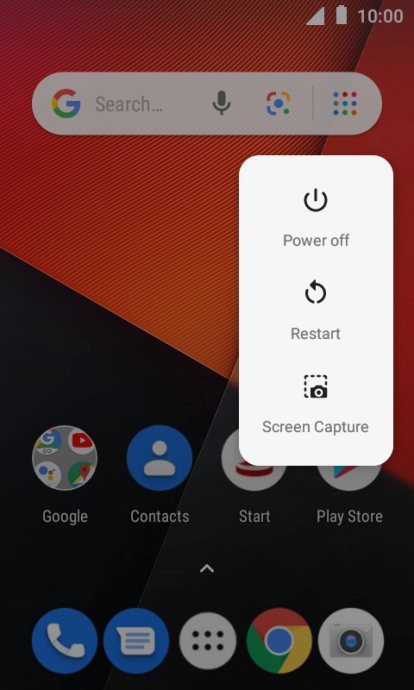
Press Power off.

Thank you for your evaluation!

Get information on...

Or select...

Another device