Alcatel 1

Alcatel 1

Android 8.1 (Go edition)

Create contact on your Alcatel 1 Android 8.1 (Go edition)

Read help info

You can save your contacts in your phone's address book. You can save additional information to a contact such as email address and personal ring tone.

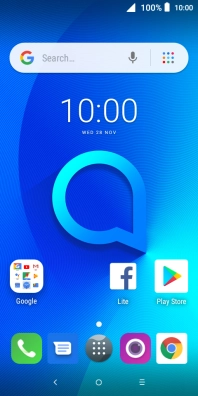
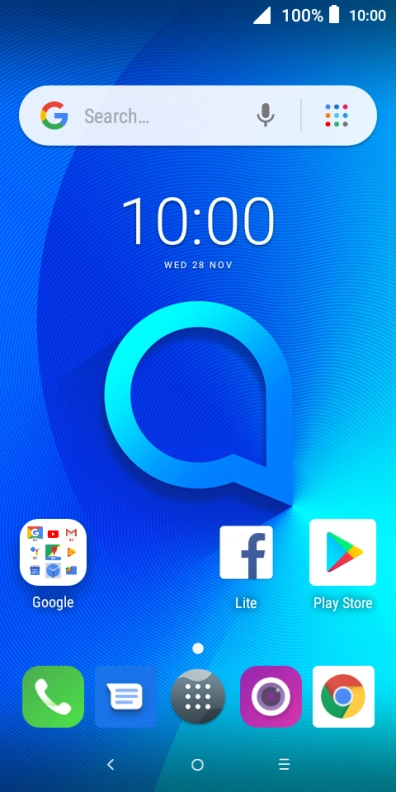
Press the main menu icon.
Step 1 of 10

1. Find "Contacts"

Press the main menu icon.

Press Contacts.
Step 2 of 10

1. Find "Contacts"

Press Contacts.

Press the new contact icon.
Step 3 of 10

2. Create contact

Press the new contact icon.

Press the address book drop down list.
Step 4 of 10

3. Select address book

Press the address book drop down list.

Press Phone.
Step 5 of 10

3. Select address book

Press Phone.

Press First name and key in the required first name.
Step 6 of 10

4. Enter first name

Press First name and key in the required first name.

Press Surname and key in the required last name.
Step 7 of 10

5. Enter last name

Press Surname and key in the required last name.

Press Phone and key in the required phone number.
Step 8 of 10

6. Enter phone number

Press Phone and key in the required phone number.

Follow the instructions on the screen to add more information such as an email address and a personal ring tone.
Press the save icon.
Step 9 of 10

7. Save contact

Press the save icon.

Press the Home key to return to the home screen.
Step 10 of 10

8. Return to the home screen

Press the Home key to return to the home screen.

1. Find "Contacts"

Press the main menu icon.
Press Contacts.

2. Create contact

Press the new contact icon.

3. Select address book

Press the address book drop down list.
Press Phone.

4. Enter first name

Press First name and key in the required first name.

5. Enter last name

Press Surname and key in the required last name.

6. Enter phone number

Press Phone and key in the required phone number.
Follow the instructions on the screen to add more information such as an email address and a personal ring tone.

7. Save contact

Press the save icon.

8. Return to the home screen

Press the Home key to return to the home screen.

Thank you for your evaluation!

Get information on...

Or select...

Another device