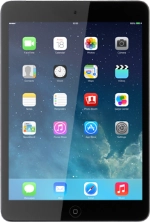
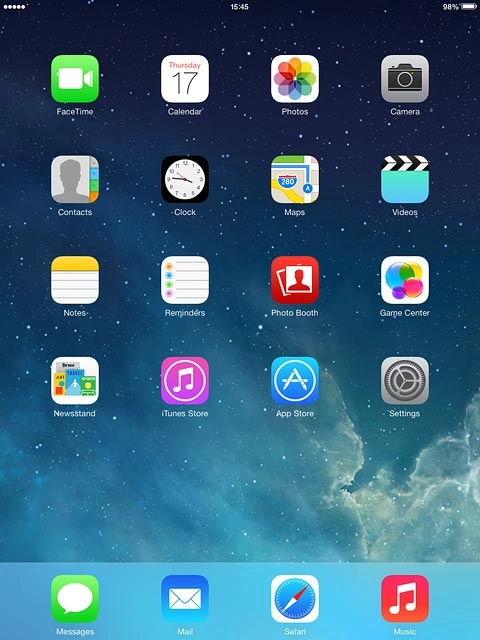
Find "Carrier"
Press Settings.
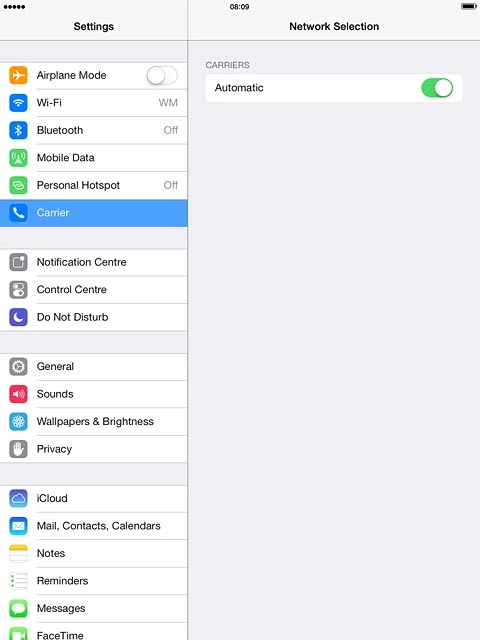
Find "Carrier"
Press Carrier.
Select option
Select one of the following options:
Select network manually, go to 2a.
Select network automatically, go to 2b.
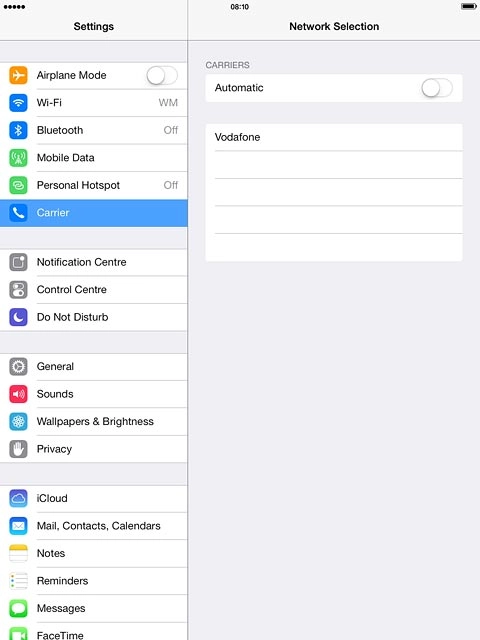
2a - Select network manually
If automatic network selection is turned on:
Press the indicator next to "Automatic" until the function is turned off.
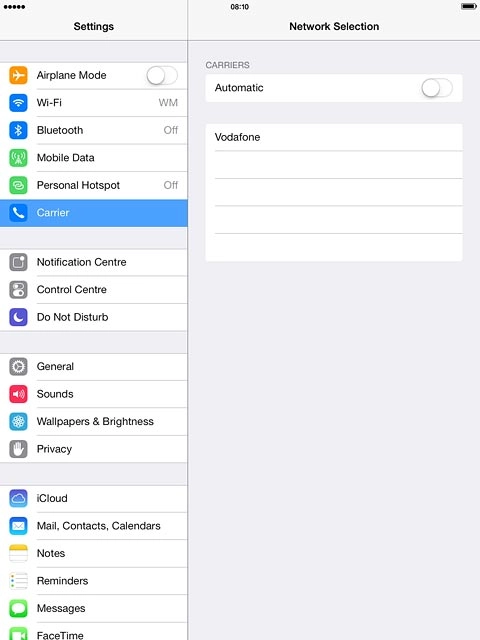
2a - Select network manually
Your tablet searches for networks within range.
Press the required network.
Your display will tell you if you've access to the network you've chosen.
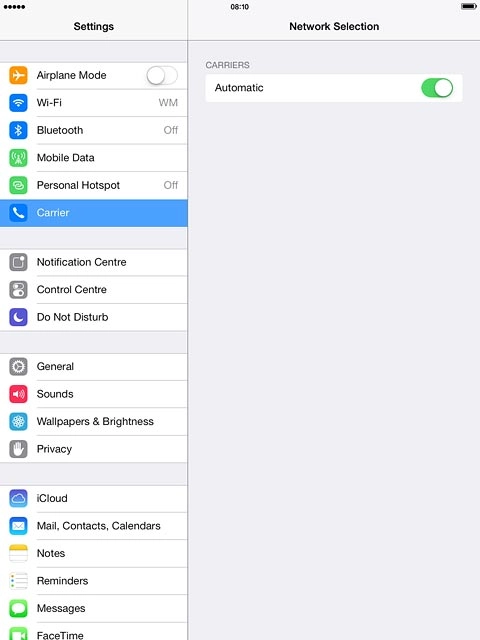
2b - Select network automatically
Press the indicator next to "Automatic" until the function is turned on.
Return to the home screen
Press the Home key to return to the home screen.
Find "Carrier"
Select option
Select network manually, go to 2a.
Select network automatically, go to 2b.
2a - Select network manually
Press the indicator next to "Automatic" until the function is turned off.
Press the required network.
Your display will tell you if you've access to the network you've chosen.
2b - Select network automatically
Return to the home screen
Thank you for your evaluation!

Thank you for your evaluation!