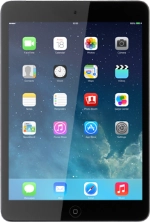
Apple iPad mini (iOS7)

Apple iPad mini

iOS 7

Use internet browser - Apple iPad mini (iOS7)

Read help info

You can use your tablet's internet browser to access the internet. If you can't use the internet browser as soon as you've inserted your SIM, you need to set up your tablet for internet.

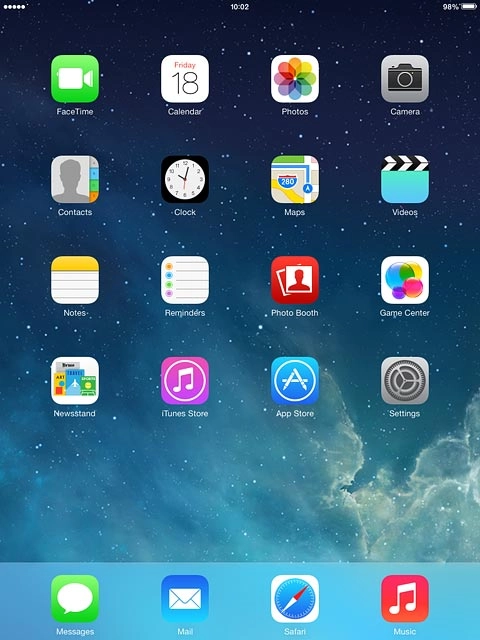
Press Safari.
Step 1 of 12

Find "Safari"

Press Safari.
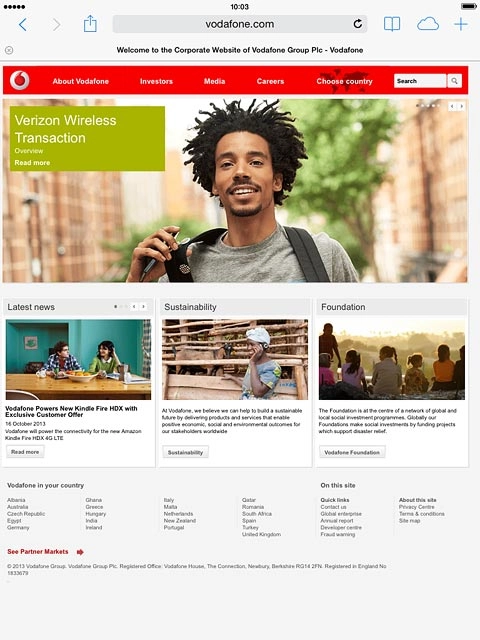
Press the address bar.
Step 2 of 12

Enter web address

Press the address bar.

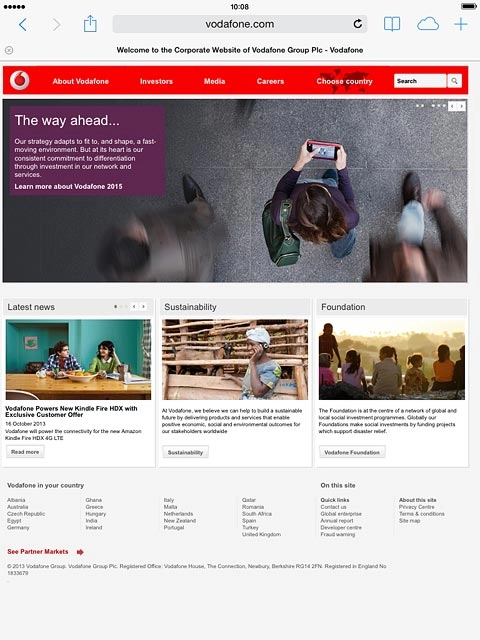
Key in the address of the required web page and press Go.
Step 3 of 12

Enter web address

Key in the address of the required web page and press Go.

Press the menu icon.
Step 4 of 12

Add current web page to bookmarks

Press the menu icon.

Press Bookmark.
Step 5 of 12

Add current web page to bookmarks

Press Bookmark.

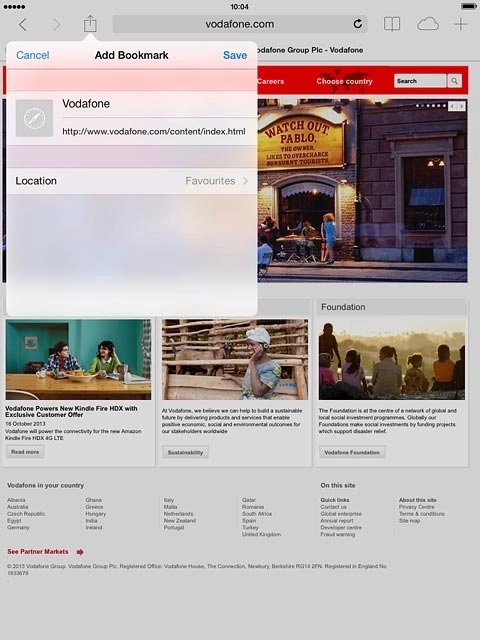
If required, edit the title and press Save.
Step 6 of 12

Add current web page to bookmarks

If required, edit the title and press Save.

Press the bookmarks icon.
Step 7 of 12

Go to bookmark

Press the bookmarks icon.

Press Favourites.
Step 8 of 12

Go to bookmark

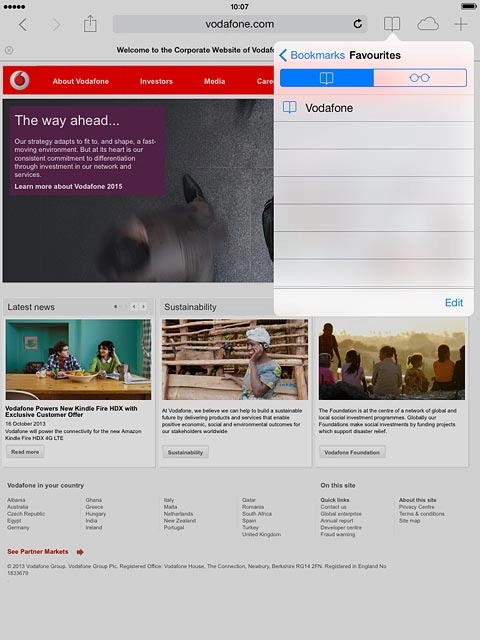
Press Favourites.

Press the required bookmark.
Step 9 of 12

Go to bookmark

Press the required bookmark.

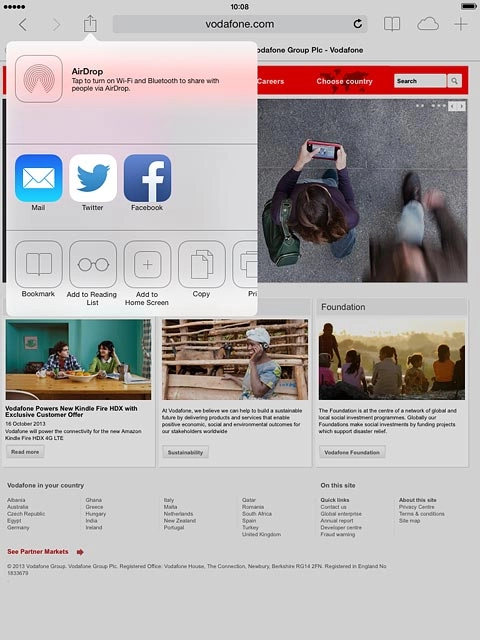
Press the menu icon.
Step 10 of 12

Add current web page to Reading List

Press the menu icon.

You're able to view web pages saved to your Reading List even when your tablet doesn't have an internet connection.
Press Add to Reading List.
Step 11 of 12

Add current web page to Reading List

Press Add to Reading List.

You're able to view web pages saved to your Reading List even when your tablet doesn't have an internet connection.
Press the Home key to return to the home screen.
Step 12 of 12

Return to the home screen

Press the Home key to return to the home screen.

Find "Safari"

Press Safari.

Enter web address

Press the address bar.
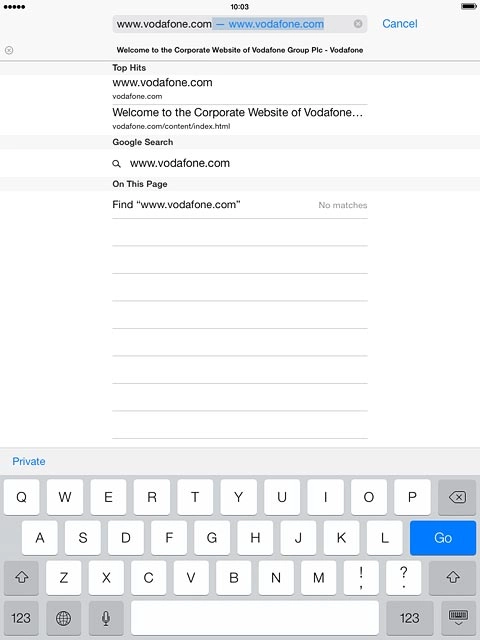
Key in the address of the required web page and press Go.
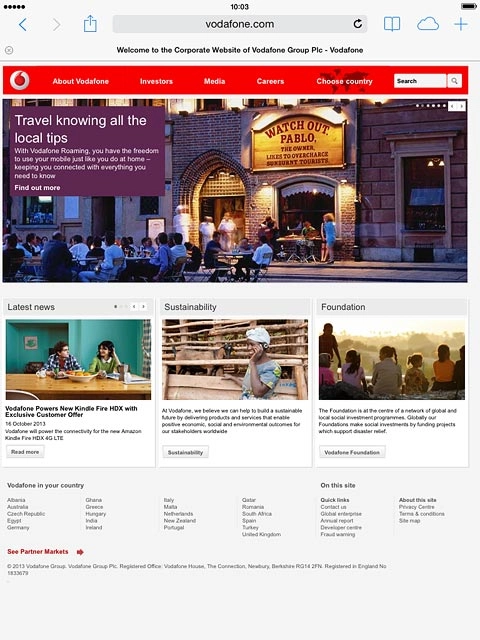
Add current web page to bookmarks

Press the menu icon.
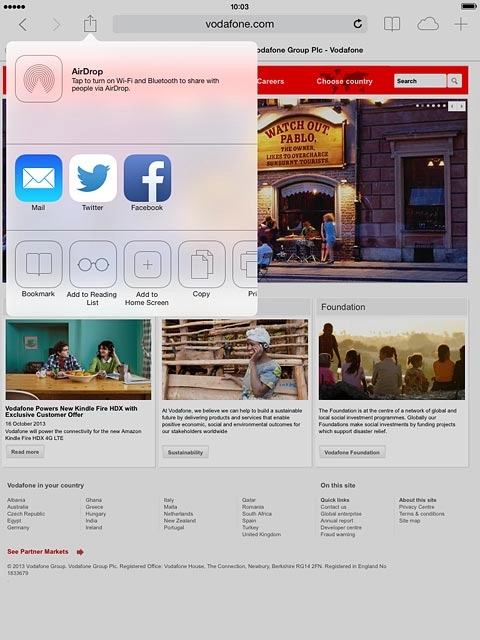
Press Bookmark.
If required, edit the title and press Save.
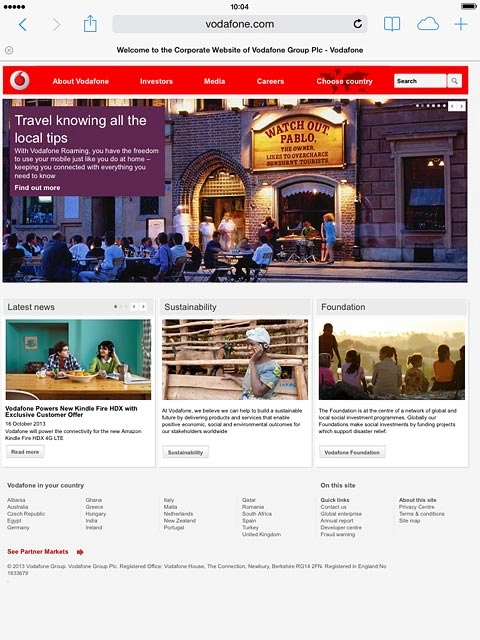
Go to bookmark

Press the bookmarks icon.
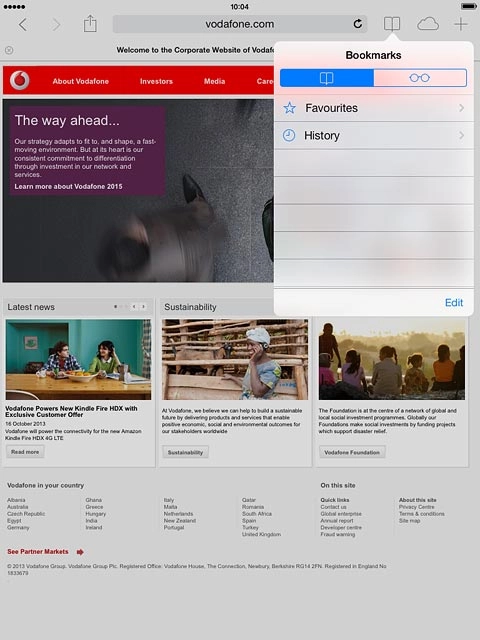
Press Favourites.
Press the required bookmark.

Add current web page to Reading List

Press the menu icon.
You're able to view web pages saved to your Reading List even when your tablet doesn't have an internet connection.
Press Add to Reading List.
You're able to view web pages saved to your Reading List even when your tablet doesn't have an internet connection.

Return to the home screen

Press the Home key to return to the home screen.

Thank you for your evaluation!

Get information on...

Or select...

Another device