
Step 1 of 2
1. Turn silent mode on or off
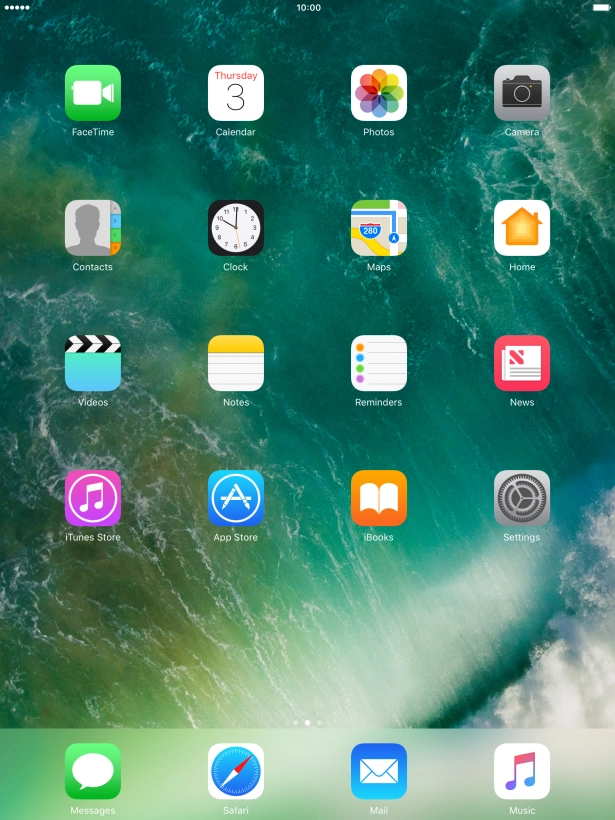
Slide your finger upwards starting from the bottom of the screen.
Step 2 of 2
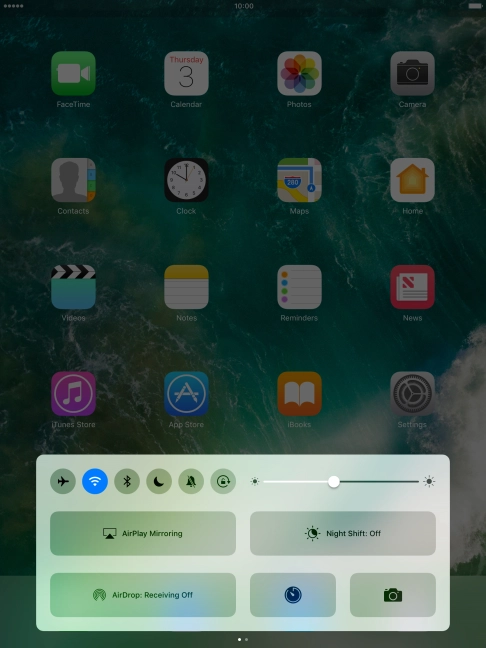
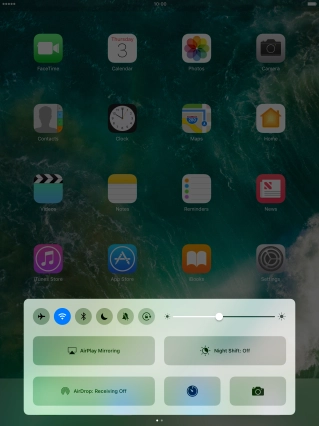
1. Turn silent mode on or off
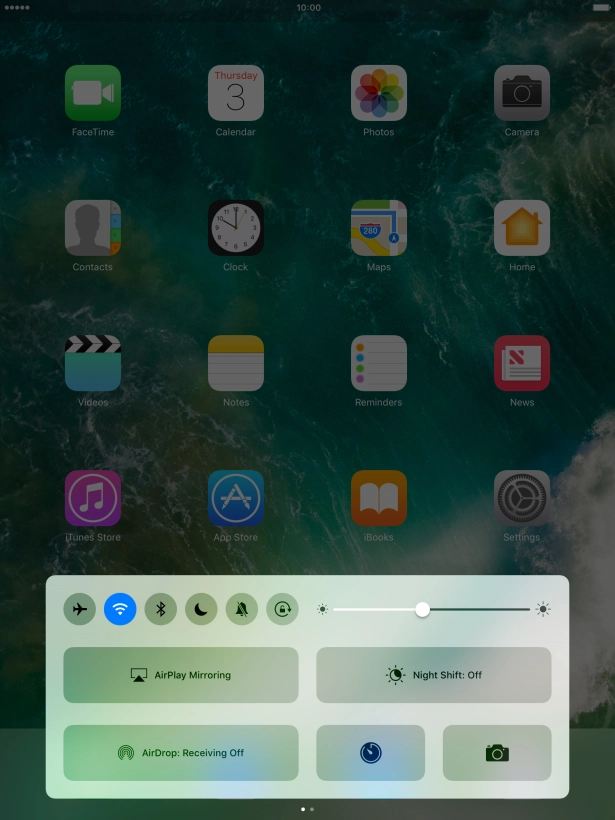
Press the silent mode icon to turn the function on or off.
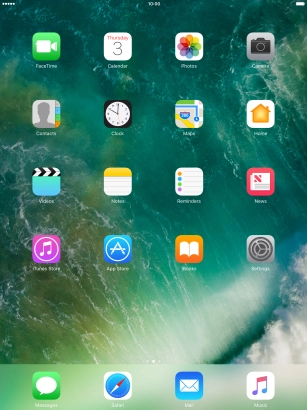
1. Turn silent mode on or off
Slide your finger upwards starting from the bottom of the screen.
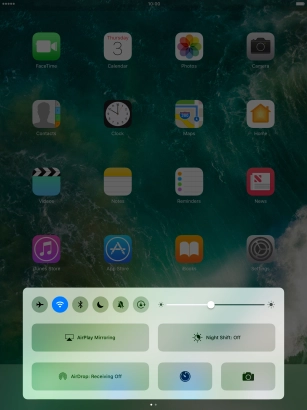
Press the silent mode icon to turn the function on or off.
How would you rate your experience?
Thank you for your evaluation!

Do you have any additional feedback?
Thank you for your evaluation!