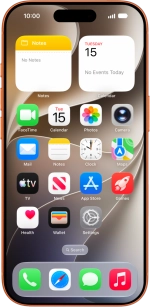
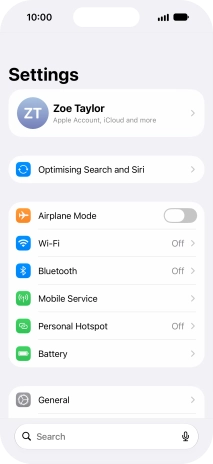
1. Find "Date & Time"
Press Settings.
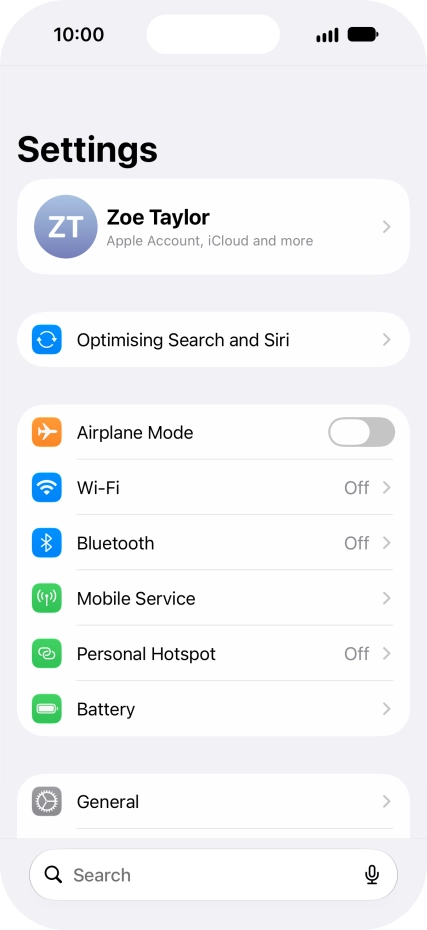
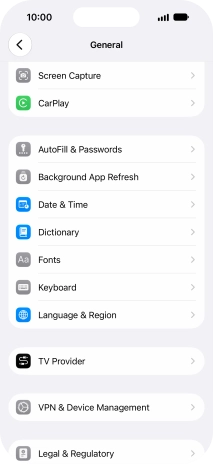
1. Find "Date & Time"
Press General.
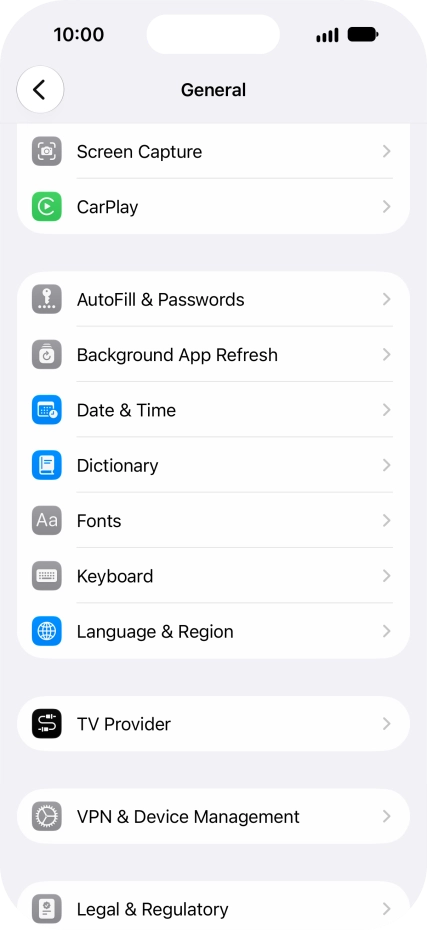
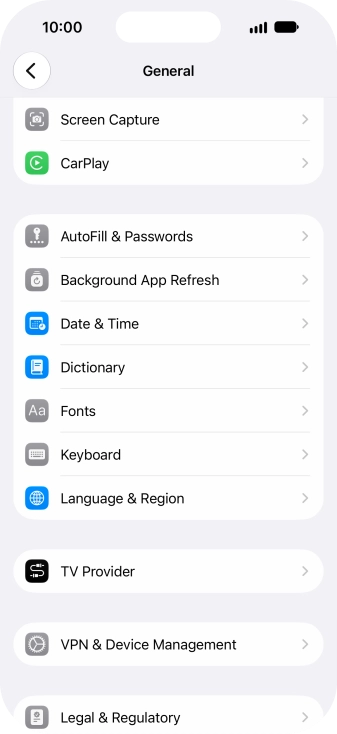
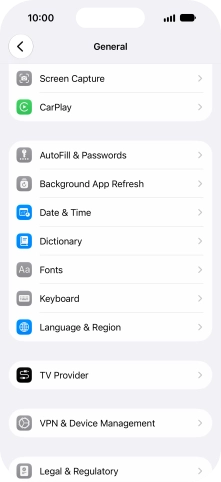
1. Find "Date & Time"
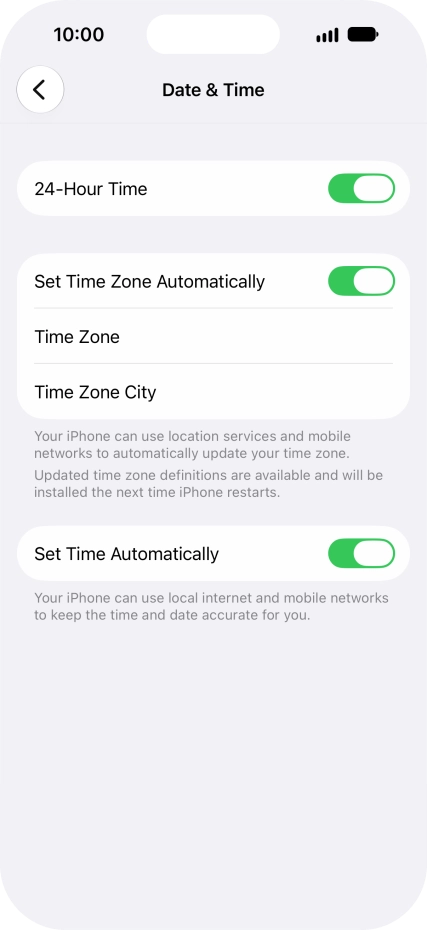
Press Date & Time.
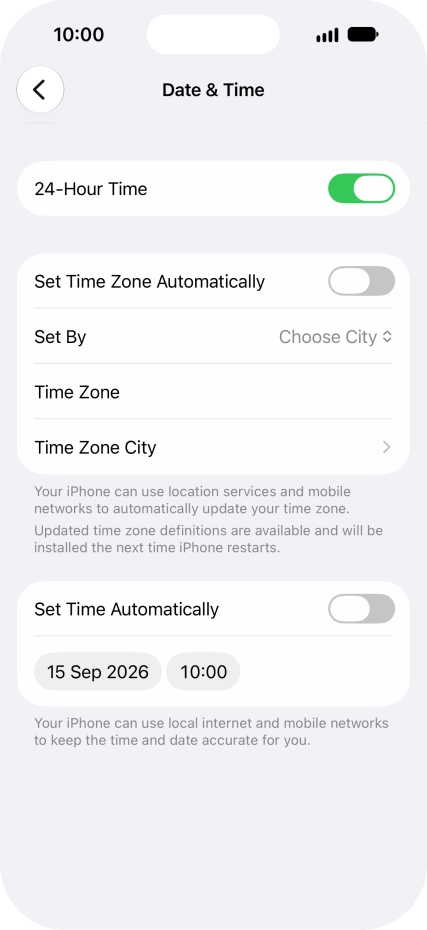
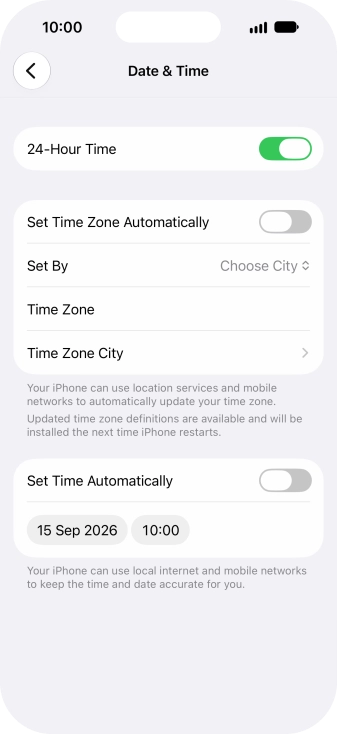
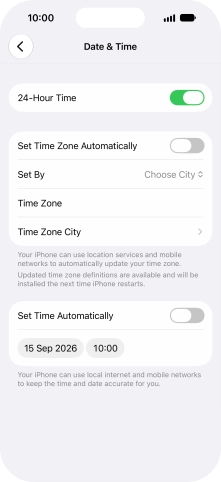
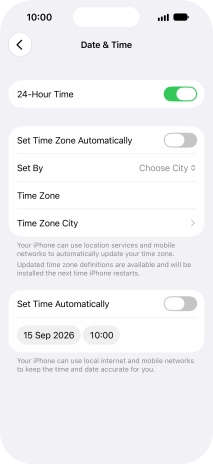
2. Turn on automatic time zone update
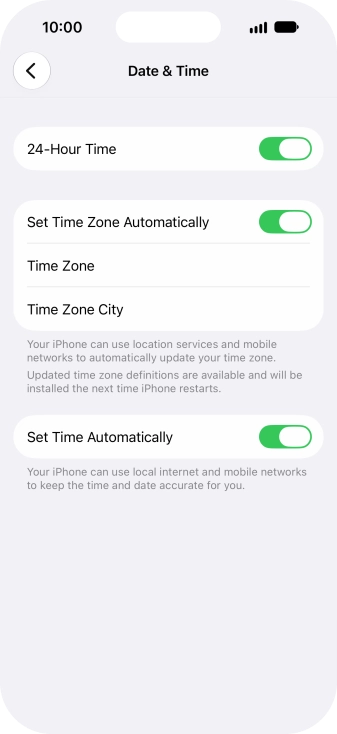
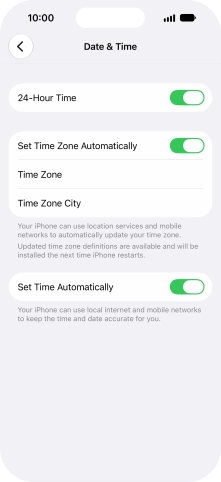
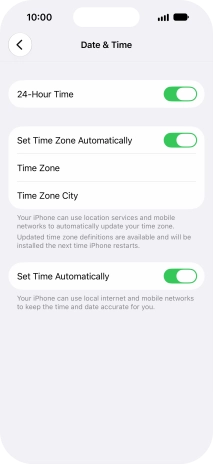
Press the indicator next to "Set Time Zone Automatically" to turn on the function.
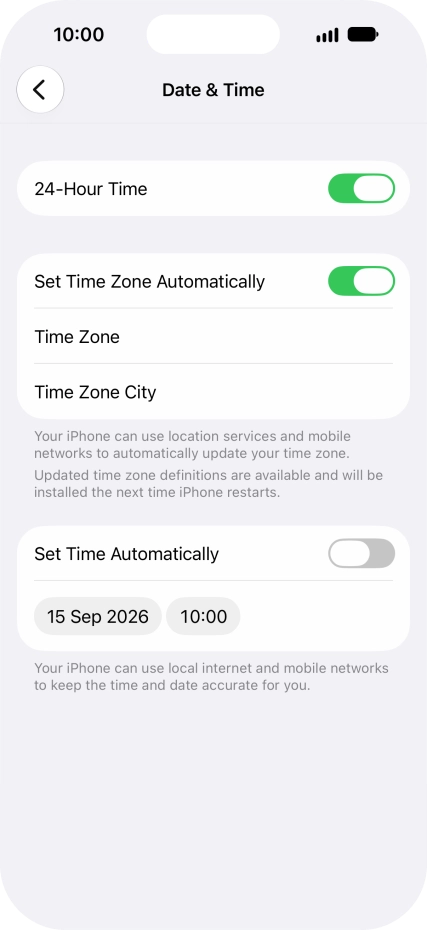
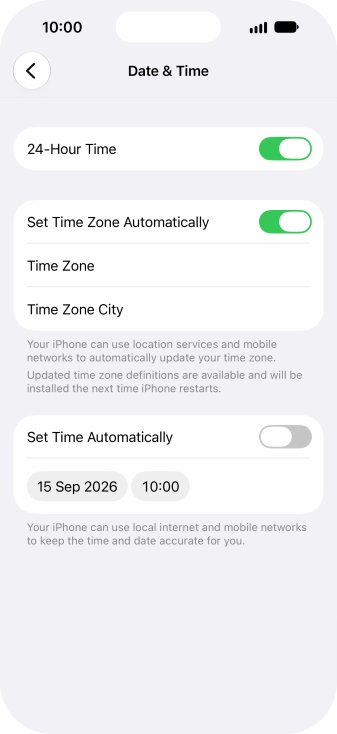
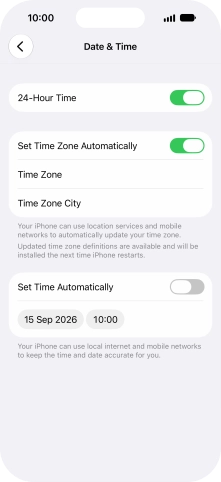
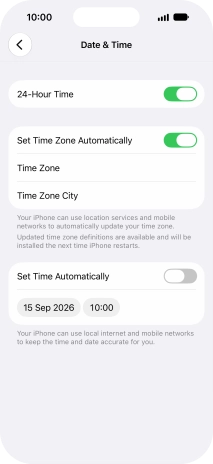
3. Turn on automatic date and time update
Press the indicator next to "Set Time Automatically" to turn on the function.
4. Return to the home screen
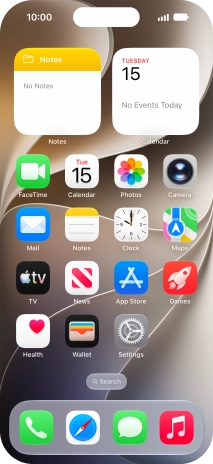
Slide your finger upwards starting from the bottom of the screen to return to the home screen.
1. Find "Date & Time"
2. Turn on automatic time zone update
3. Turn on automatic date and time update
4. Return to the home screen
Thank you for your evaluation!

Thank you for your evaluation!