Apple iPhone 17 Pro

Apple iPhone 17 Pro

iOS 27

Turn Wi-Fi Assist on your Apple iPhone 17 Pro iOS 27 on or off

Read help info

You can set your phone to use mobile data automatically when the connection to the Wi-Fi network is weak. To turn Wi-Fi Assist on or off, you need to turn on mobile data.

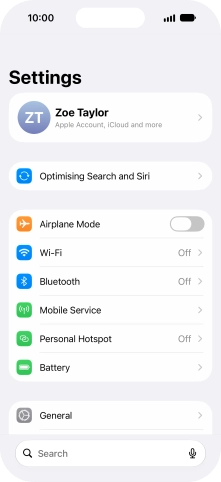
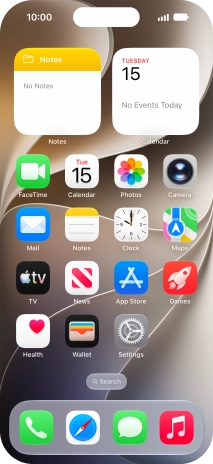
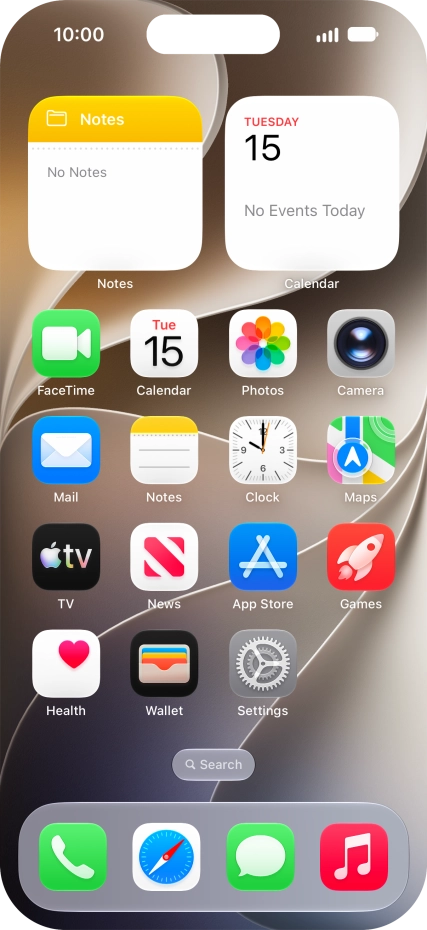
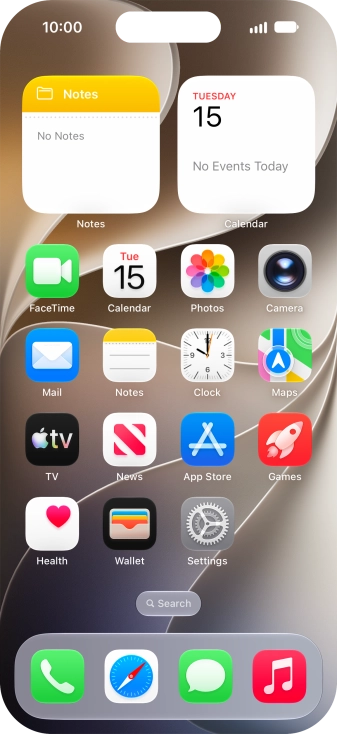
Press Settings.
Step 1 of 4

1. Find "Wi-Fi"

Press Settings.
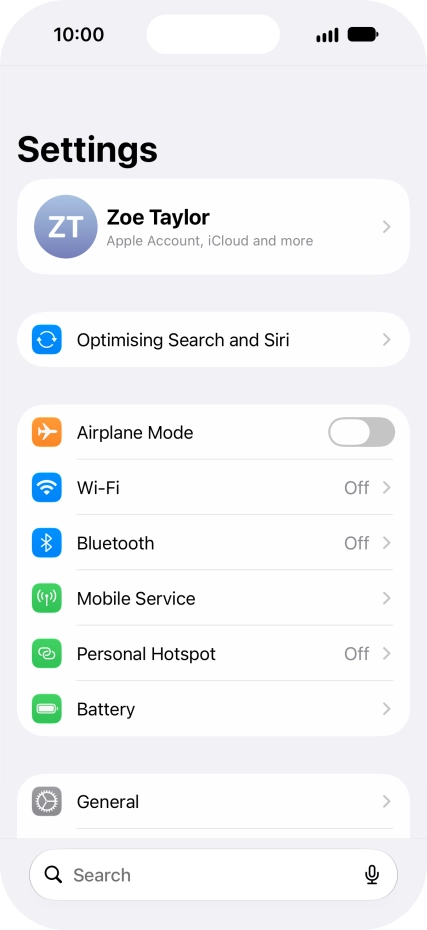
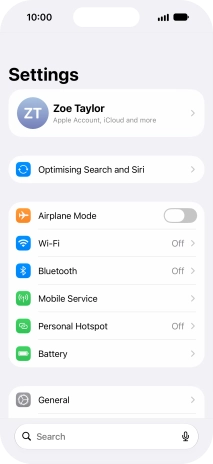
Press Wi-Fi.
Step 2 of 4

1. Find "Wi-Fi"

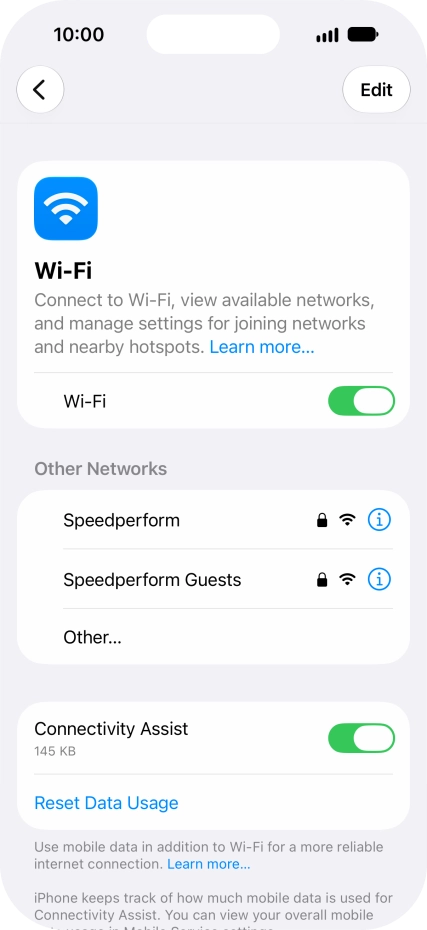
Press Wi-Fi.

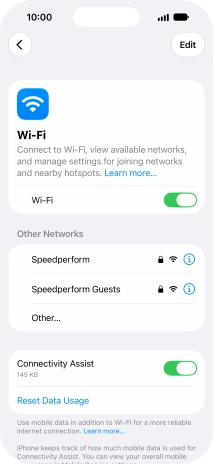
Press the indicator next to
Step 3 of 4

2. Turn Wi-Fi Assist on or off

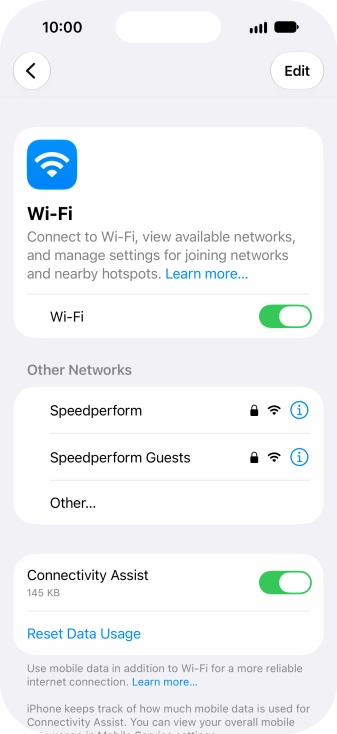
Press the indicator next to "Connectivity Assist" to turn the function on or off.

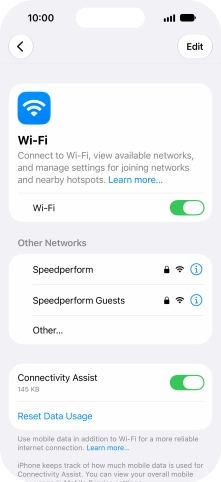
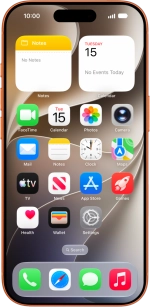
Slide your finger upwards starting from the bottom of the screen to return to the home screen.
Step 4 of 4

3. Return to the home screen

Slide your finger upwards starting from the bottom of the screen to return to the home screen.

1. Find "Wi-Fi"

Press Settings.
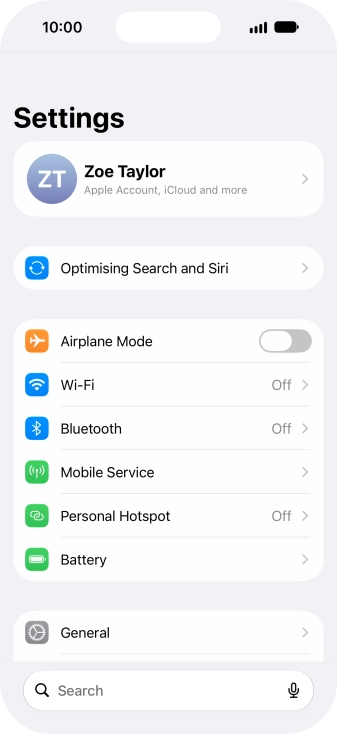
Press Wi-Fi.

2. Turn Wi-Fi Assist on or off

Press the indicator next to "Connectivity Assist" to turn the function on or off.

3. Return to the home screen

Slide your finger upwards starting from the bottom of the screen to return to the home screen.

Thank you for your evaluation!

Get information on...

Or select...

Another device