1. Find "From Android"
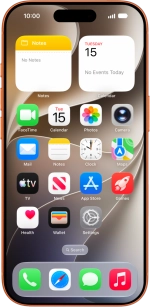
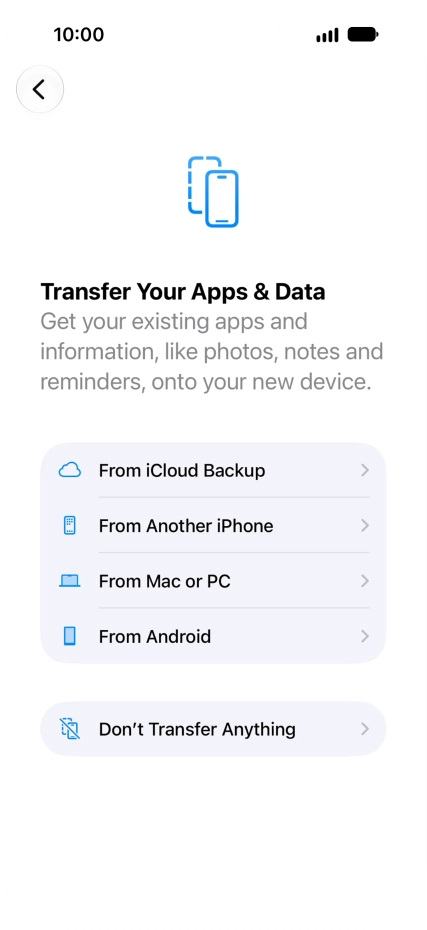
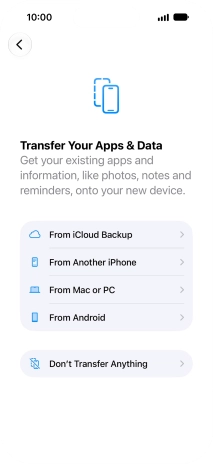
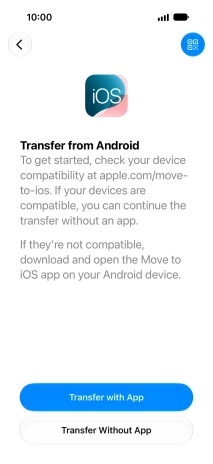
You can transfer content from an Android phone when your phone is activated for the first time and after a factory reset. When this screen is displayed, your phone is ready to transfer content from an Android phone.
1. Find "From Android"
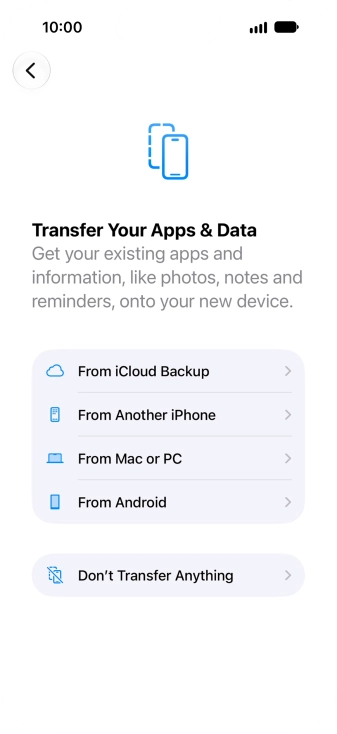
Press From Android.
2. Transfer content from an Android phone
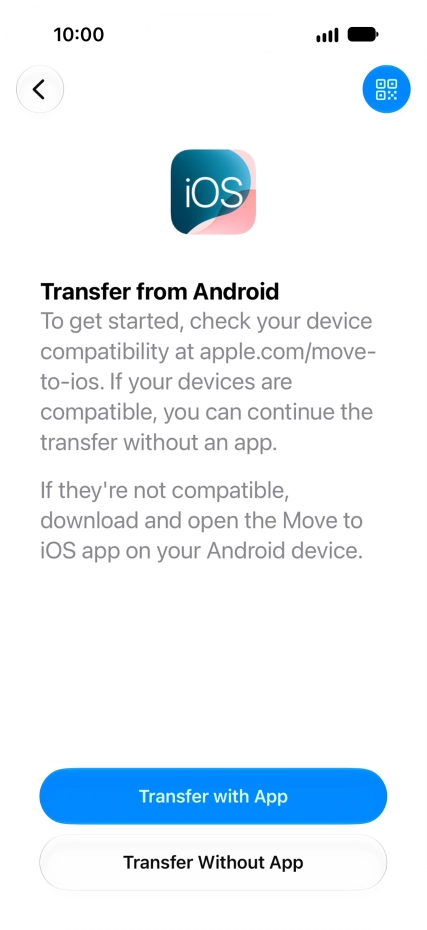
To transfer content from an Android phone using the "Move to iOS” app, press Transfer with App and follow the instructions on the screen and in the "Move to iOS” app to transfer the content to your phone, and to set up your phone and prepare it for use.
2. Transfer content from an Android phone
If your Android phone supports transfer of content without the "Move to iOS” app, press Transfer Without App and follow the instructions on the screen to transfer the content to your phone, and to set up your phone and prepare it for use.
1. Find "From Android"
2. Transfer content from an Android phone
Thank you for your evaluation!

Thank you for your evaluation!