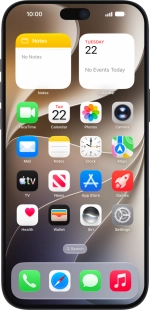
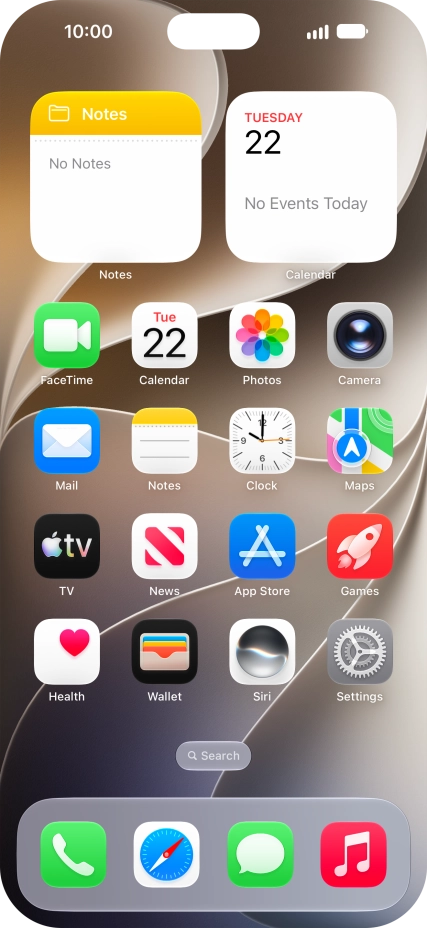
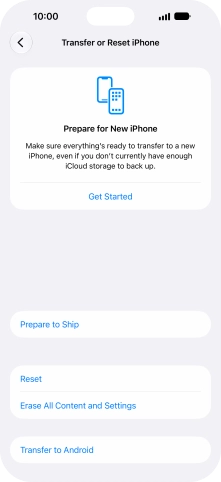
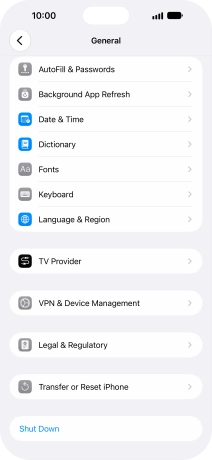
1. Find "Prepare to Ship"
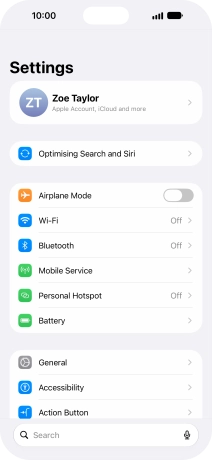
Press Settings.
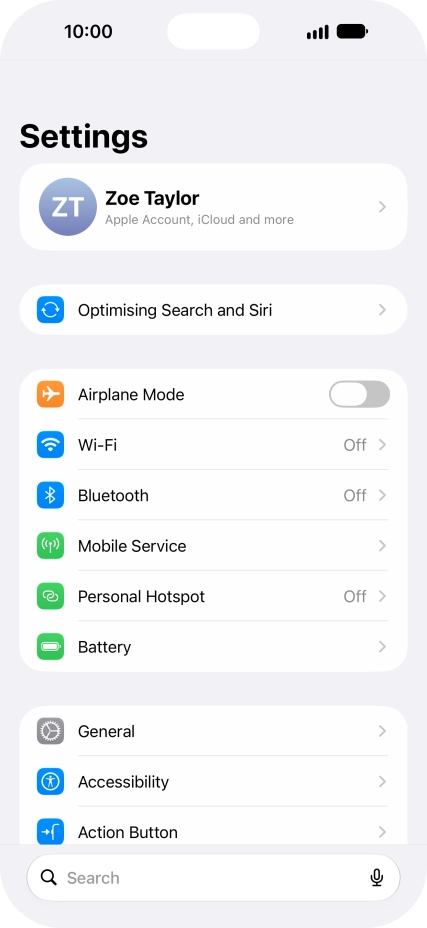
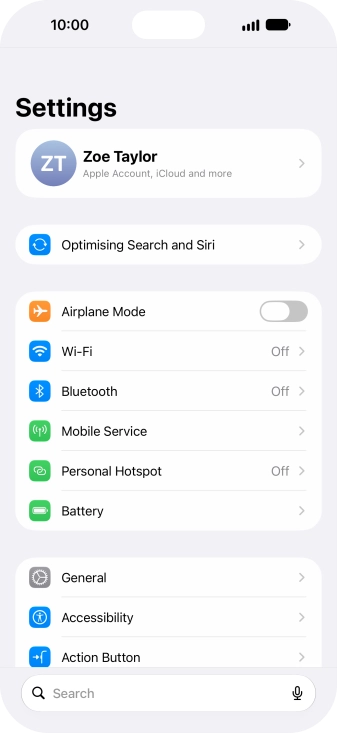
1. Find "Prepare to Ship"
Press General.
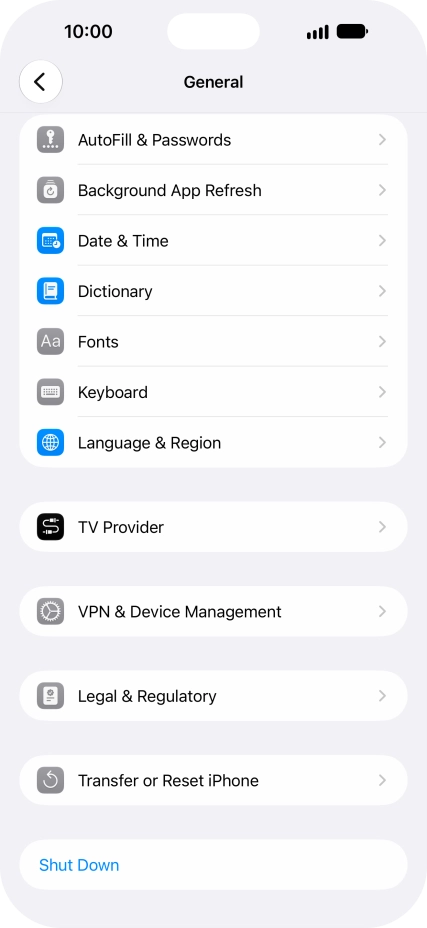
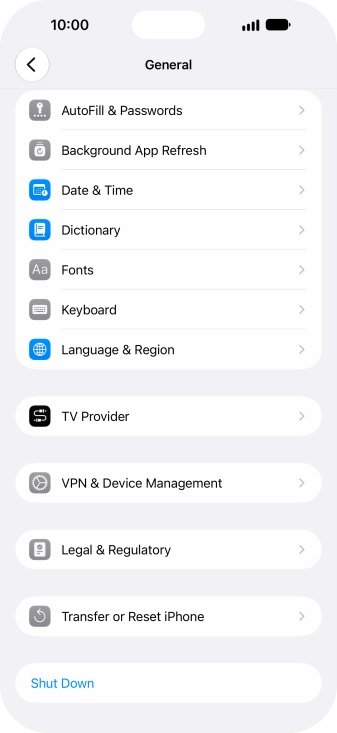
1. Find "Prepare to Ship"
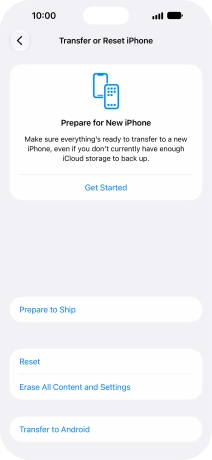
Press Transfer or Reset iPhone.
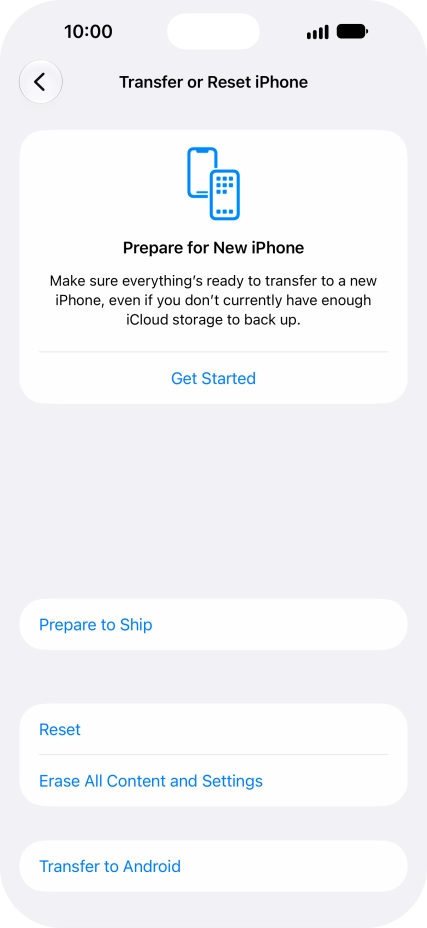
1. Find "Prepare to Ship"
Press Prepare to Ship.
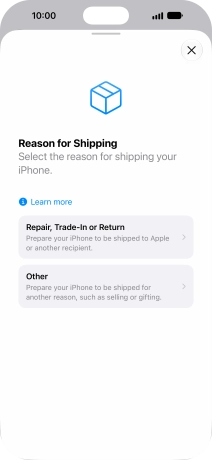
2. Turn on Prepare to Ship in connection with repair, replacement or return
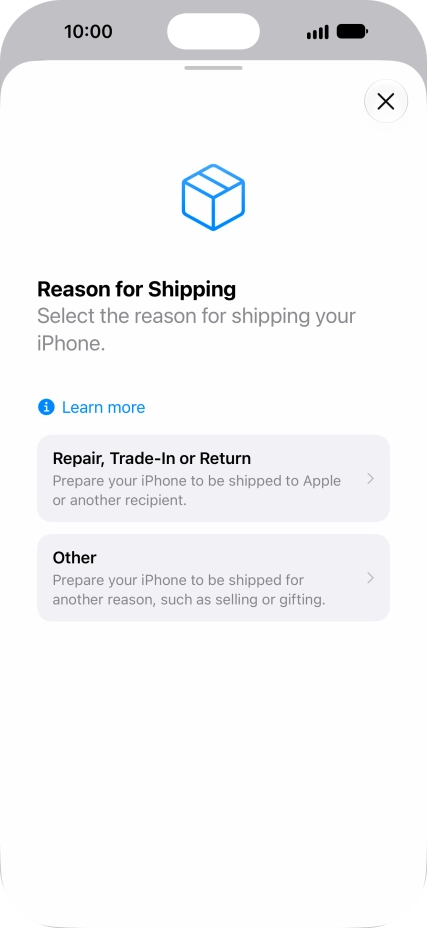
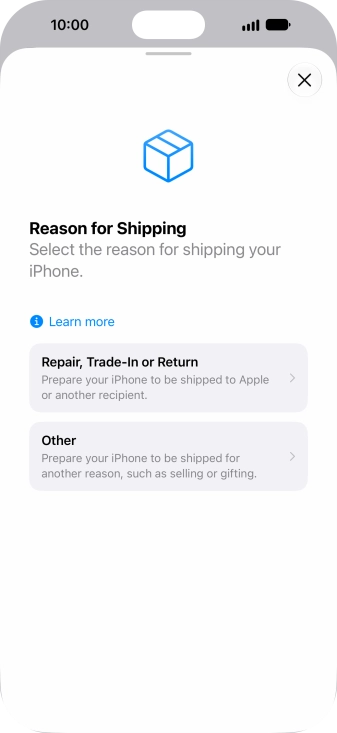
Press Repair, Trade-In or Return.
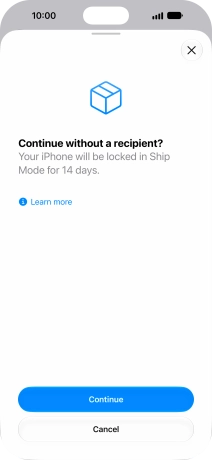
2. Turn on Prepare to Ship in connection with repair, replacement or return
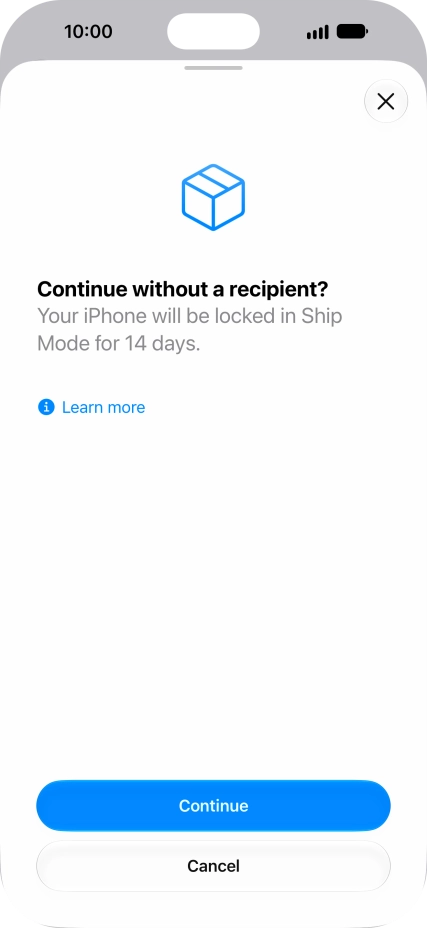
Press Continue and follow the instructions on the screen to turn on the function. Please note that if you change your mind, you won't be able to turn off the function until 14 days have passed.
3. Turn on Prepare to Ship in connection with other causes
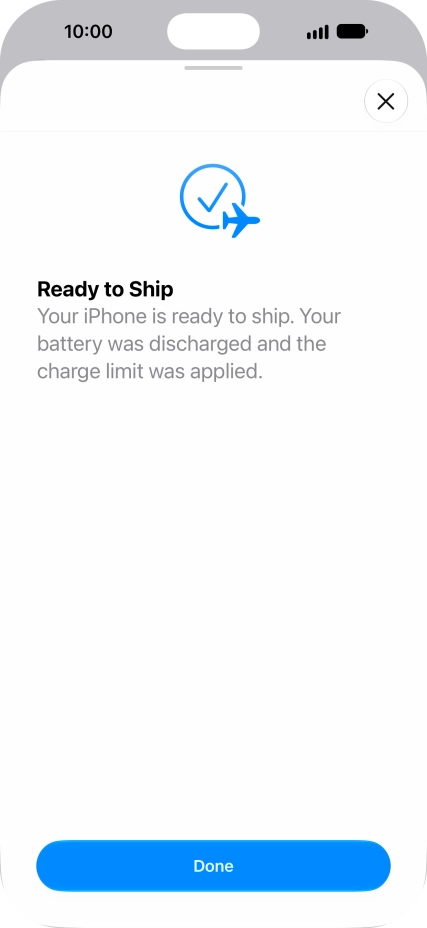
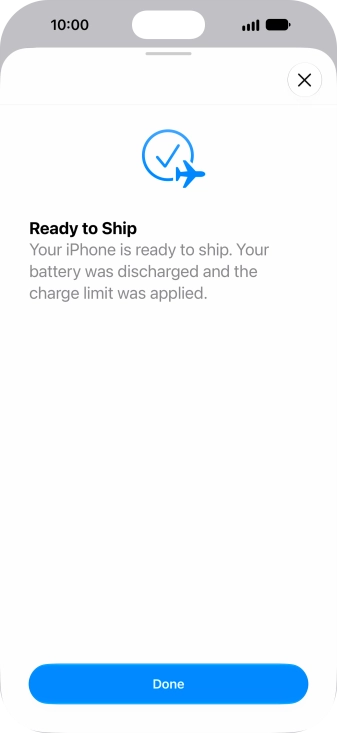
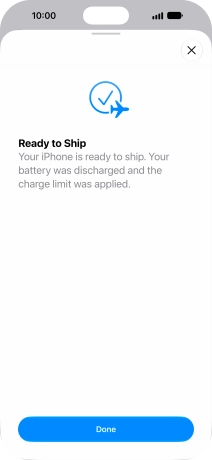
Press Other and wait while the function is turned on.
3. Turn on Prepare to Ship in connection with other causes
Press Done.
4. Return to the home screen
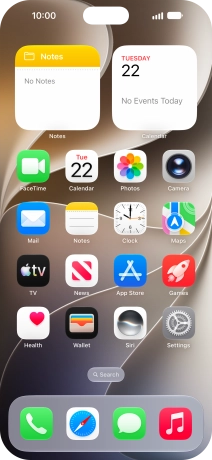
Slide your finger upwards starting from the bottom of the screen to return to the home screen.
1. Find "Prepare to Ship"
2. Turn on Prepare to Ship in connection with repair, replacement or return
3. Turn on Prepare to Ship in connection with other causes
4. Return to the home screen
Thank you for your evaluation!

Thank you for your evaluation!