


Apple iPhone 4S

Apple iPhone 4S

Call phone number on your Apple iPhone 4S iOS 9.0

Read help info

You can make a voice call by keying in the number on your phone's keypad.

Press Phone.
Step 1 of 5

1. Call phone number

Press Phone.
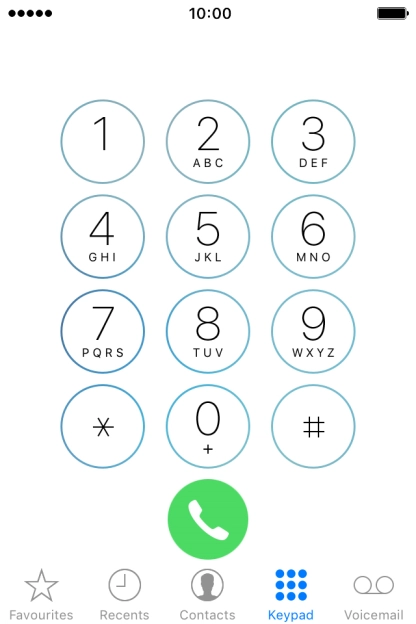
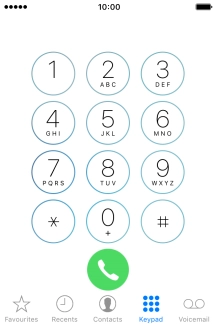
Press Keypad.
Step 2 of 5

1. Call phone number

Press Keypad.

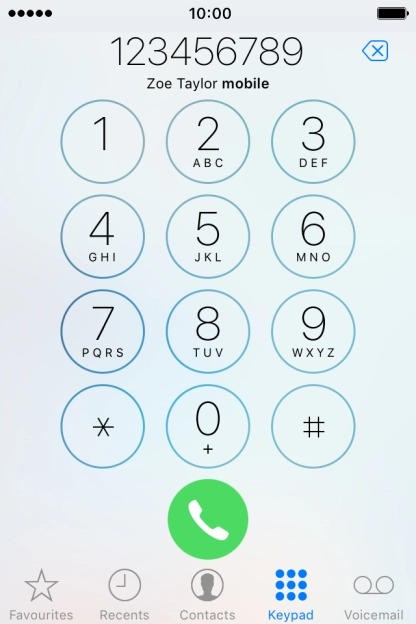
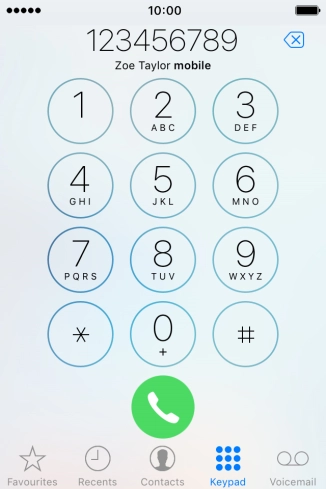
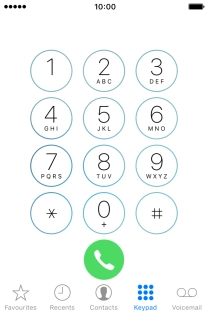
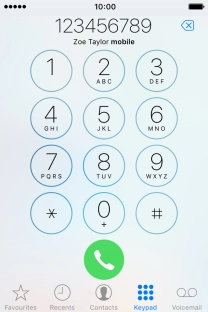
Key in the required number and press the call icon.
Step 3 of 5

1. Call phone number

Key in the required number and press the call icon.

Press the end call icon.
Step 4 of 5

2. End call

Press the end call icon.

Press the Home key to return to the home screen.
Step 5 of 5

3. Return to the home screen

Press the Home key to return to the home screen.

1. Call phone number

Press Phone.
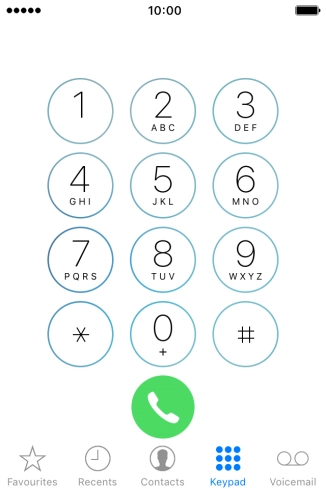
Press Keypad.
Key in the required number and press the call icon.

2. End call

Press the end call icon.

3. Return to the home screen

Press the Home key to return to the home screen.

Thank you for your evaluation!

Get information on...

Or select...

Another device